ABIT AN-8 Fatal1ty
3. Detailed Look
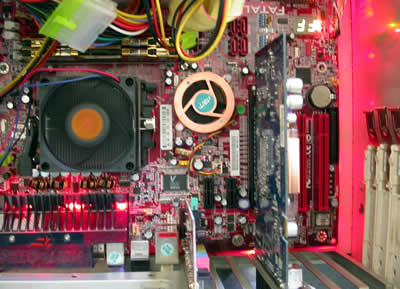
The Fatal1ty AN8 without a doubt, is one of the most impressive motherboards on the market. Flashy red with the OTES fans attracting our attention.
A closer look will reveal a very clean and user friendly construction, something that will please the experienced users.
The IDE port connectors are placed parallel to the motherboard, something that really helps keep the cables neat and tidy in most of today’s PC cases.

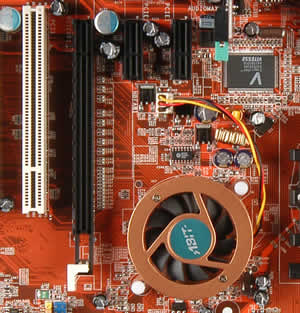
Unlike most of the nForce4 and nForce3 based motherboards that have the chipset placed at the corner of the AGP/PCI-E slot, here we see it above the PCI-E slot, which allows us to upgrade the cooling system of the nForce4, without even interfering with the graphics card!
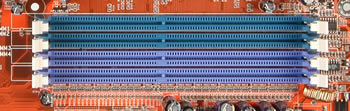
There are four colour coded DIMM slots, so the memory modules can be installed in slots 1&2 or 3&4 for Dual Channel.
Also, we immediately noticed that the CPU socket is not surrounded by tall capacitors, a very big advantage when we want to install a larger fan cooler.
After all, this is an over clockers motherboard and these are important details.
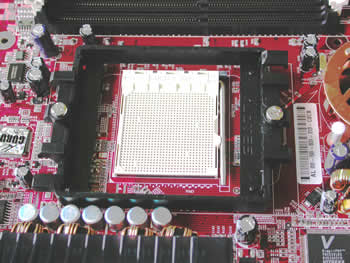
The 24 pin ATX power connector is placed at the edge of the motherboard, something that helps even more to keep the case neat and clean. Don’t forget that too many cables around the motherboard, interrupt normal air flow inside the case, resulting in overheating of key systems on the computer.

There are two IDE and four SATA ports available, although the position of the SATA connections is not exactly ideal, since they are located near the edge of the PCI-E slot (especially annoying if you have a big graphics card). The SATA supports the new SATA2 interface and also RAID 0, 1, 0+1.
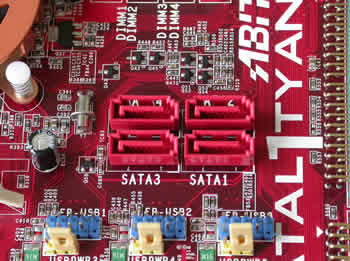
Below the SATA ports, there are 3 additional USB headers. We also see one PCI-E x16, two PCI-E x1, three PCI and one Abit audio slot.
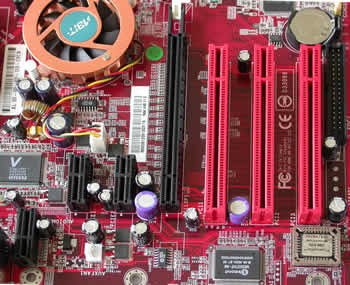
A very useful feature, is the diagnostic LED’s at the lower right corner of the motherboard, that help us to understand various problems we may encounter.
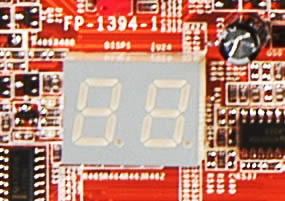
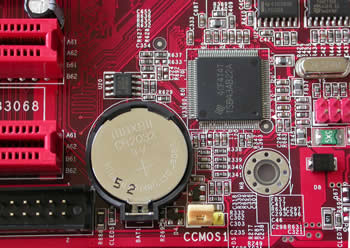
Right next to the LED’s, is the IEEE 1394 port and to the right of the floppy connector, the CMOS jumper.
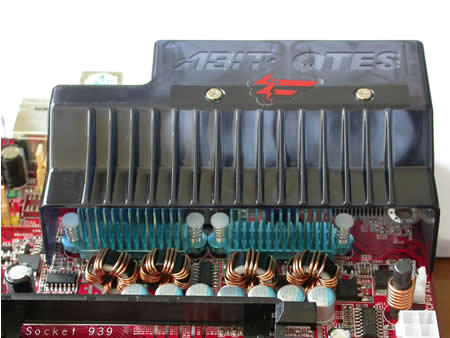
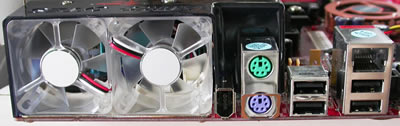
Looking at the back I/O panel, the highlight is the Dual OTES exhaust system, with the two quality fans cooling the MOSFET’s. The impressive thing is that the OTES cover appears to be solid black until you turn the motherboard on, then the entire plastic cover becomes translucent. This is what I call impressive, to the detail!
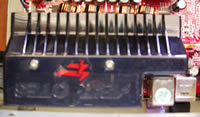
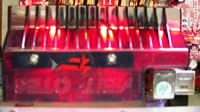
Underneath the fans are the PS2 keyboard and mouse ports, 4 USB and one RJ45 jack for Gigabit connection. The fact that there are no serial or parallel ports I'm sure won't bother any hardcore gamers. After all, this motherboard is dedicated to them, 100%.
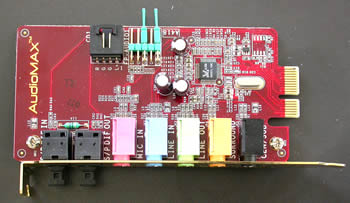
We also won’t see any audio ports onboard and the reason is very simple. Abit includes in the package, a separate sound daughter board called AudioMax, and claims to significantly reduce noise interference. AudioMax comes with SPDIF In / Out as well as 6 channel support, but unfortunately the chipset used is the lower end Realtek ALC658. In case there is a need to extend the audio ports to the front of your case, you won't have a problem and you can use the I / O connectors on the daughter card.

The rest of the IEEE 1394 and USB ports are included on the PCI brackets to be used according to various needs. When we stopped looking over the motherboard and the time came to turn it on, we had one more pleasant surprise. The very intense red leds installed on it make it even more impressive!