Shuttle SG33G5M
2. The Package
Review Pages
2. The Package
3. Looking Inside
4. The BIOS
5. CPU and Chipsets
6. Test Configuration
7. Everest Ultimate Edition 2007
8. SiSOFT Sandra
9. PCMARK - 3DMARK
10. Science Mark - PovRay - x264 Benchmark
11. Maxon Cinebench
12. SuperPi
13. SYSmark 2007 - WorldBench
14. Overclocking
15. Intel X3100
16. Using with VISTA
17. Conclusion
sThe Shuttle SD32G2 costs around €328 (+VAT), as found at several online stores. The retail box is nice and simple, and has enough information for users to identify the major features of this system.
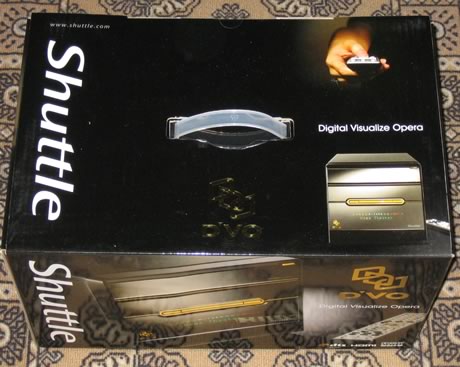
The SG33G5M box is well packaged, so there should be no problems during transportation:

The retail package includes:
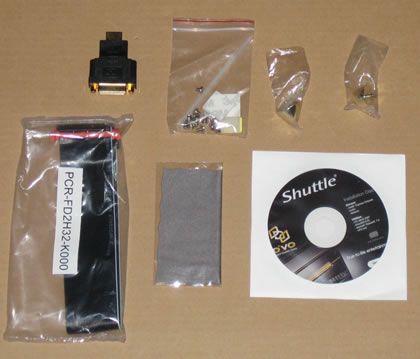
- The case itself
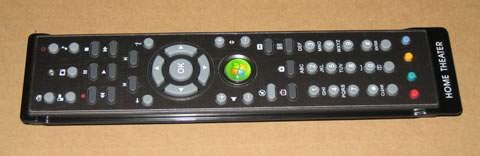
- 1x Remote Control (compatible with Windows Media Center)
- 1x Multi-language user guide
- 1x Driver CD-ROM (Windows Vista, Windows XP 32/64 bit)
- 1x Cable for FDD
- 1x Power cord
- 4x Screws
- 2x AAA batteries
- 1x HDMI to DVI converter
There are only one SATA and one IDE cables pre-installed. So if you want to install another SATA device, you have to provide the cables.
Let's take a closer look at the box. The box, without any HDD or optical drive installed is quite light, at around 3.3kg. The box feels solid and is made out of aluminum with a black finish.
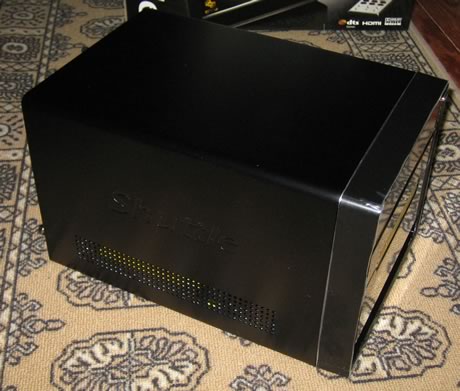
The mirror-finish front facade also includes gold colour framing. On the sides are ventilation holes and Shuttle's logo .
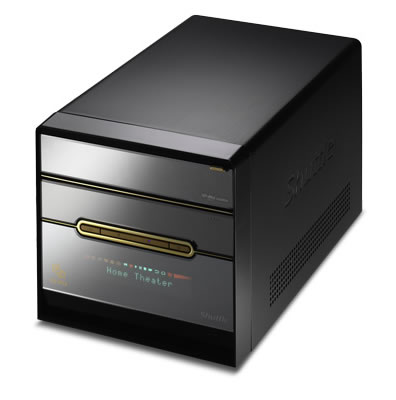
The VFD display on the front, can show up various messages, either from Windows or when using the remote control :
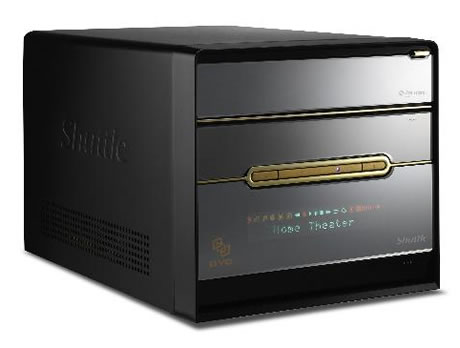
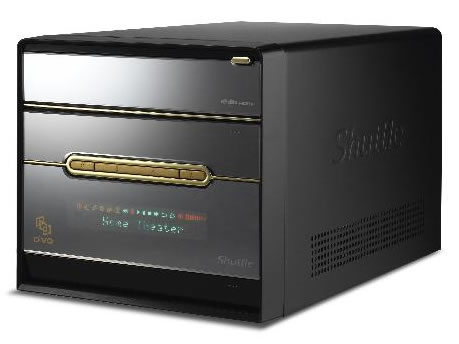
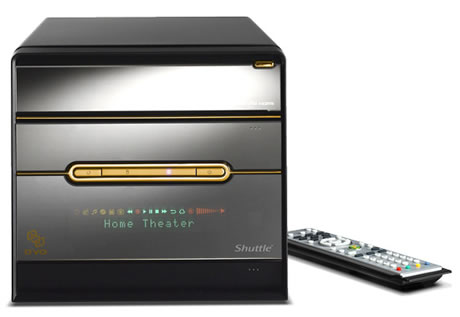
The front is very simple, which is good, with only two buttons (on/off and reset) and there are two slots for ODD and FDD.
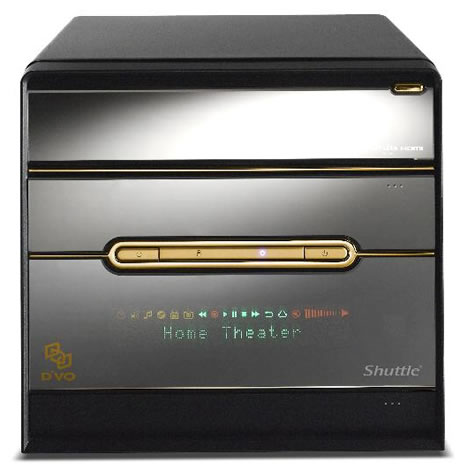
Gently pressing on the bottom right, opens up the front inputs. You will find a microphone input, a headphone output (Line-out), 2x USB 2.0 and 1x Firewire (Mini 4 pin connector). As mentioned previously, the font includes the Power and Reset buttons, as well as two LEDs which indicate system activity - Power indicator (blue LED), HDD indicator (orange LED).

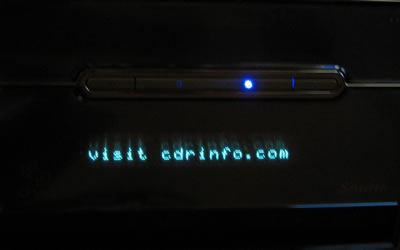
The VFD display can display various messages, either default messages such as "Home Theater", or custom messages at up to 18 characters.
On the back we find the usual inputs/outputs. All screws are thumb type so they can be unscrewed easily. The Shuttle I.C.E. 2 cooling system now includes rubber housed mounting screws, to absorb shocks and vibrations, which also helps reduce noise. It seems to work quite effectively. There are two expansion slots for PCI and PCI-e cards.

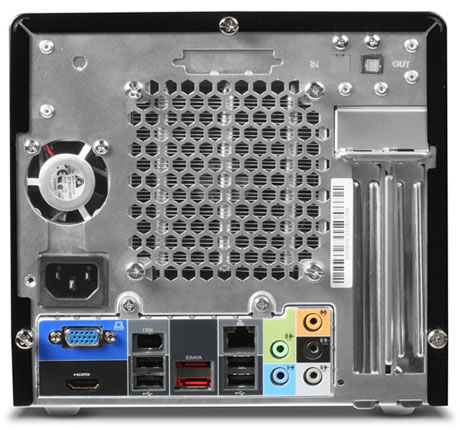
Zooming in on the back panel area, we find:
- HDMI (DVI adapter included)
- D-sub VGA (analog)
- 4x USB 2.0
- GigaBit LAN (RJ45)
- IEEE1394 Firewire (6 pin)
- 2x External Serial ATA port (eSATA)
- Optical S/PDIF output (Digital Audio)
- 8-ch Audio line-out (2x rear/front, bass/center, surround/back)
- Audio Line-in
- CMOS button
- Optional Wireless LAN module (PN18)
- Optional parallel port (PC8)
So what's missing from this box? Hmm, let me think. There's no PS2 Mouse/Keyboard port. There's no BT or WiFi. These are included in the SG33G5M Deluxe version. Of course, you can add them either with a third party card or external USB connection modules.
Review Pages
2. The Package
3. Looking Inside
4. The BIOS
5. CPU and Chipsets
6. Test Configuration
7. Everest Ultimate Edition 2007
8. SiSOFT Sandra
9. PCMARK - 3DMARK
10. Science Mark - PovRay - x264 Benchmark
11. Maxon Cinebench
12. SuperPi
13. SYSmark 2007 - WorldBench
14. Overclocking
15. Intel X3100
16. Using with VISTA
17. Conclusion