Endorfy Thock V2 Wireless Keyboard
2. Thock V2 Wireless
The retail box of the Endorfy Thock V2 Wireless has a good overall design language, and most features of the product are presented for users to understand what they are buying. The retail box of the palm rest is much simpler. The retail price of the product in Europe is around 78 euros, as found at online Polish webstores. Local prices may differ due to different VAT.
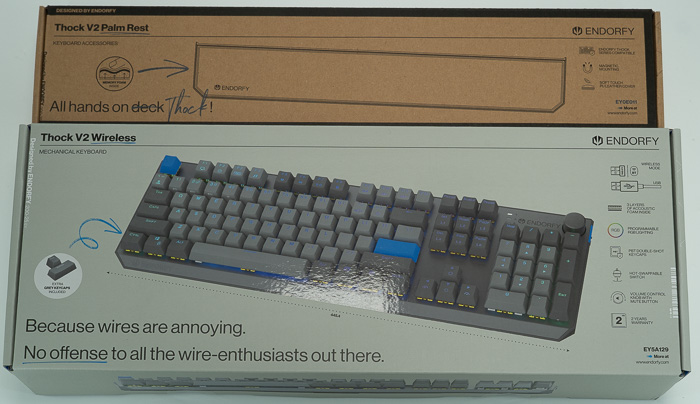
Opening the box unveils its contents. Everything is well packaged and secured.
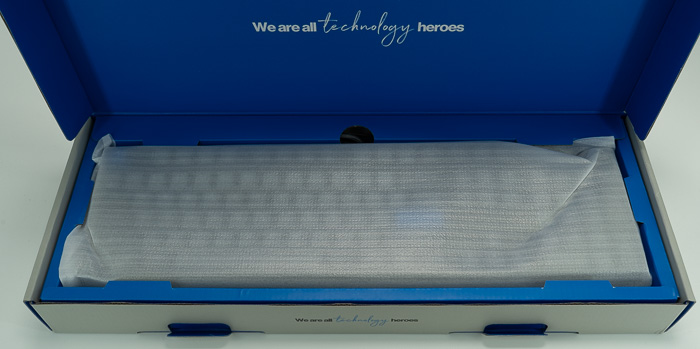
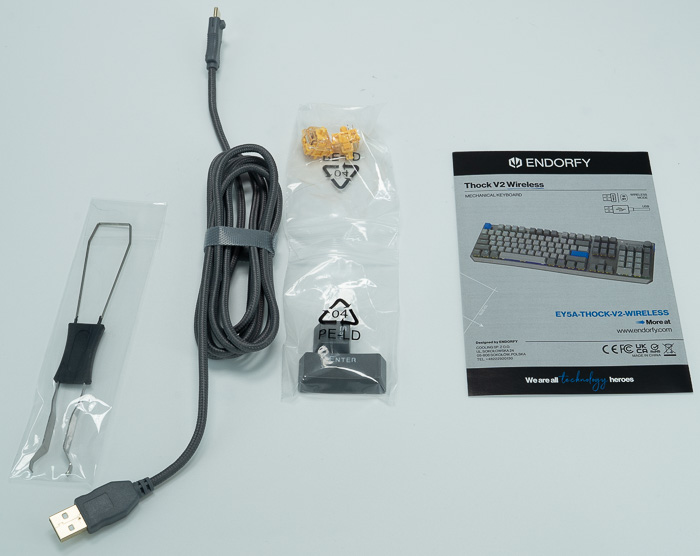
Users wil find inside the retail package:
- 1× ENDORFY Thock V2 Wireless keyboard
- 1× Wireless USB receiver
- 2× Spare switch ENDORFY Yellow by Gateron
- 1× Keycap removal tool
- 1× Switch removal tool
- 1× Detachable USB-C to USB-A cable
- 1× Set of gray ESC and ENTER keycap
- 1× User manual
The palm rest package only includes the magnetic palm rest and three metal inserts that should be installed at the bottom of the keyboard (why aren't they pre-installed in the first place?).

Assembling both products will result in the following picture: the palm rest follows the color theme and overall aesthetics of the main product with a grey color and PU leather and memory foam filling.
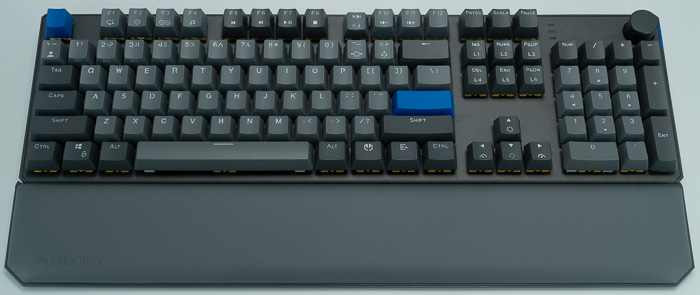
Looking at the keyboard itself, it has 445.4×140×42.5 mm dimensions with 1.10kg weight and follows the US ANSI layout with 104 keys.
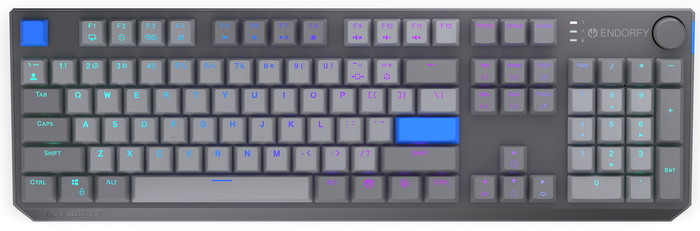
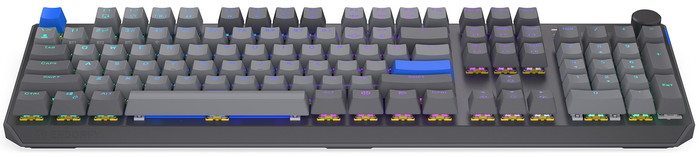
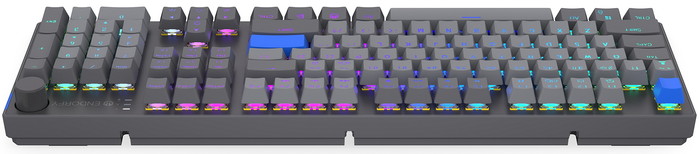
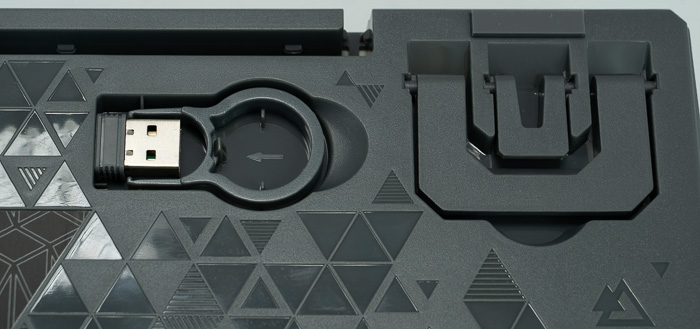
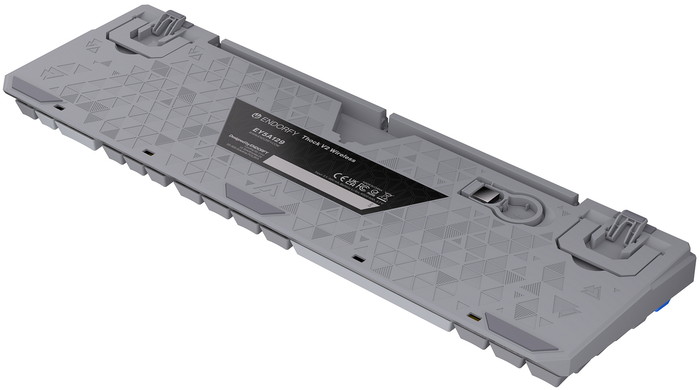
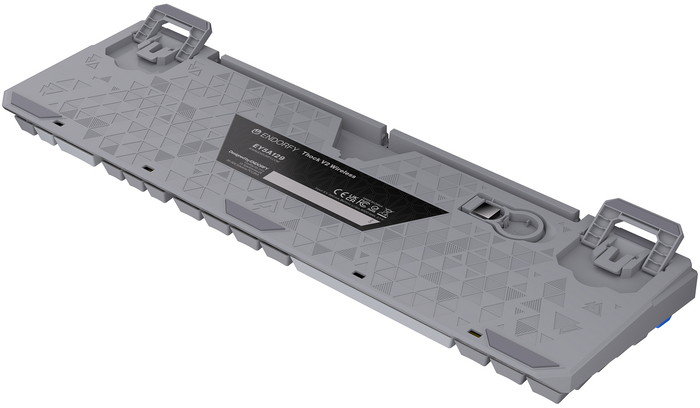
At the bottom of the product, users will find the USB Type-C connection port that is hidden at the center of the keyboard. The 2.4G USB dongle is also present at the bottom, and users can place it there. There are also two latches that can raise the keyboard at two stages to get the preferred back height.
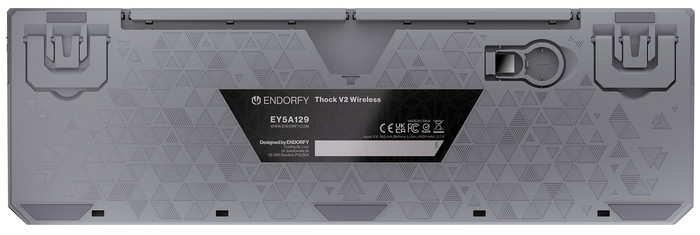
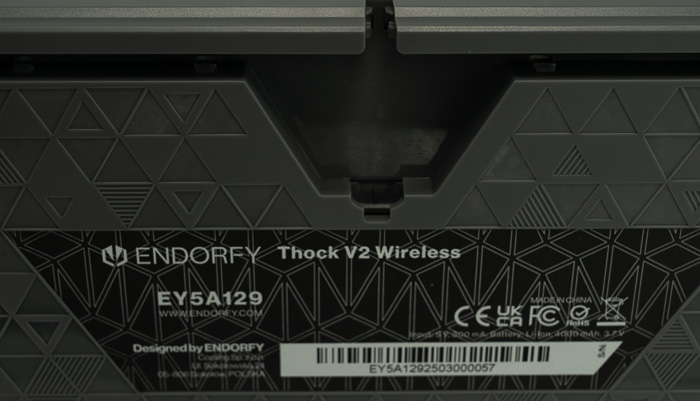
By default, the keyboard has a natural incline that can be further extended by the two latches at the bottom.
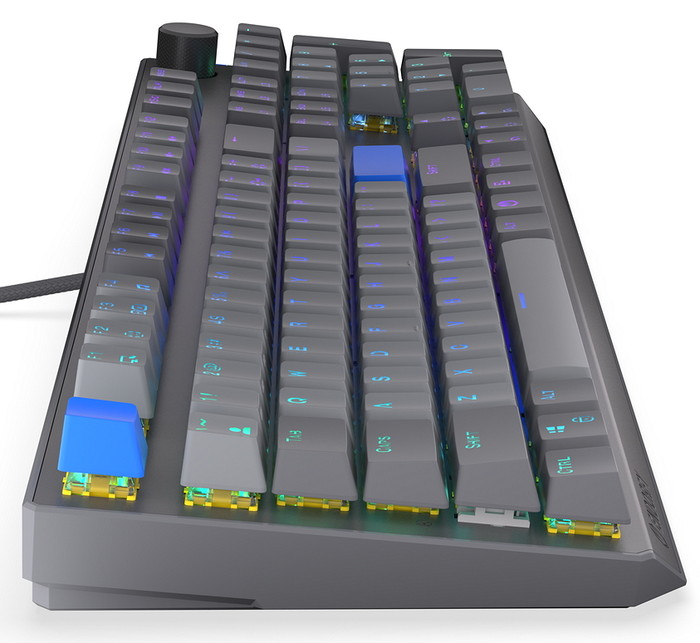
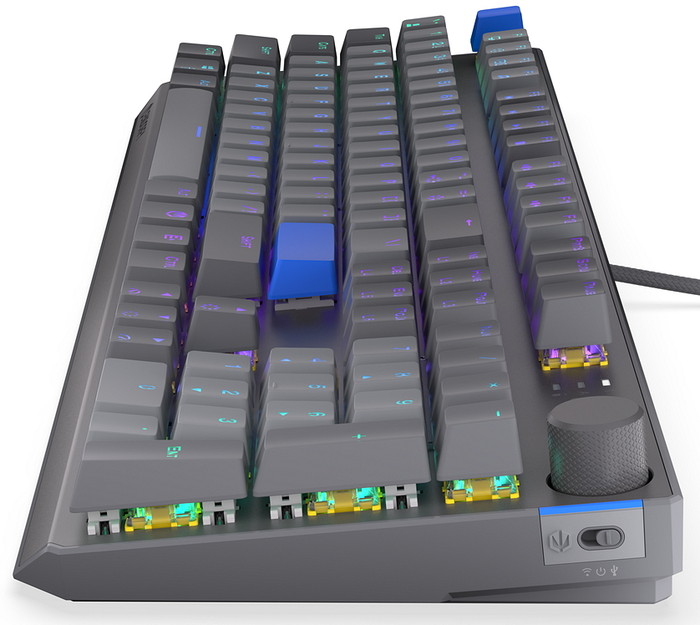
On the right side of the keyboard, there is a switch to operate the keyboard. In the middle, the keyboard is OFF, while at the left is the Wireless function (BT/2.4G), and at the right position is the USB Type-C connection.
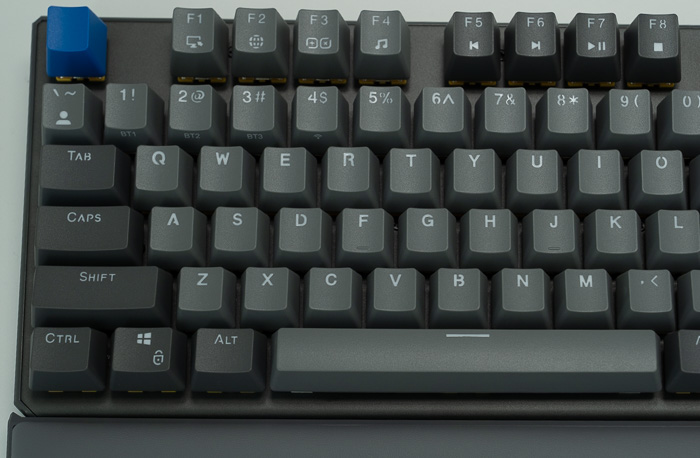
While Endorfy does sell localized versions of other European languages (German, Czech, Nordic, Hungarian, Italian) at the present time, they aren't available to order directly from Endorfy; maybe in the near future, they will be. The overall color theme is grey, and the letters are made out of PBT while all keys are backlight illuminated with ARGB colors that can change via the Endorfy special software. The Function buttons have a second row of commands that users can use or change according to their wishes.
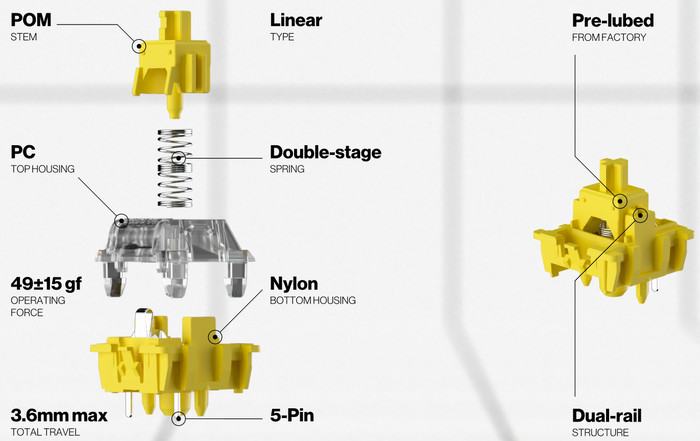
The used mechanical switches come from Gateron and, according to Endorfy, are specially designed for their lineup of mechanical products. Endorfy doesn't display much information about those switches, apart from that "...The switches deliver exceptional smoothness and precision. With a factory-lubed dual-rail design, nylon base, and a two-stage spring, each keystroke feels effortlessly fluid and sounds deep and warm. Combined with pre-lubed (and improved) stabilizers under every long key, the result is a truly refined and satisfying typing experience..." All switches feature hot-swap, allowing you to change switches with just a few simple steps, and Endorfy includes two spare switches in the set, just in case.
The keyboard has three LEDs at the top right and a round mechanical knob to mainly control volume levels (tap to mute).
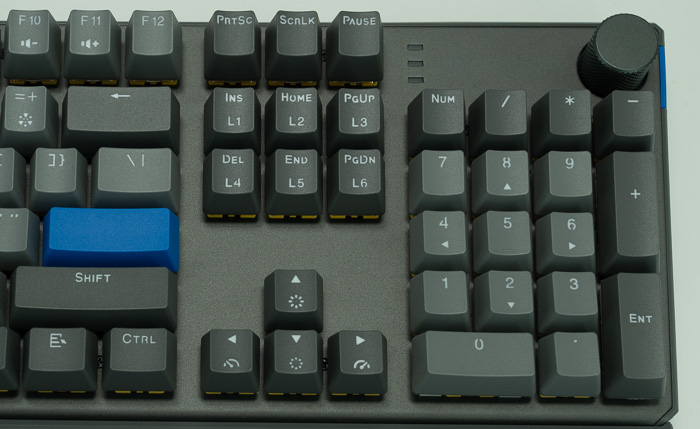
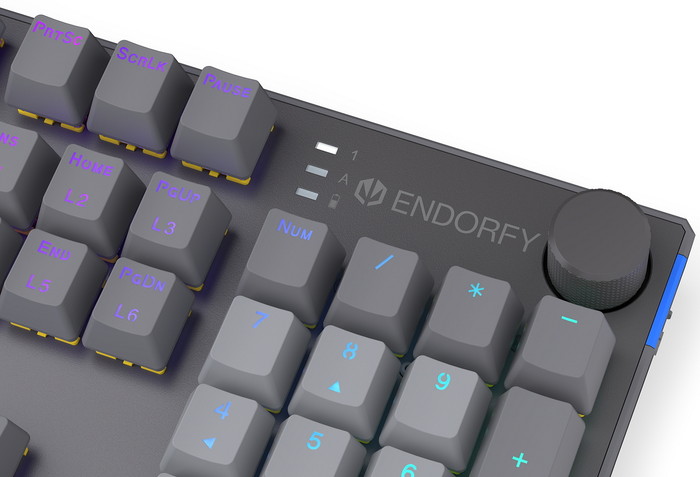
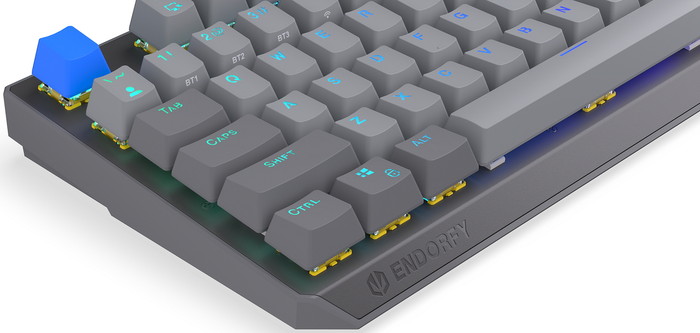
At the bottom left, there is the Endorfy logo printed.
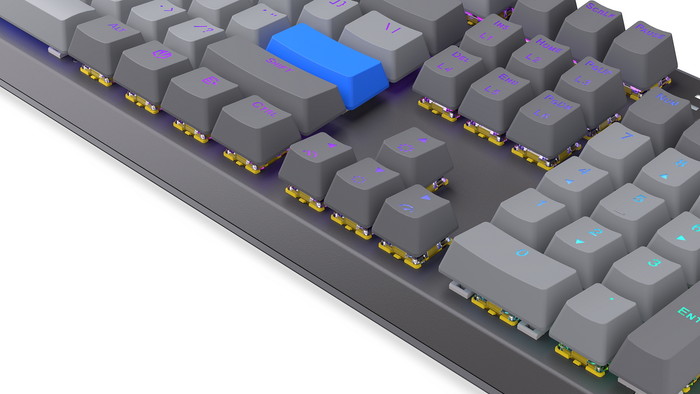
While full 4 way arrows are present.
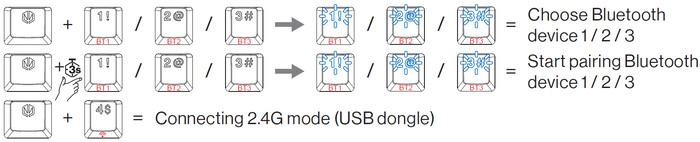
In order to work with wireless mode, users need to press the Endorfy button and the 1/2/3 to choose the BT device or the Endorfy and 3 secs the 1/2/3 to pair up to 3 BT devices. By pressing the Endorfy keycap and the 4 keycap, the keyboard will enter the 2.4G mode (USB Dongle)