ASUS A6Ja
2. Unpackaging
ASUS A6JA - Page 2
- Retail package
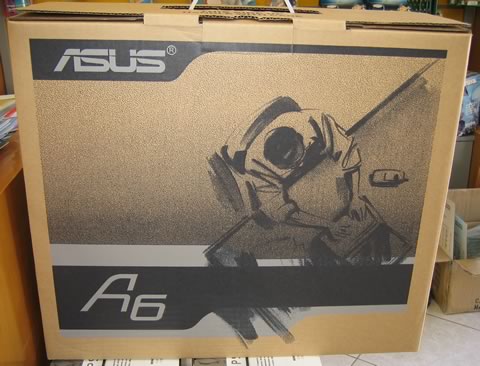
The ASUS A6JA was bought at the retail price of ~ €1.500 (VAT 19% included). The laptop was well packaged.
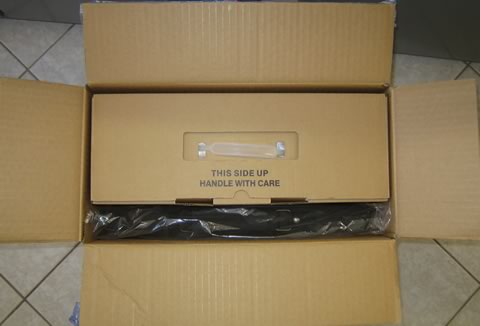
After removing the protective tapes, I started to unpack all the goodies. ASUS offers a free carrying back and an optical mouse (from Logitech). The supplied carrying back is not something I would recommend using when doing a lot of traveling, since it offers minimal protection against heavy knocks or drops. But for everyday use, it may be enough:

Let's now move on to the most interesting part, the ASUS A6JA notebook itself:
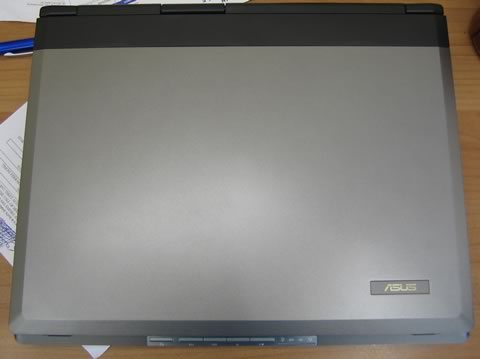
The ASUS A6JA has a typical design and colours. Nothing fancy, but nothing to complain about either. The chassis is made of tough but light, carbon-fibre material that is durable over time.
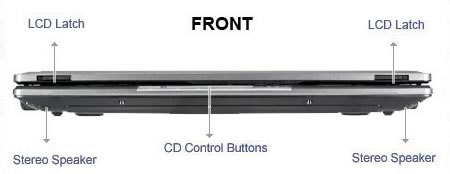
On the front are the 2 LCD panel latches, two stereo speakers and the CD control buttons. You have to use both hands to open it. The overall weight reaches 2.80kg. While the it cannot be characterized as a road warrior , hopefully, it will cover my basic needs:

On the left hand side, there's only the optical drive:

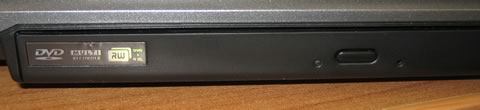
There are several variations of optical drive available, which in my case was a Matsushita UJ-841S, a rather unpleasant surprise, since there are no firmware upgrades available and many users have complained about its overall performance (more on this later).
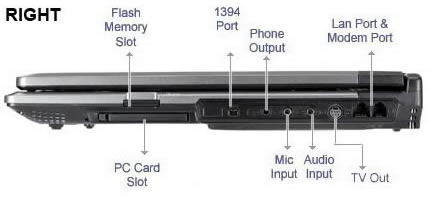
On the right, there are the numerous interface connections. The flash memory slot is protected by a plastic card, which should be removed before inserting any SD/MMC/MS/MS PRO card:

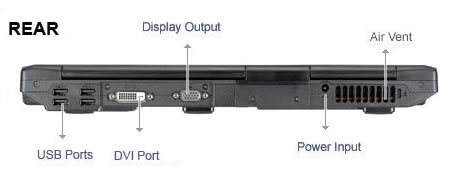
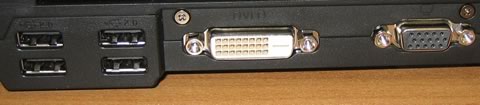
On the back, there are four USB2.0 ports, DVI and VGA outputs, the power input and the exhaust vent. I believe that ASUS' decision to place the USB ports at the back is wrong, since it is very inconvenient if you have to keep turning the portable around every time you want to plug or unplug a device. They should be on either the left or right hand side. On the bright side, the DVI output is something you won't easily come across on many notebooks.
Of course HDMI output would be preferred, perhaps with the next generation of A6000s. The A6Ja does not support output to the LCD screen, VGA D-SUB and DVI outputs at the same time. Below are the supported output modes. You can use Fn+F8 to switch between them:
- LCD Only
- CRT Only
- LCD+CRT
- DVI Only
- LCD+DVI
- CRT+DVI
Looking underneath, we find access panels to several main components, such as HDD, memory, battery and WLAN/CPU/GPU. The HDD and memory can be changed without voiding your warranty,
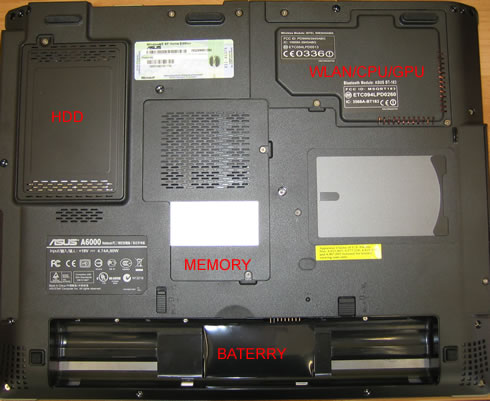
After removing the covers, we see the main notebook components.
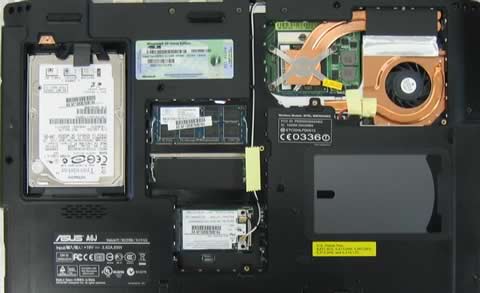
(image courtesy of Notebookreview.com)
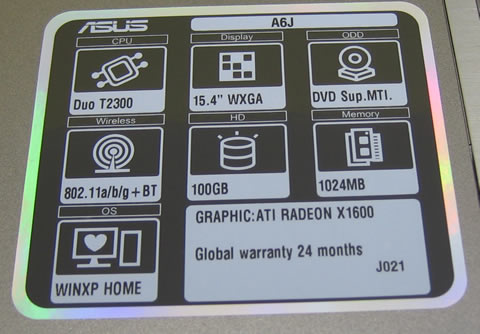
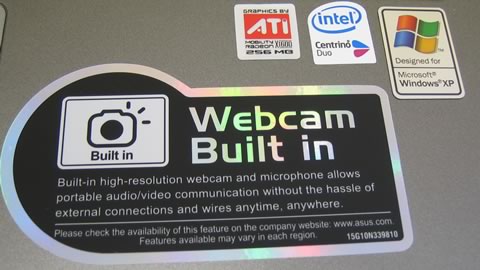
Upon opening the laptop, you will see several stickers indicating the laptop's main features and capabilities:

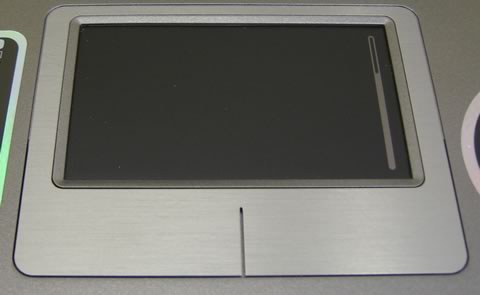
The touchpad initially has medium sensitivity, while the two buttons click nicely, without problems. The sensitivity can be adjusted from within windows with the appropriate application.
The keyboard is complete but without a numeric keypad at the side. The keys have a nice, positive touch, especially when typing quickly.

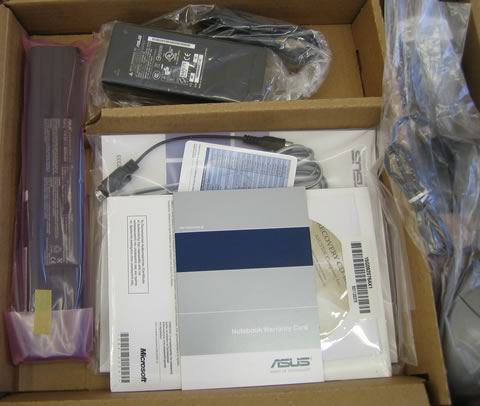
There are several CDs accompanying the notebook. However, ASUS failed to include a retail XP Home SP2 CD. There's only a recovery disc, which keeps you from formatting and re-installing Windows. There is a "secret" partition that keeps all windows files and in case something messes up with your Windows installation, the recovery disc will bring installation to its original status.
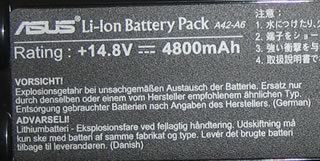
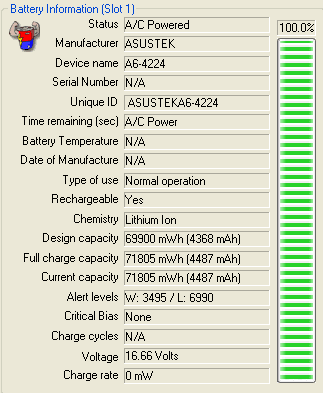
The included battery is rated at 14.8V/4800mAh (4cells), offering on average around 2.5 hours of continuous operation, something we will be looking at later on in our review.
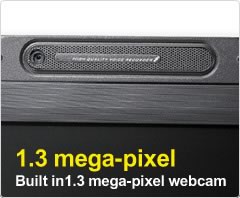
At the top of the TFT screen, there is a 1.3mega-pixel web camera and microphone, made by Bison Technology. With the pre-installed software, you can only get VGA resolution which is lees than the advertised specs. ASUS recommends downloading AMCAP to get the full benefits of the 1.3 megapixel camera. Once AMCAP is installed, you can set the resolution by going to Options -> Video Capture Pin...-> Color Space/Compression (select YUY2) -> Output Size (choose 1280X1024).