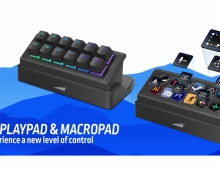
Mountain DisplayPad and MacroPad Keypads
4. Software
Users before using both DisplayPad and MacroPad should install the latest build of MOUNTAIN Base Camp. The software for now is only available for Windows 10 & 11 operating systems. Hopefully, MOUNTAIN will also port the software to MAC OS and Linux to further expand their user base.
The software we tested had 1.3.0 build. The installation process is rather simple and easy to accomplish.

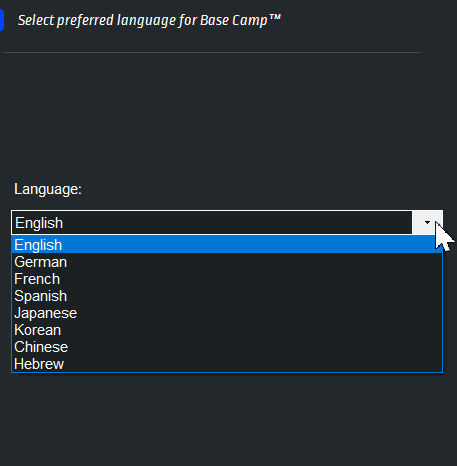

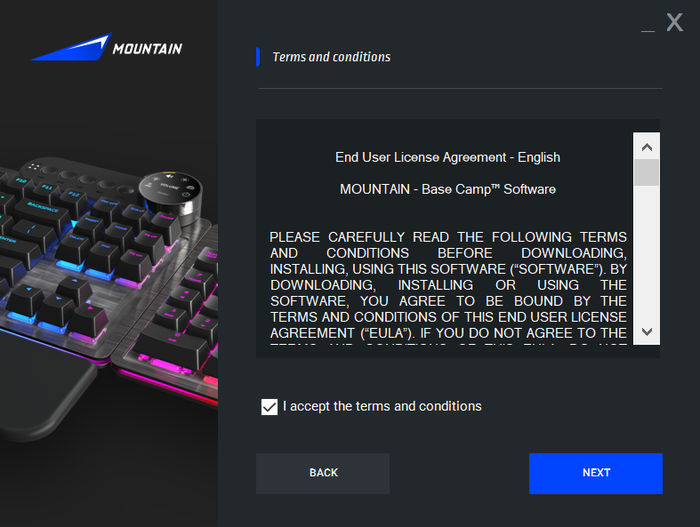


After installing the software, you can head over to settings and check for newer updates and make the software start upon Windows boot.

Upon connecting the DisplayPad, the software automatically recognized it. You can press "Customize" in order to start using...

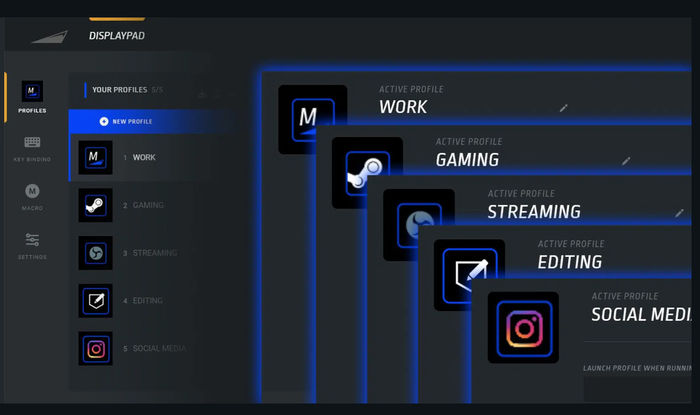
Users can set different profiles (for example, games, creative, Photoshop, etc) with which profile contain different shortcuts and actions.
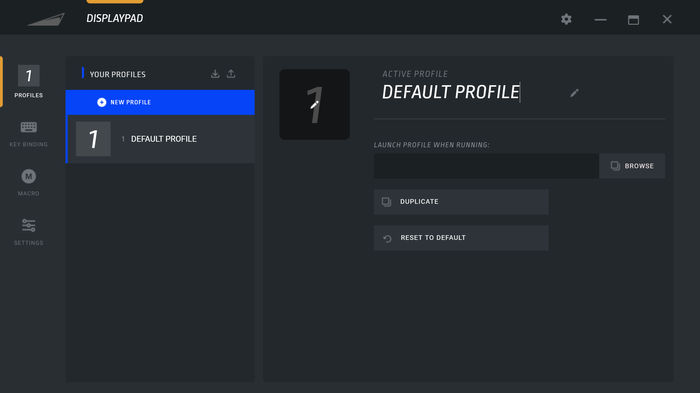
After we set our profile, we started making key bindings. You need to press with mouse (left click) at an empty display to set a key binding.

Macros are also available for those complex moves.

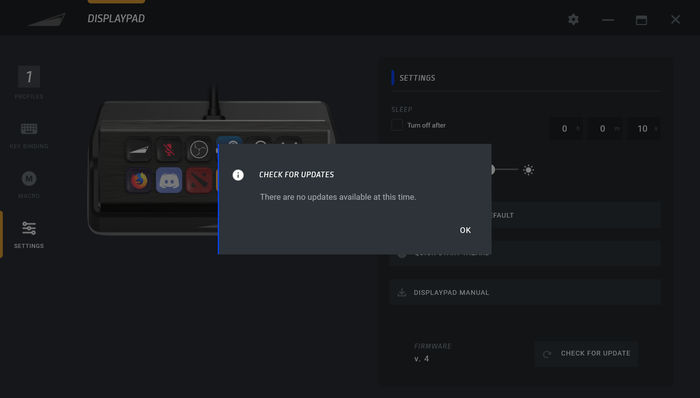
At the Settings area, you can set a timer for turn off the DisplayPad, the brightness for all keys and check for a newer firmware update.

No update was needed, our device already came with the latest one.
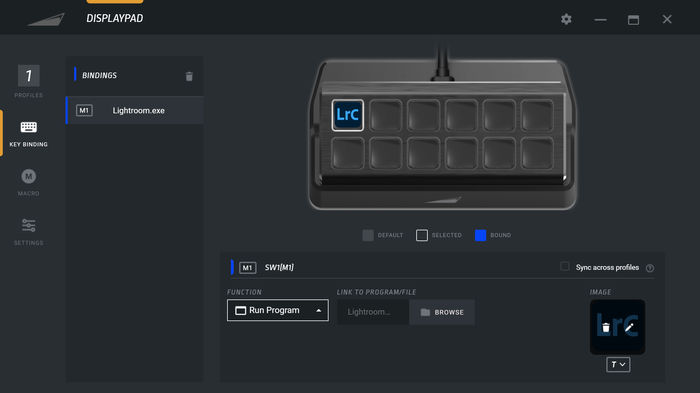
So we returned back to the first key binding. We selected the first top left and upon pressing, there are several options available, from no function, creating folder (for more actions), make OS Commands (default windows applications), run browser, Run program and open folder. We selected Run program.


We selected a pre-installed software, Adobe LightRoom. You just need to select the path where the software is pre-installed. The software will automatically select the button ICON, but you can also change it at the bottom right area.
There are several bundled icons, but of course you can use your own as well.

We also made a macro, you just need to select new and then press recording. Afterwards you need to check if the macro recording works and press "assign"

So how that is showed at the Display pad? We can say that the result is very good... We added several applications and games as well...

You can create as well folders...

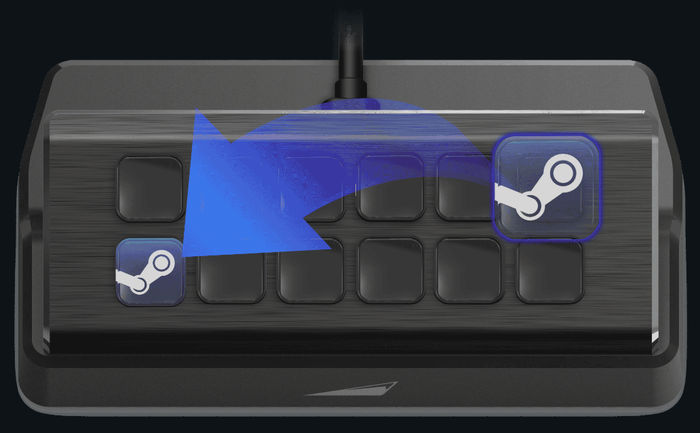
and inside add more icons and new folders, etc...In order to re-arrange icons you just drag & drop at the Base Camp.
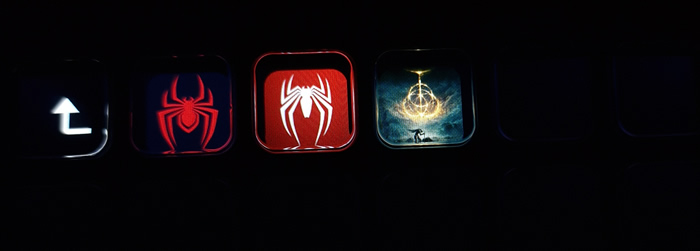
The response of the DisplayPad is very good, the device has a polling Rate of 1000Hz / 1ms, which means you the DisplayPad, won't miss a single click.
MacroPad
When added the MacroPad, another icon appeared at the Base Camp software. Selecting to customize it will enter us at the device settings.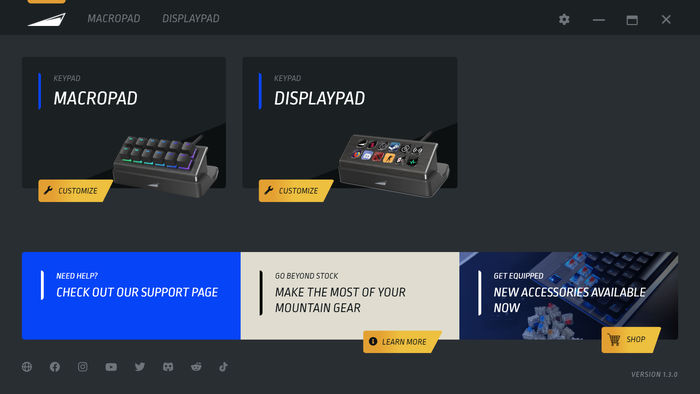
As happens with the DisplayPad, the MacroPad also supports Profiles

At the next tab, we can set the lighting effect, here there are many options either for all keys or you can also set single key lighting effect, the only barrier is your imagination. If you wish you can turn off lighting as well. Note that due to the nature of the device, the MacroPad won't sync other software that controls RGB lighting (Asus AURA for example).


Again you can set for each key, the preferred action, as we saw with DisplayPad

Finally our device had the latest available firmware. The keys are very easy to press and very nice to work with. The response is again very good, we didn't had any issues with it.