Epomaker Ajazz AK820 Max
2. Retail Package
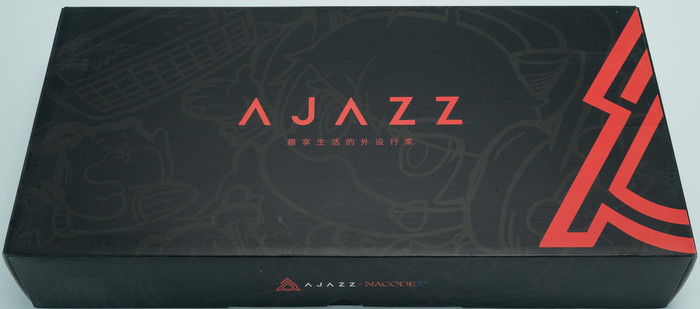
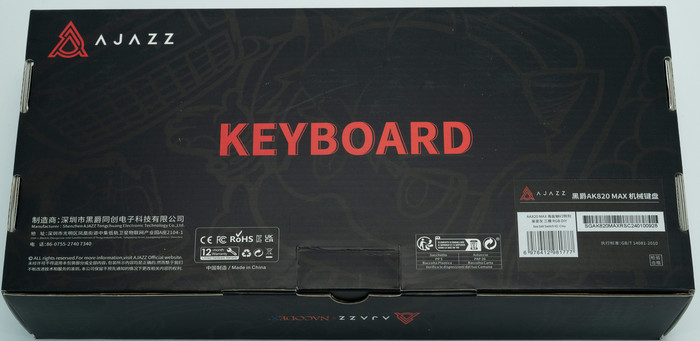
The retail box of the AK820 Max has a total black color with red accents at the side
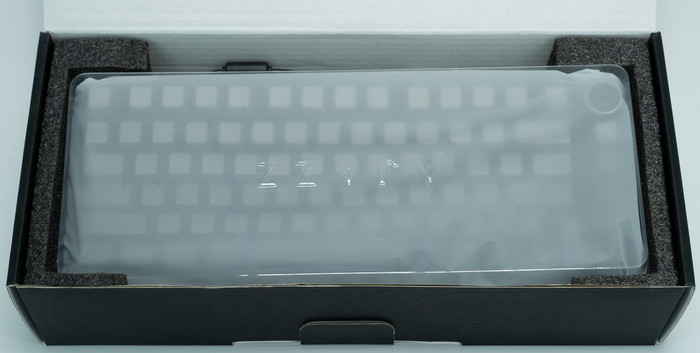
Everything is well protected, the main keyboard is inside a plastic protective shell, while there is foam around the keyboard for transportation protection:
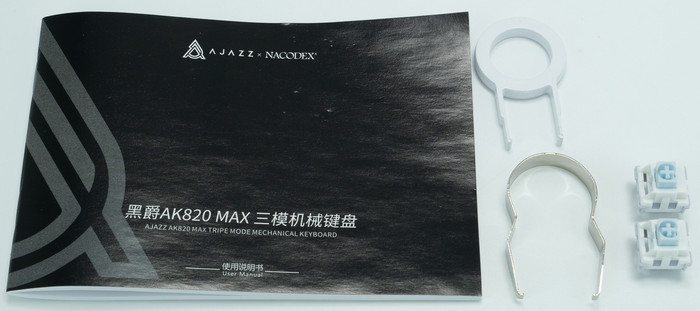
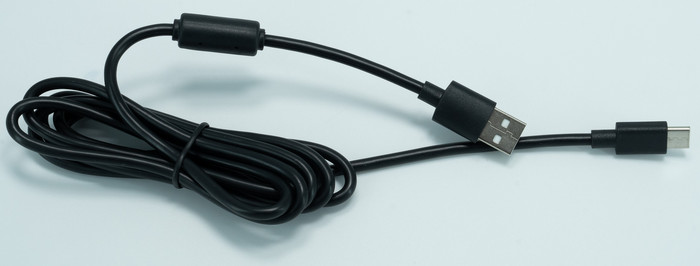
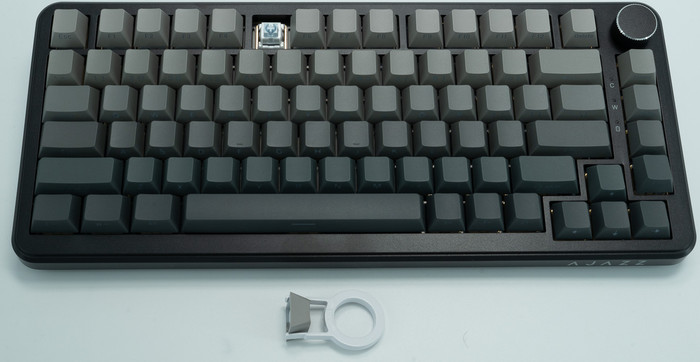
Inside the retail box, you will find the main keyboard, a printed manual, a type-C connection cable (1.6M length), keycap pullers, and two replacement switches.
For our testing, we received the Black Grey ($79.99) version, while Epomaker also sells White Blue ($79.99) and Grey Beige Orange ($59.99). The Ajazz AK820 MAX is 25% smaller than a regular full-size keyboard, which many people like, it's all about personal taste. The product has a 333.35x144.97x43.82 mm size and weight of ~770g, There is included a 4000mAh battery, while a special PC Plate Version comes with an 8000mAh included battery.
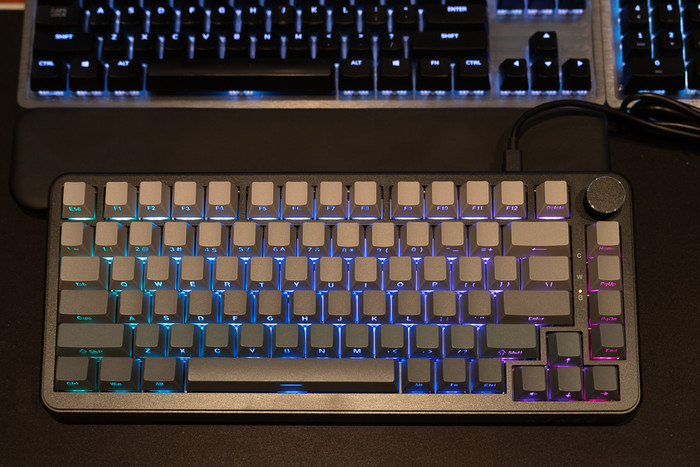
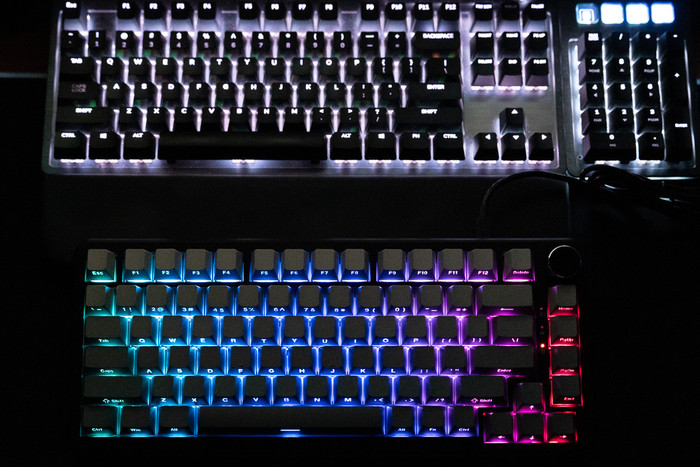
All keys are back-illuminated with several lighting effects: RGB, 16-mode lighting effects ("FN+\|"16 adjustable lighting effects + customized led effects by driver), while can be full-key hot swapping. There is also an anti-ghosting system called N-key Rollover, while many operating systems are supported by Windows Vista /7/8/10/11, MAC, and Android.
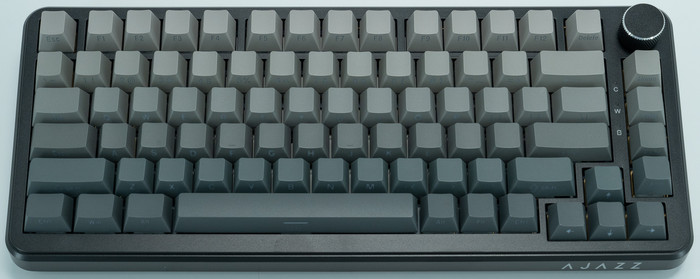
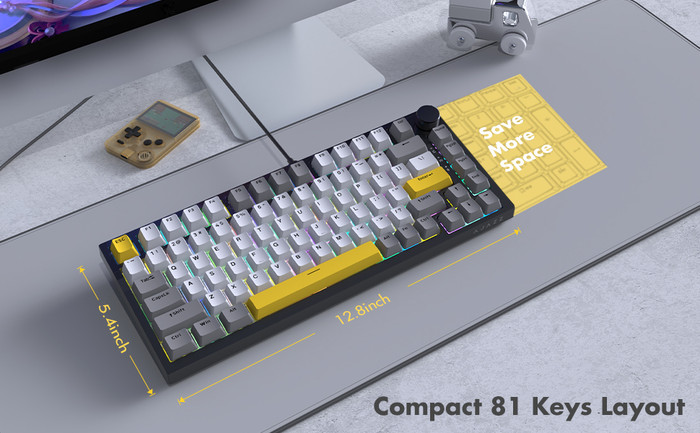
FN+\ : Light effect switching, 16 kinds of light effects cycle in sequence
FN+ Arrow Up: The light brightness increases, and the indicator light flashes 3 times to indícate the limít.
FN+ Arrow Down: The light brightness decreases, and the indicator lightturns off when reaching the limít.
FN+ Arrow Left: Dynamic light direction switching
FN+ Arrow Right: Switch backlight color
FN+- _: The light speed increases, and the indicator light flashes 3 times at the limit.
FN+ =+: The light speed slows down, and the indicator light flashes 3 times when reaching the limít.
FN+X: turn off the light/turn on the light
FN+Spacebar: Press and hold for 3 to 5seconds, the keyboard light will flash 3 times, clear the lighting effects and BT device connection informatíon, and restore factory settings
FN+1! (Default Blu-ray): Default FPS mode-W/A/S/D/Arrow Keys
FN+-: Record/save the lighting effects of the above game mode
Lighting mode, press the button once to select one color duríng recording, 8 colors in total (the order is: red, green, blue, orange, purple, cyan, white, matte)
Clear lighting recording: Reset to clear lighting recording.
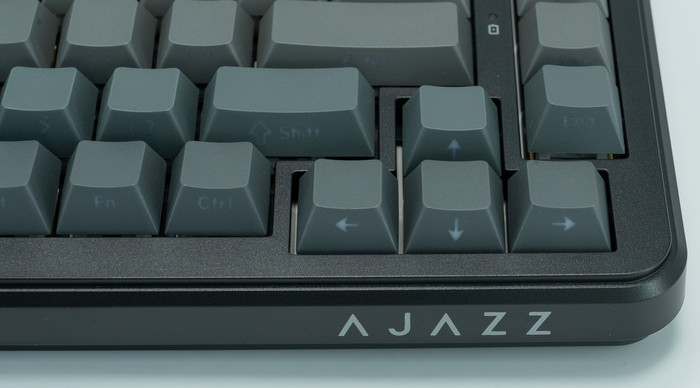
There are full-size arrow keys, while on the right side, you will find the AJAZZ printed logo.
At the top right corner users will find a rotating knob/scroll wheel that can be used to control music levels (right rotation volume +, left rotation volume -, press -> mute).
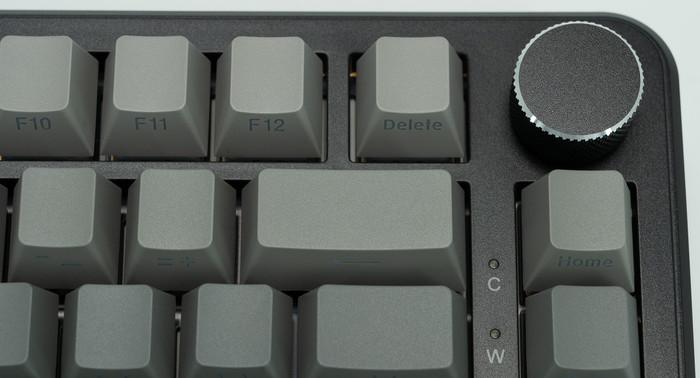
There are also three working leds:
- C-> Caps lock indicator light: Press Caps lock to turn on the uppercase white light, and turn off Caps lock and the white lightwillturn off.
- W-> FN+Win Indicator Light: Press Lock Win, the indicator light will light up white, press Unlock again and the white light will go out.
- 0-> Battery Indicator Light
- Low battery status: low battery/chargíng indicator light, red light flashes;
- Charging status: low battery/chargíng indicator light, red light always on;
- Status when fully charged: low battery/chargíng indicator light, green light is always on.
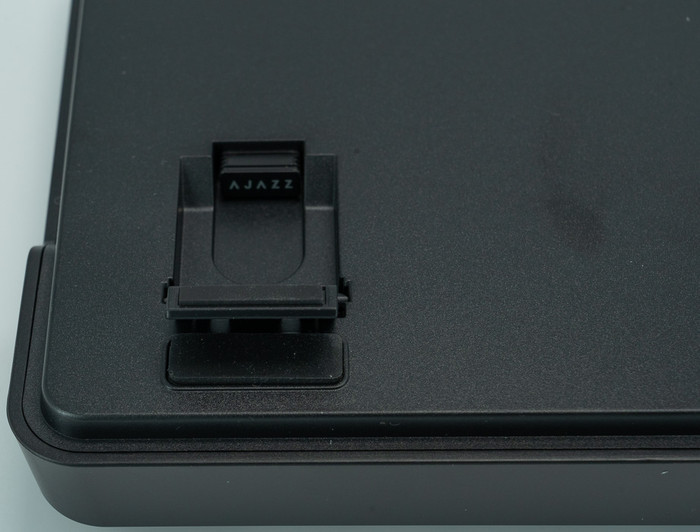
At the bottom area, users will find four anti-slip pads and two plastic legs to raise the keyboard.
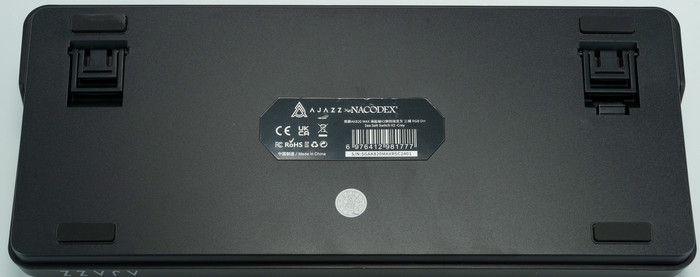
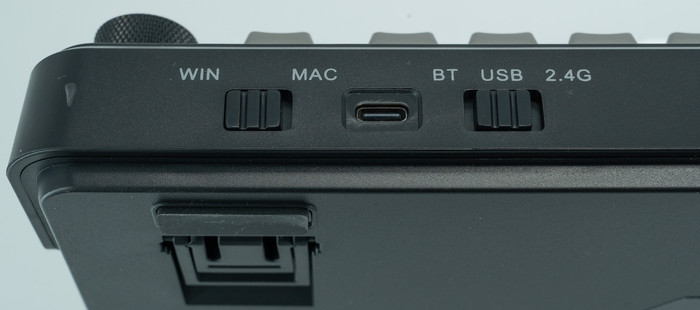
The product has three different connection methods USB wired + 2.4G wireless + BT5.0 (via switches) and it can be powered via the included TypeC interface. Users can also select Win or MAC via another switch at the back, when using Mac system mode on a Win Computer, the functions of the Win key and the Alt key are reversed.
There are two Power Saving Sleep State (Level 1 Sleep Mode): The keyboard backlight will turn off after 5 minutes of no key operation. Press any key to wake up the keyboard backlight and connect back to BT/2.4G, while in the Deep Sleep State (Level 2 Sleep Mode): The keyboard will go into deep standby after 30 minutes of no-key operation. BT/2.4G will be disconnected and sleeping. Press any key to wake up the keyboard backlight and reconnect to BT/2.4G.
At the bottom area, users will find the 2.4G USB module, which magnetically attaches to the keyboard case, at the bottom.
All keys can be removed with the included tool and serviced or changed. You can replace different switches, and customize the tactile and auditory feedback you like, and is compatible with most three/five-pin pivot base mechanical switches.
Below is a comparison with a full-sized keyboard (Mountain Everest Max)
Users can change either the keycaps, switches or the included USB cables. EPOMAKER has many different products for all users:
Keycaps: Explore our wide selection of unique and vibrant keycaps to personalize your keyboard. From bold colors to intricate designs, EPOMAKER keycaps offer the perfect way to elevate your typing experience and make your setup truly your own.
Switches: Discover EPOMAKER's range of mechanical switches, designed to suit every typing preference. Whether you prefer a tactile, clicky, or linear feel, our switches offer precise performance and customization for the ultimate typing experience.
Upgrade Cables: Upgrade your setup with EPOMAKER's premium cables. Our selection of durable, high-performance cables enhances both functionality and style, offering a seamless connection and added flair to complete your perfect keyboard build.