Breaking News

LIAN LI Introduces the UNI FAN SL FLEX and CL FLEX Akasa Advances 2U Rackmount Fanless Case Series with Kepler R KIOXIA unveils new AI storage lineup ahead of FMS 2026 Innodisk Introduces High-Speed DDR5 12800 MT/s MRDIMM to Power AI Workloads Razer Unveils the Huntsman V3 HE Magnetic 8KHz Line

logo

  • Share Us
    • Facebook
    • Twitter
  • Home
  • Home
  • News
  • Reviews
  • Essays
  • About
    • Submit News

    • Contact Us
    • Privacy

    • Promotion
    • Advertise

    • RSS Feed

Search form

Xtreamer Pro Media Player Review

Oct 21,2010 0

8. Internet services


Review Pages

1. Features
2. Specifications
3. A closer look
4. Powering up the player, Firmware update
5. Installing a HDD
6. Settings
7. Playing Media files
8. Internet services
9. Jukebox
10. Wireless LAN Setup
11. Final words


The Xtreamer Pro is an FLV capable device. It allows you to watch live streaming content from hundreds web publishers such as CNN, ESPN, various music, gaming and technology channels and Youtube/Picasa/Flirk on your TV. Xtreamer also enables you to enjoy "YouTube" FLV files right away without using your PC by bringing them straight to your living room. You can also add your own favorite feeds and channels or enjoy a selection of custom internet content collected by the Xtreamer community.

Enter the "Internet" tab from the player's main menu. Here you will find many different options to play with:
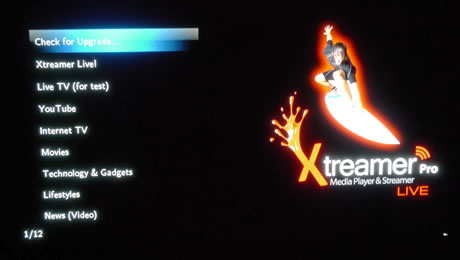
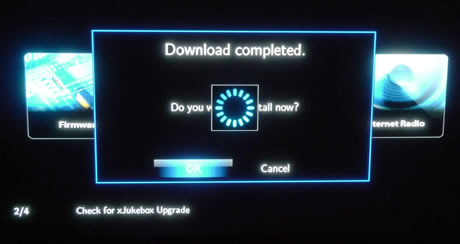
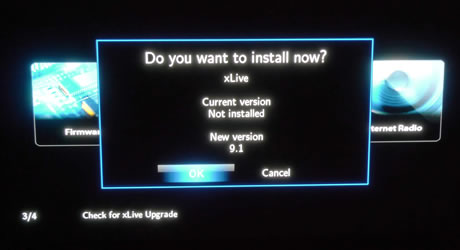
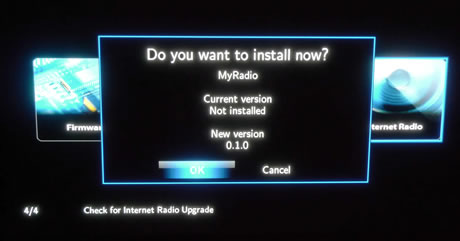
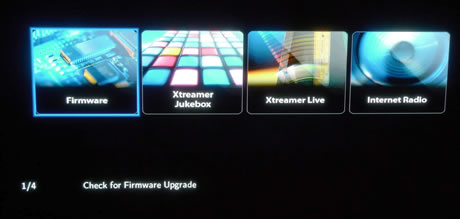
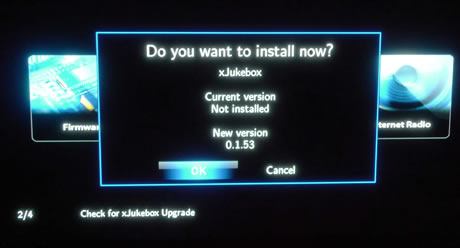
The first option allows you to check online upgrades for firmware, the Xtreamer Jukebox, the internet radio and the Xtreamer Live functions. You will have to download and install each application when you use the player for the first time. Downloading and installation is automatically done quickly and easily:
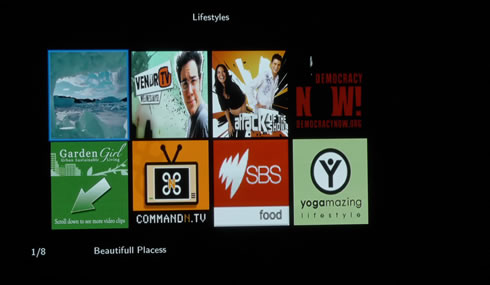
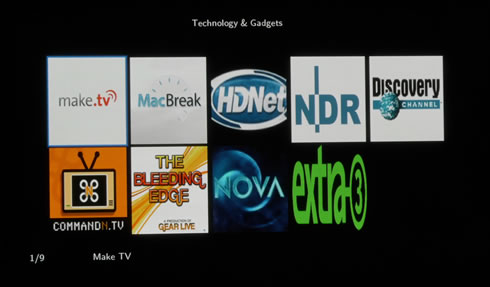
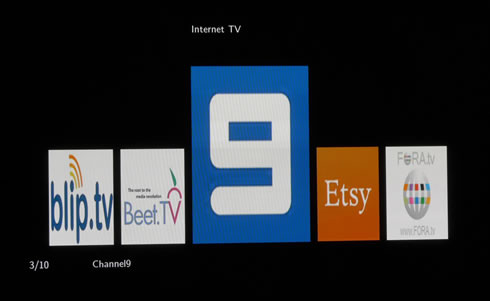
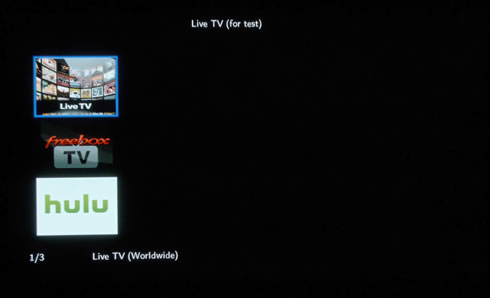
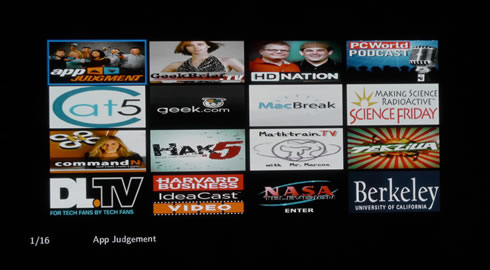
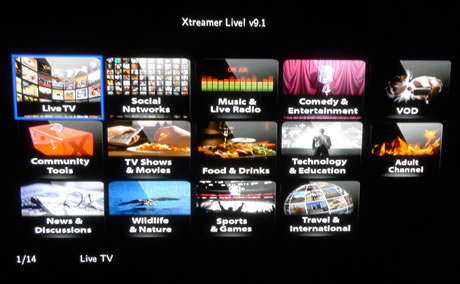
We installed the Xtreamer Live! 9.1 version and below you see what it offers. The Xtreamer Pro offers access to many channels related to technology, VOD, news, sports traveling and also offers an adult channel. In fact the last one is password-protected (PAS: 0000 :)) for obvious reasons:
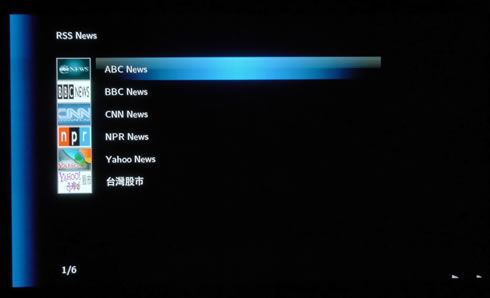
Popular RSS feeds are also available:
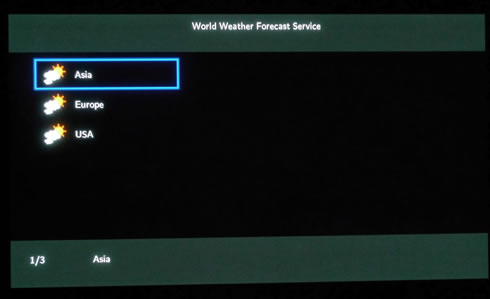
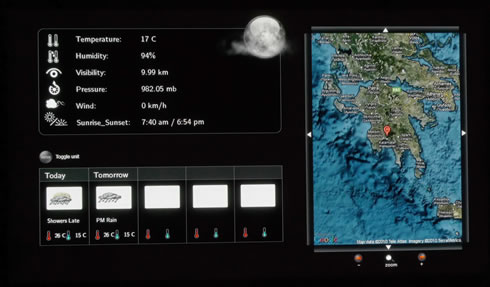
You can even see a weather forecast by country and city name:
The "Picasa" (Google) function allows you to search for pictures by key words as well as using your account ID:

The "news" section includes many popular news channels including CNN.com and ABC World News:


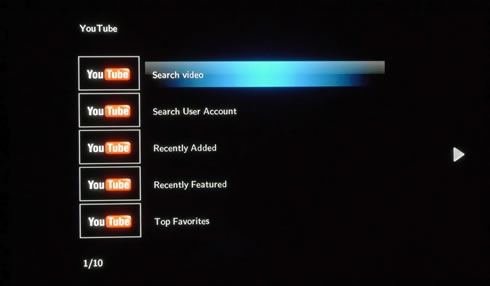
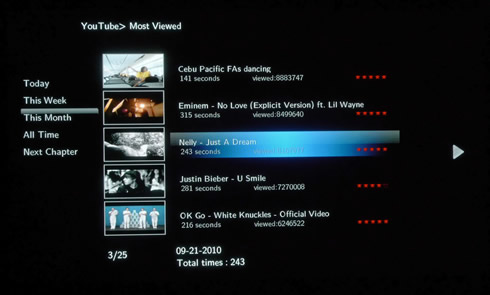
The Youtube function is also very useful in order to enjoy Youtube videos in your TV. You can search for a video by typing your search query using an on-screen keyboard. You can also choose to watch among recently added, recently featured, top favorites and top rated videos:
 

Review Pages

1. Features
2. Specifications
3. A closer look
4. Powering up the player, Firmware update
5. Installing a HDD
6. Settings
7. Playing Media files
8. Internet services
9. Jukebox
10. Wireless LAN Setup
11. Final words


Pages

  • « first
  • ‹ previous
  • …
  • 3
  • 4
  • 5
  • 6
  • 7
  • 8
  • 9
  • 10
  • 11
  • next ›
  • last »

Xtreamer

Tags: Xtreamer
Previous Post
Optiarc AD 7260S review
Next Post
Thermaltake Massive 23 LX Notebook cooler

Related Posts

Latest Reviews

Arctic MX-7
Cooling Systems

Arctic MX-7

Latency Is No Longer a Backend Detail
Enterprise & IT

Latency Is No Longer a Backend Detail

Noctua NL-LC1-36
Cooling Systems

Noctua NL-LC1-36

Swit NP-FZ100 Battery
Cameras

Swit NP-FZ100 Battery

The Technology Stack Behind Modern Digital Gaming Platforms
Consumer Electronics

The Technology Stack Behind Modern Digital Gaming Platforms

Popular News

CORSAIR announces Vanguard Pro 96 and Vanguard 96 Gaming Keyboards

CORSAIR announces Vanguard Pro 96 and Vanguard 96 Gaming Keyboards

MSI Launches FORGE GK600 TKL WIRELESS Special Edition Compact Mechanical Keyboard

MSI Launches FORGE GK600 TKL WIRELESS Special Edition Compact Mechanical Keyboard

TEAMGROUP Launches EXPERT P34F Find My External SSD

TEAMGROUP Launches EXPERT P34F Find My External SSD

Samsung announces Galaxy Tab S11 and Galaxy S25 FE series

Samsung announces Galaxy Tab S11 and Galaxy S25 FE series

Viltrox Showcases Upcoming Lens Lineup and New TTL Flash at IBC 2025

Viltrox Showcases Upcoming Lens Lineup and New TTL Flash at IBC 2025

Panasonic Introduces the First Ultra-Telephoto Zoom Lens in the LUMIX S Series

Panasonic Introduces the First Ultra-Telephoto Zoom Lens in the LUMIX S Series

MSI Launches DATAMAG 40Gbps Magnetic Portable SSD

MSI Launches DATAMAG 40Gbps Magnetic Portable SSD

Viltrox Joins the L-Mount Alliance, Expanding Creative Possibilities

Viltrox Joins the L-Mount Alliance, Expanding Creative Possibilities

Main menu

  • Home
  • News
  • Reviews
  • Essays
  • About
    • Submit News

    • Contact Us
    • Privacy

    • Promotion
    • Advertise

    • RSS Feed
  • About
  • Privacy
  • Contact Us
  • Promotional Opportunities @ CdrInfo.com
  • Advertise on out site
  • Submit your News to our site
  • RSS Feed