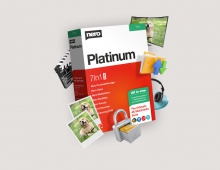
Nero 8 Preview
4. Burning with StartSmart
Review Pages
1. Introduction
2. Installation
3. Nero StartSmart Introduction
4. Burning with StartSmart
5. Conclusion
2. Installation
3. Nero StartSmart Introduction
4. Burning with StartSmart
5. Conclusion
The burning has started. At the bottom, you can see the % completion:
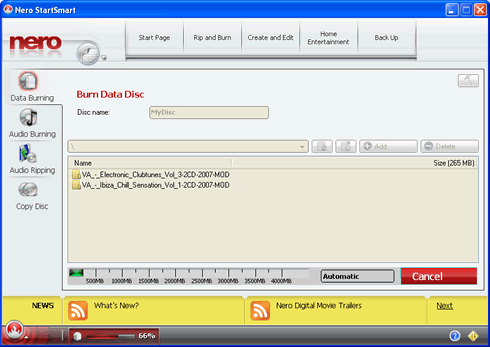
At the very top left, near the Nero logo, more options are also available:

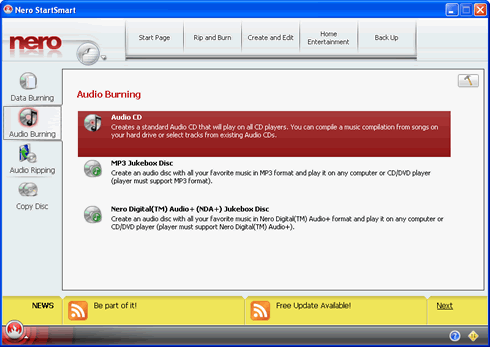
Next we see Audio burning options. There are three pre-defined options to cover most needs:
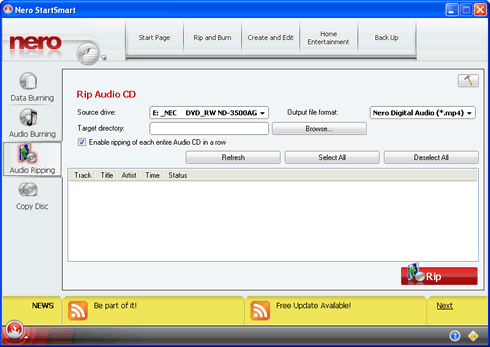
The rip Audio CD function can output all tracks to MP4:
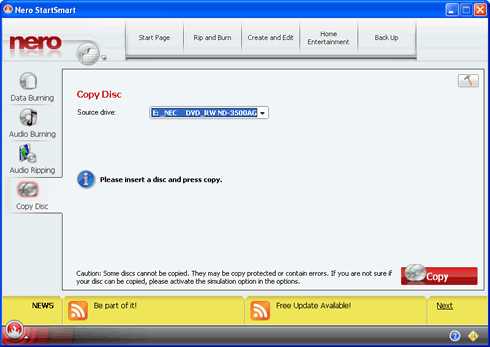
While copy disc is very simple:
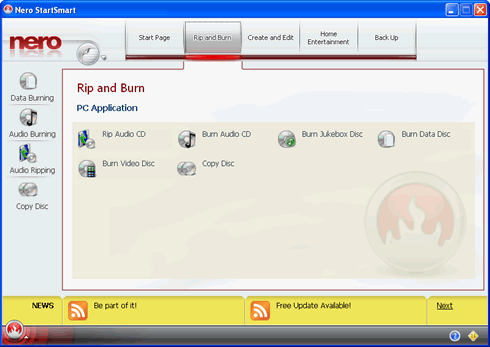
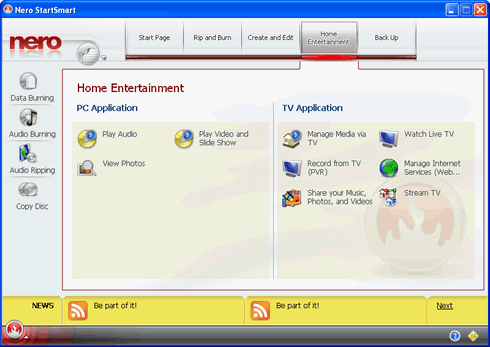
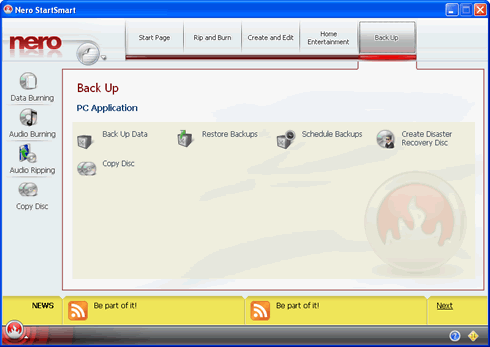
On the horizontal bar, there are many projects to select from:
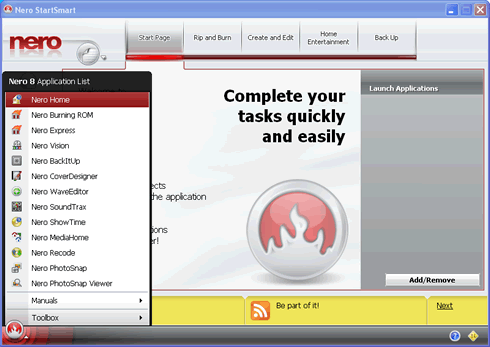
Lastly, at the bottom left, you can easily access all Nero 8 installed applications.
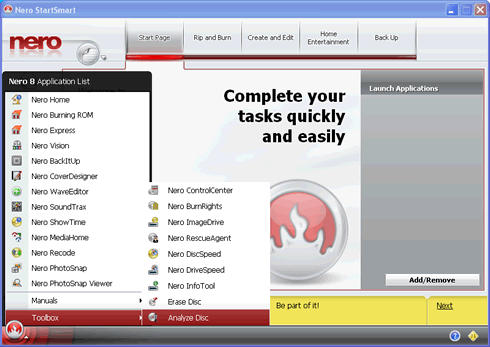
As well as Nero Toolbox applications:
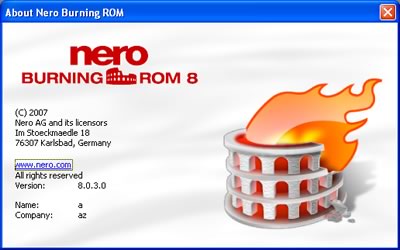
The main Nero Burning Rom 8, is also build 8.0.3.0:
Review Pages
1. Introduction
2. Installation
3. Nero StartSmart Introduction
4. Burning with StartSmart
5. Conclusion
2. Installation
3. Nero StartSmart Introduction
4. Burning with StartSmart
5. Conclusion