Breaking News

Samsung Introduces Galaxy Tab S12 Series PlayStation Plus Monthly Games for October 2026 Logitech announces Zone Vibe Pro Headset Razer Expands Sanrio Collection With Pompompurin Eared Headset And Kuromi Earbuds TerraMaster Launches Storage Upgrade Season with Up to 30% Off During Prime Big Deal Days

logo

  • Share Us
    • Facebook
    • Twitter
  • Home
  • Home
  • News
  • Reviews
  • Essays
  • About
    • Submit News

    • Contact Us
    • Privacy

    • Promotion
    • Advertise

    • RSS Feed

Search form

HLDS UD Station DVDRW (Preview)

Aug 25,2021 0

3. UD Link App


Review Pages

1. Introduction
2. The package
3. UD Link App
4. Music Playback
5. Audio CD Ripper
6. Audio CD Burner
7. Data Backup
8. The Hardware
9. Preview Conclusion


The HLDS UDS product apart from the "normal" optical reading/writing can be used also to be connected with Android enabled devices (like Smartphones/Tablets/AndoirdTV/Amazon FireHD, etc.).and in general with the Android operating system.

The retail package states that the device is compatible with Android 8.0 or higher. That means you can connect the external UDS to an android device (via USB Type C) and use it to view DVD-Video, listen to Audio CD and backup the contents of the Android device and many more as we will see later on

The process is not hard to complete, just use the included (long!) cable with an Android Phone/Tablet running Android 8.0 and above. If you wish to use the HDMI output, (up to 4 K/30hz) use an HDMI cable to output the Android screen at a TV. Of course you can also use a USB Power in (at the USB PD port) to charge the phone, nice one.

After connecting the UDS drive to the host, you need to get over the Google Play Store and search for UD Link app. Users must have a 'Google play Store' account for the initial access in order to download the UD Link app.
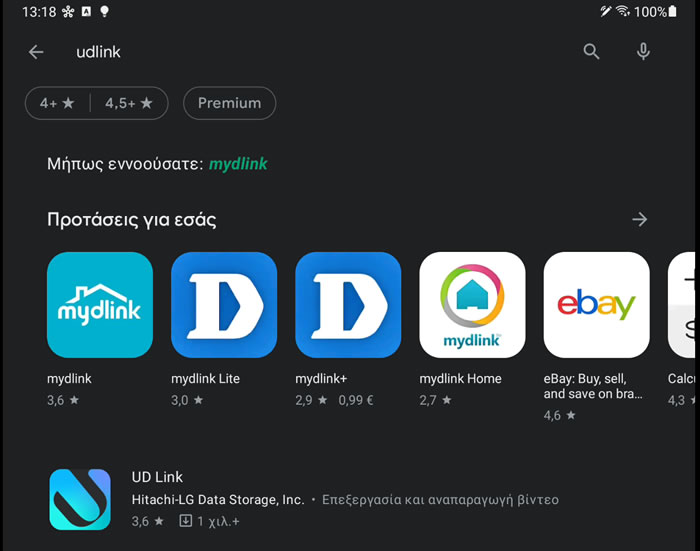
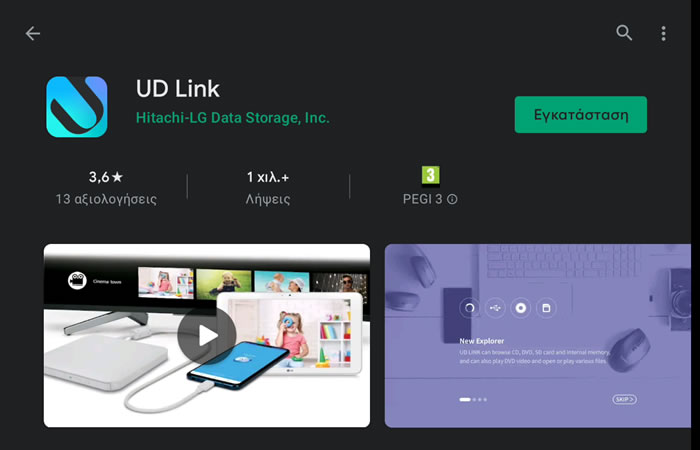
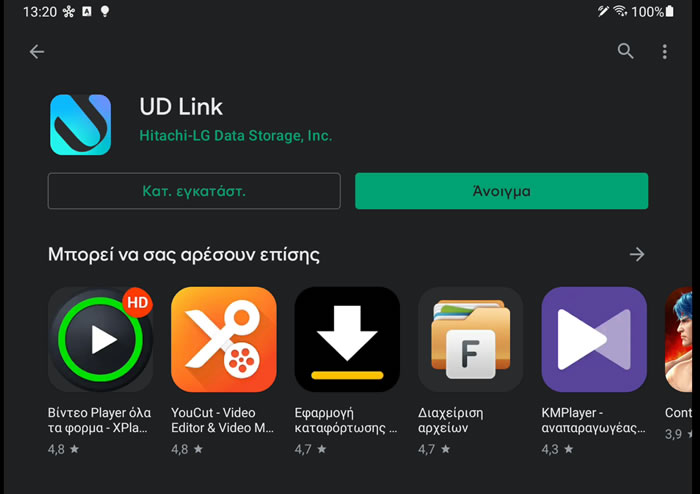
The UD Link app is for free and works only with HDLS external CD/DVD drives.
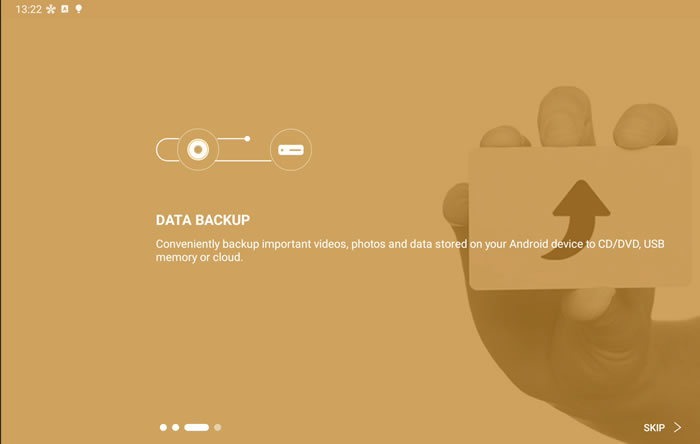
Opening the software, a welcome wizard gives us a short guide of what we can expect from the software.

You need to give access to the UD Link software at your folders:

A welcome wizard gives us a first glance of the software abilities
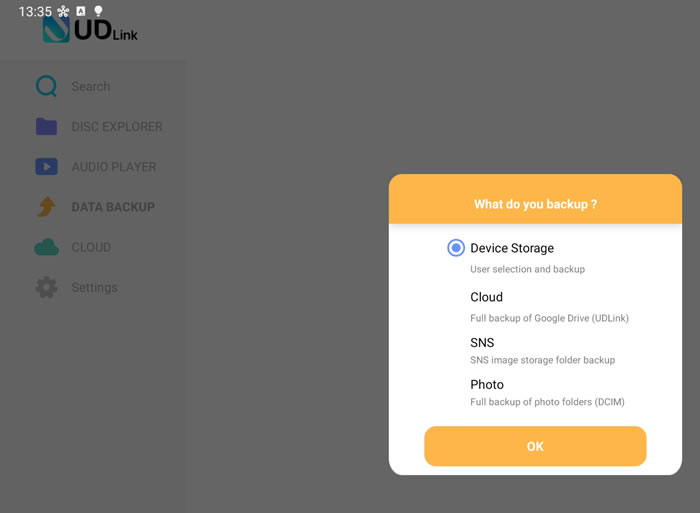
Users can backup to CD-DVD, Cloud or local device storage (internal and external)
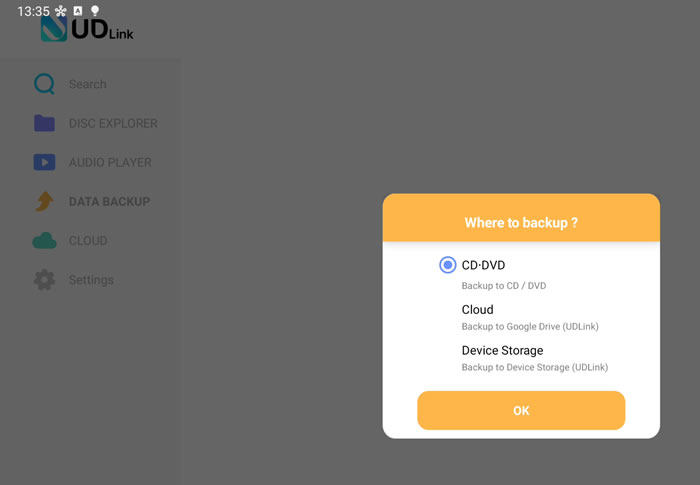
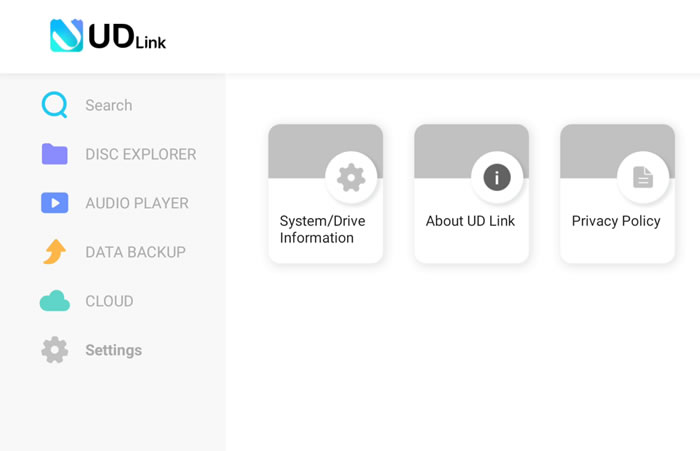
There are five sections at the top left corner for users to examine. Let’s see what is under the Settings area:
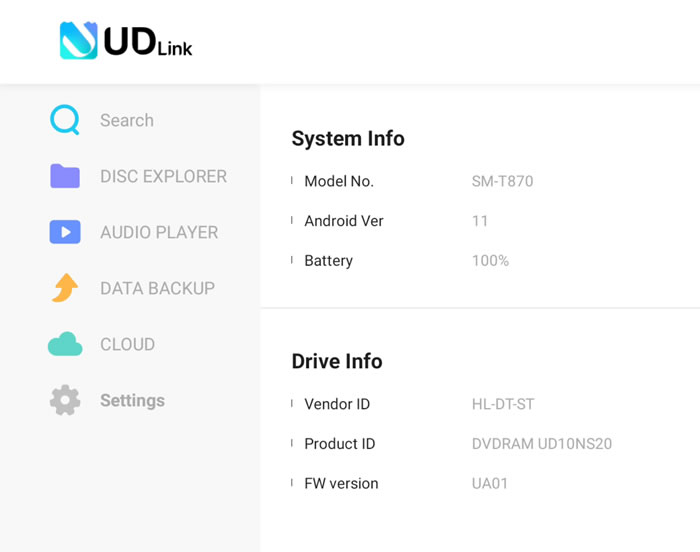
You can quickly view your System info and of course the Drive info:
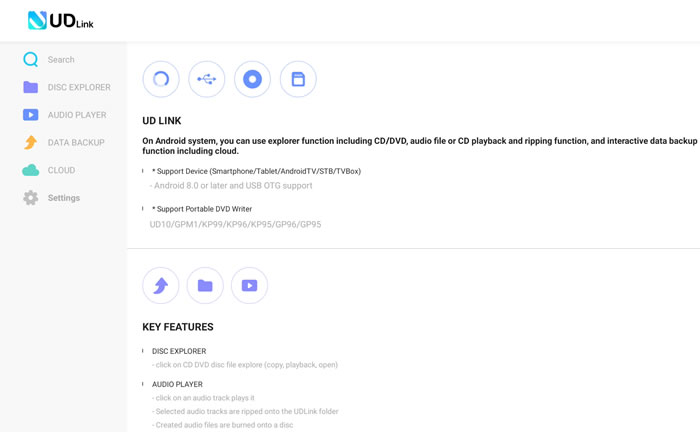
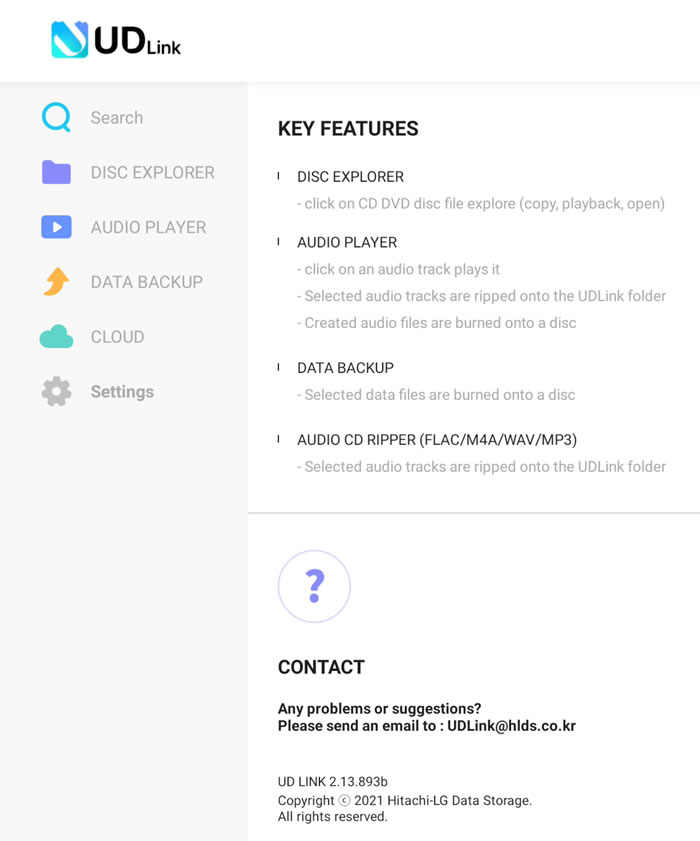
Under the About UD-Link tab, users will find information about the app features:
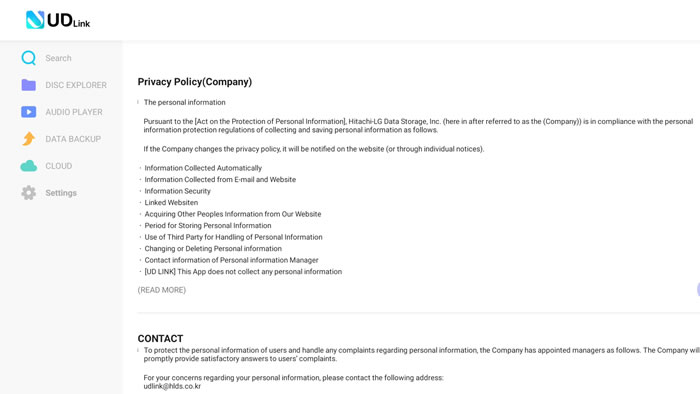
And of course the Privacy Policy
 

Review Pages

1. Introduction
2. The package
3. UD Link App
4. Music Playback
5. Audio CD Ripper
6. Audio CD Burner
7. Data Backup
8. The Hardware
9. Preview Conclusion


Pages

  • « first
  • ‹ previous
  • 1
  • 2
  • 3
  • 4
  • 5
  • 6
  • 7
  • 8
  • 9
  • next ›
  • last »

HLDS

DVD

android

Tags: HLDS DVD android
Previous Post
Greenliant microSD ArmourDrive Cards
Next Post
Terramaster TD2 Thunderbolt 3

Related Posts

  • What’s new in Android 15, plus more updates

  • Connecting all things Android at MWC Barcelona

  • US digital home entertainment market grew 14% in 2022, DVD/BD down 20%

  • New features for businesses in Android 13

  • Lucky number Android 13: The latest features and updates

  • What’s beta than Android 13?

  • CDRInfo.com (p)reviews the HLDS UD Station

  • External USB Slim Recorders Comparison

Latest Reviews

Fanxiang MP83 M.2 NVMe SSD Enclosure
Enterprise & IT

Fanxiang MP83 M.2 NVMe SSD Enclosure

Ugreen CM642 USB4.0 Enclosure
PC components

Ugreen CM642 USB4.0 Enclosure

be quiet! Dark Power 14 IO
PC components

be quiet! Dark Power 14 IO

SanDisk High Endurance 512GB microSDXC
Cameras

SanDisk High Endurance 512GB microSDXC

Samsung PRO Ultimate 512GB microSDXC
Cameras

Samsung PRO Ultimate 512GB microSDXC

Popular News

MSI’s Latest AMD X870E MAX & EVO Series Motherboards

MSI’s Latest AMD X870E MAX & EVO Series Motherboards

COLORFUL Launches iGame B850M ULTRA Series Micro-ATX Motherboards

COLORFUL Launches iGame B850M ULTRA Series Micro-ATX Motherboards

COLORFUL Presents Limited Edition Chitu MAG-60 Magnetic Keyboard Inspired by the Year of the Horse

COLORFUL Presents Limited Edition Chitu MAG-60 Magnetic Keyboard Inspired by the Year of the Horse

COLORFUL Presents iGame Z890 ULTRA-S W and iGame Z890M ULTRA Z Motherboards

COLORFUL Presents iGame Z890 ULTRA-S W and iGame Z890M ULTRA Z Motherboards

COLORFUL Launches iGame B850I MINI OC V14 Motherboard

COLORFUL Launches iGame B850I MINI OC V14 Motherboard

COLORFUL Expands B850 Motherboard Lineup with New CVN, Battle-Ax, and MEOW Models

COLORFUL Expands B850 Motherboard Lineup with New CVN, Battle-Ax, and MEOW Models

ASRock Adds Support for One Sub-Channel DRAM Module on Intel DDR5 Motherboards

ASRock Adds Support for One Sub-Channel DRAM Module on Intel DDR5 Motherboards

Exceed the Infinite with New ASRock X870E Taichi White Motherboard

Exceed the Infinite with New ASRock X870E Taichi White Motherboard

Main menu

  • Home
  • News
  • Reviews
  • Essays
  • About
    • Submit News

    • Contact Us
    • Privacy

    • Promotion
    • Advertise

    • RSS Feed
  • About
  • Privacy
  • Contact Us
  • Promotional Opportunities @ CdrInfo.com
  • Advertise on out site
  • Submit your News to our site
  • RSS Feed