bequiet! Dark Rock TF2
2. Retail Package / Installation
Review Pages
The be quiet! Dark Rock TF2 is a medium-big sized CPU cooler. The retail box securely includes the CPU cooler and its accessories. The product will cost $85.90 / €85.90 / £79.99 MSRP (3 years warranty) and supports many Intel (1200 / 2066 / 1150 / 1151 / 1155 / 2011(-3) Square ILM) and recent AMD (AM4 / AM3(+)) sockets.
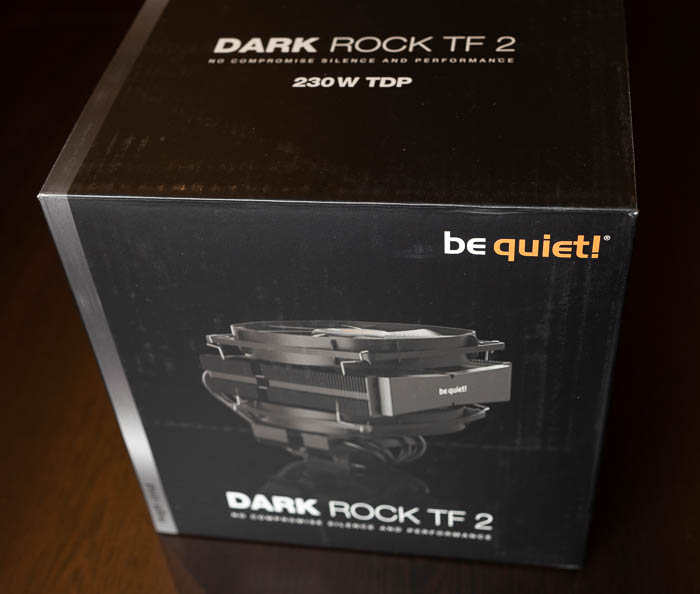

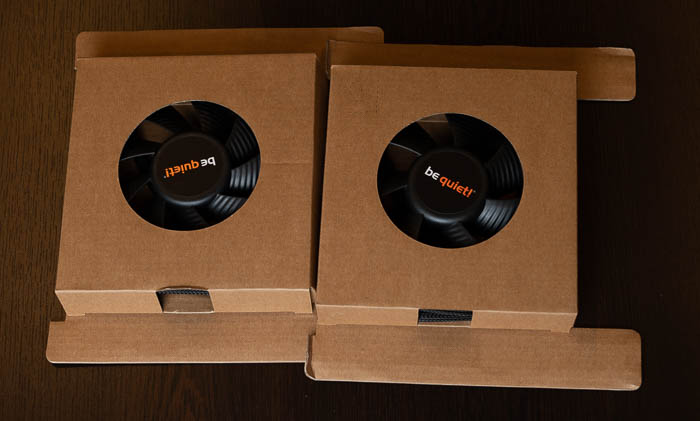
Opening the box unveils the contents, the CPU cooler is at the middle and accessories and everything is well organized and protected
- 1x CPU cooler
- 2x be quiet! Silent Wings 3 135mm fans
- Several user manual languages
- 1x thermal compound
- 1x Intel Mounting Kit
- 1x AMD mounting Kit
- 4x mounting brackets for fan
- Y-power fan splitter
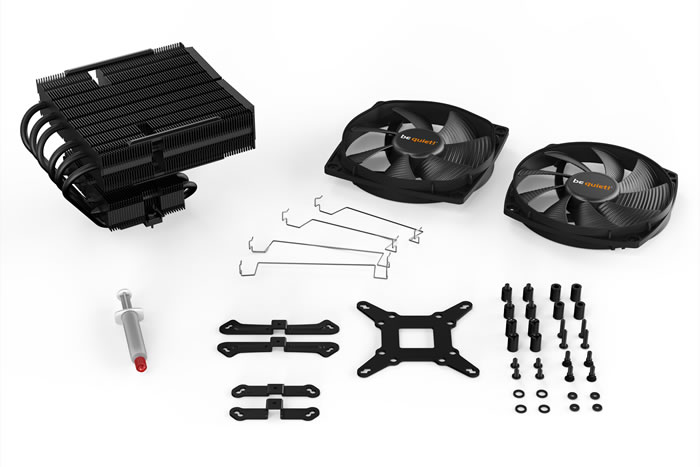

The be quiet! Dark Rock TF2 includes two Silent Wings 3 135mm fans for high performance.
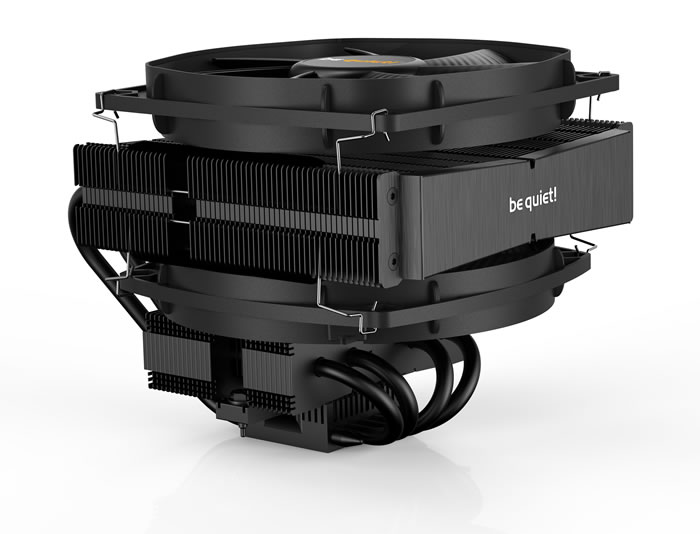
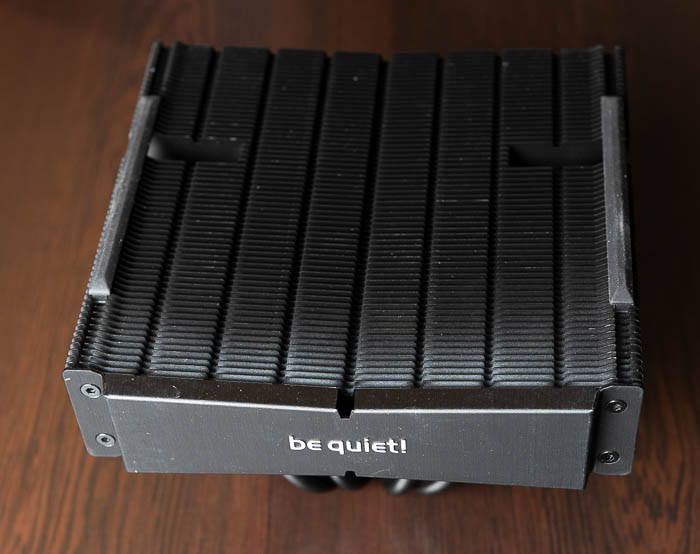
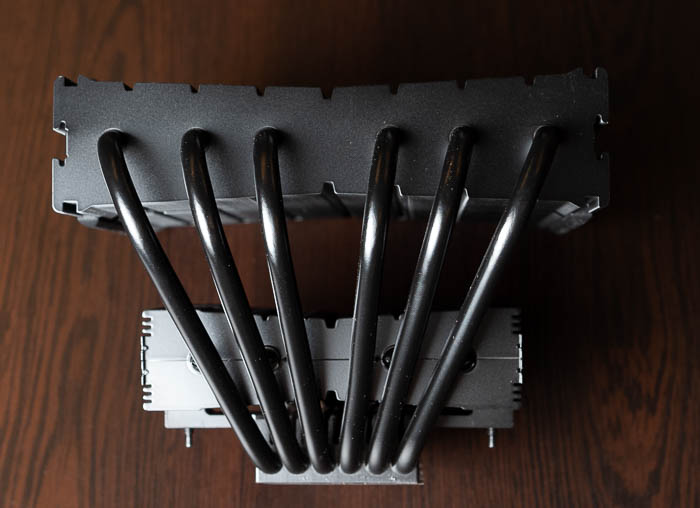
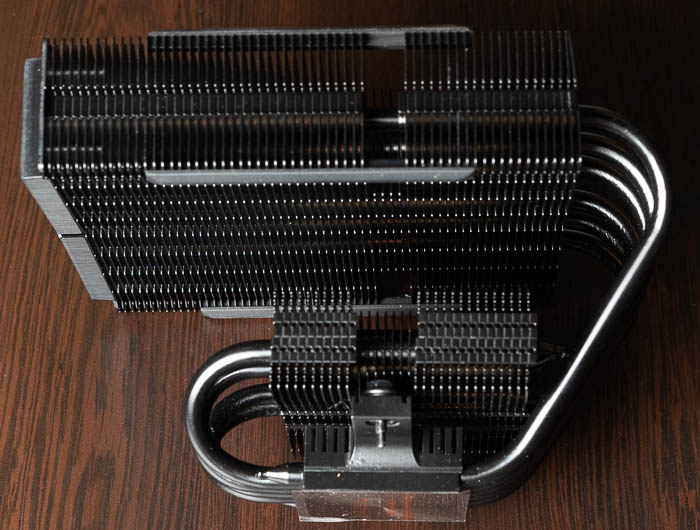
The CPU cooler is big and users must use the online motherboard is compatible website to be 100% sure about compatibility. At the side area there is the be quiet! logo. The included 135mm fan comes from the Silent Wings 3 family and its noise levels are low (27.1dB (A) even at 100% PWM fan speed. The total black look for sure looks very slick and cool!
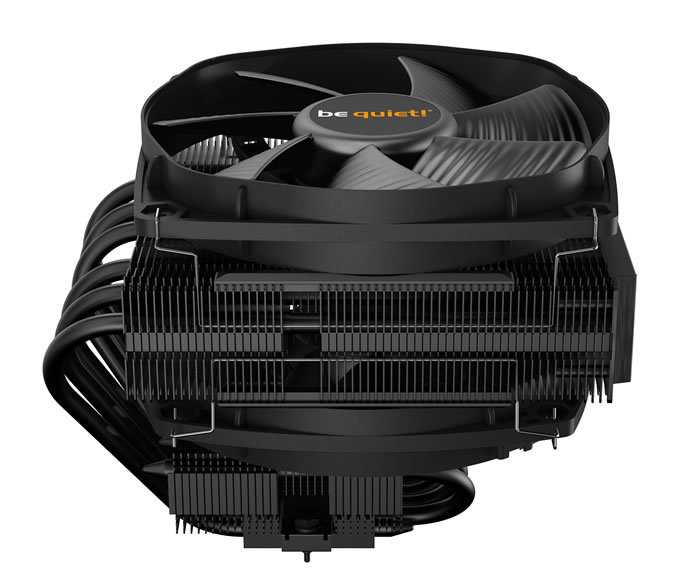
The exact dimensions are found below. You would need around 134mm height for the cooler and around 164mm width. There is a 20mm height clearance for the CPU fins and 49mm height for the first CPU fan. Due to its design probably will fit even at middle sized PC cases. You could rotate the fan according to your needs to eliminate possible installation problems with high profile memory modules.
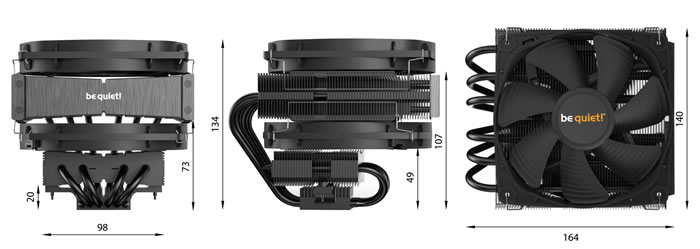
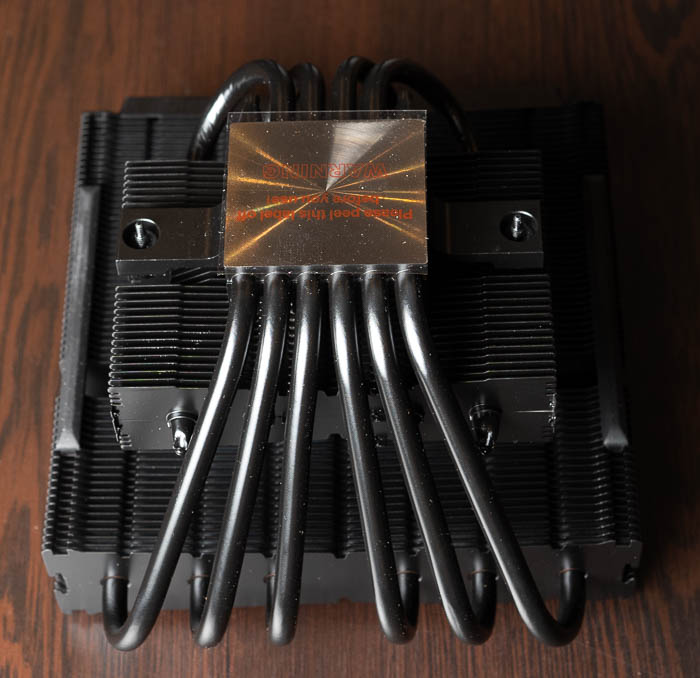
Dark Rock TF 2 has six high-performance copper heat pipes with 6mm diameter. They carry heat to the optimum locations on the cooling fins. The special black coating with ceramic particles enables a perfect transfer of heat. The base is made out of Copper and has a CNC machined finish.
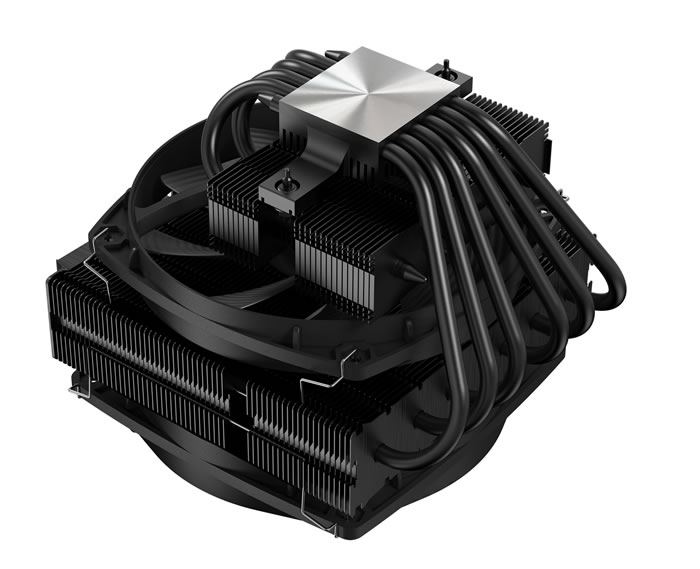
Installing the CPU cooler requires several steps. Its advised to remove motherboard from the case to perform the installation, due to its type, since the first fan has to get installed horizontally, which causes issues with nearby components. For our tests we used an AMD4 CPU (AMD Ryzen 5600X), so we had either view the online video from be quiet! or simply read the included manual some basic steps are mentioned below:
1. To permit mounting of the cooler please remove both the plastic retainers of the AMD retention module. The factory fitted backplate affixed to the rear side of the motherboard will be needed for subsequent installation of the cooler.
2. Place the 4x AMD spacer nuts onto the backplate bolts protruding through the front side and affix both short AMD mounting brackets with the AMD backplate screws.
3. First remove the protective foil from the underside of the cooler. Spread the thermal paste on the surface of the CPU. The amount supplied is sufficient for one or two applications.
4. Position the cooler mounting bridge centrally on the cooler. Next place the cooler unit onto the CPU. Loosen both heatpipe caps that are found in the middle of the topside of the cooler
5. Insert the Intel/AMD mounting bridge fastening screws from above into the cooler mounting bridge and then screw these alternately tight. You can use the cross-tip screwdriver for this. Subsequently retighten both heatpipe caps on the topside of the cooler.
6. Place the 135mm fan with the fan
clips on the rubber elements so
you can see the be quiet! logo. The
funnel-shaped Silent Wings 3 135mm
fan is mounted above. Next connect
the 135mm fans with the Y-cable to the right connectors on the
motherboard.


Good space around the cpu cooler for other components

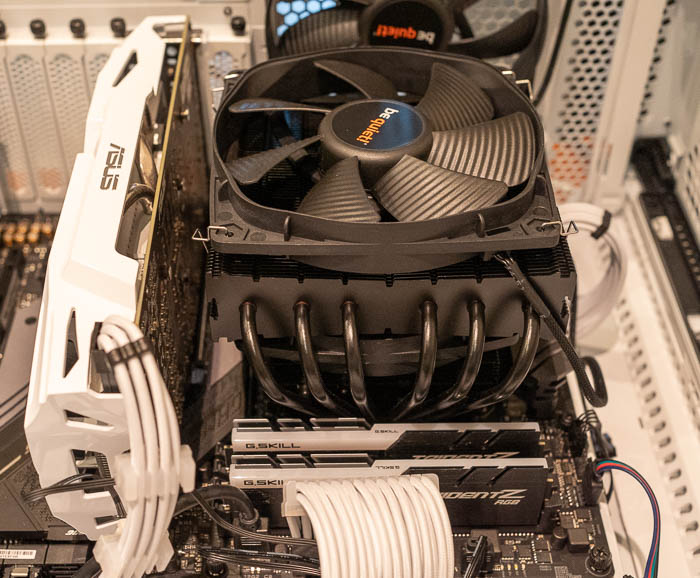
no issues with memory modules
Review Pages