XbotGo Chamaleon
3. Installation - App
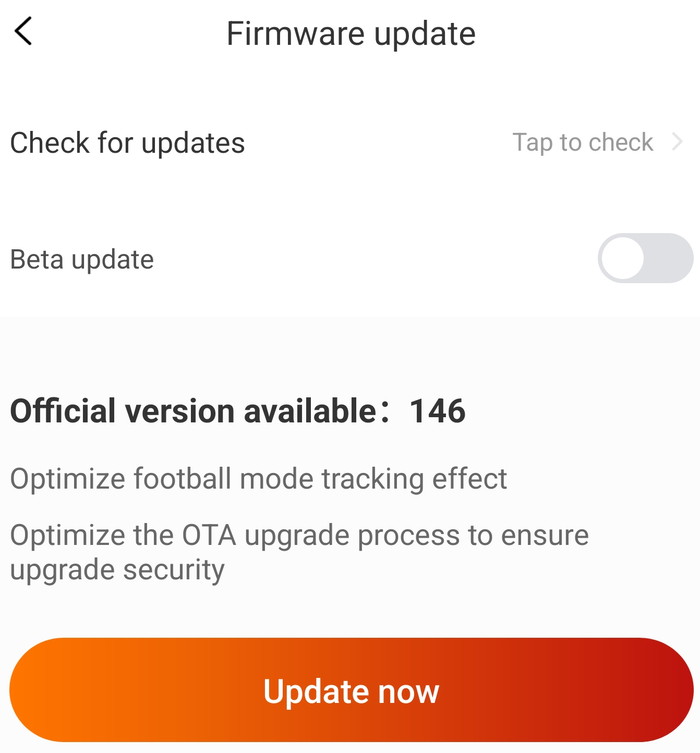
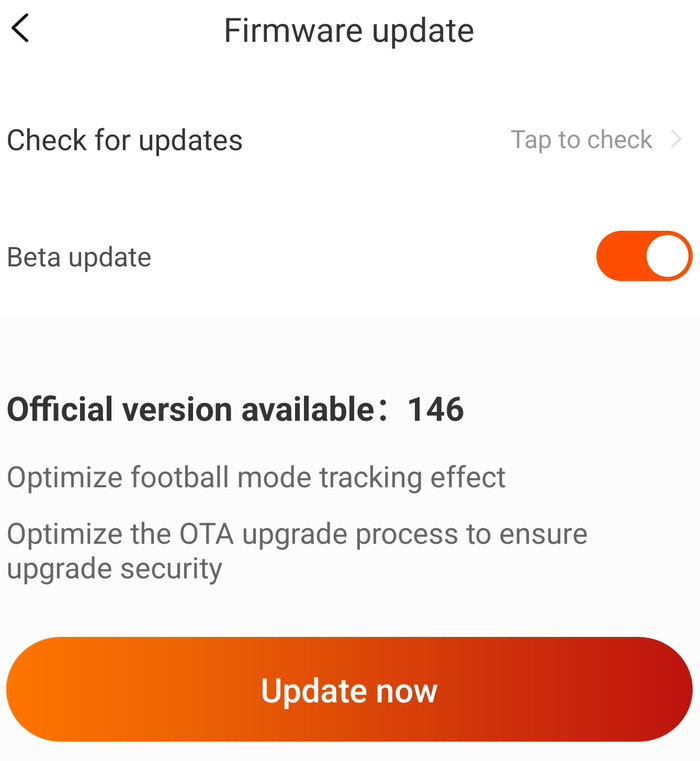
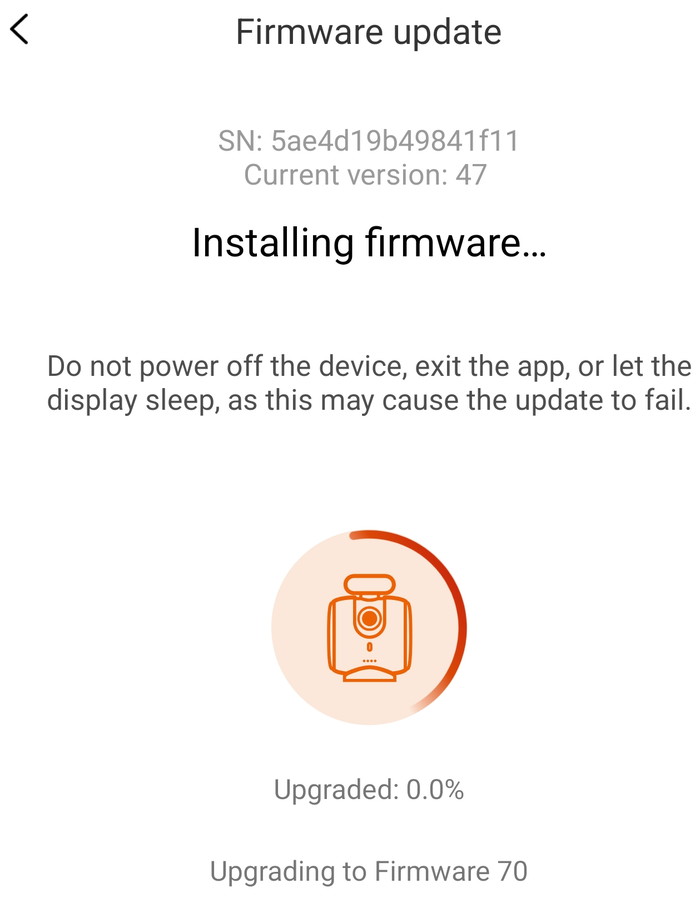
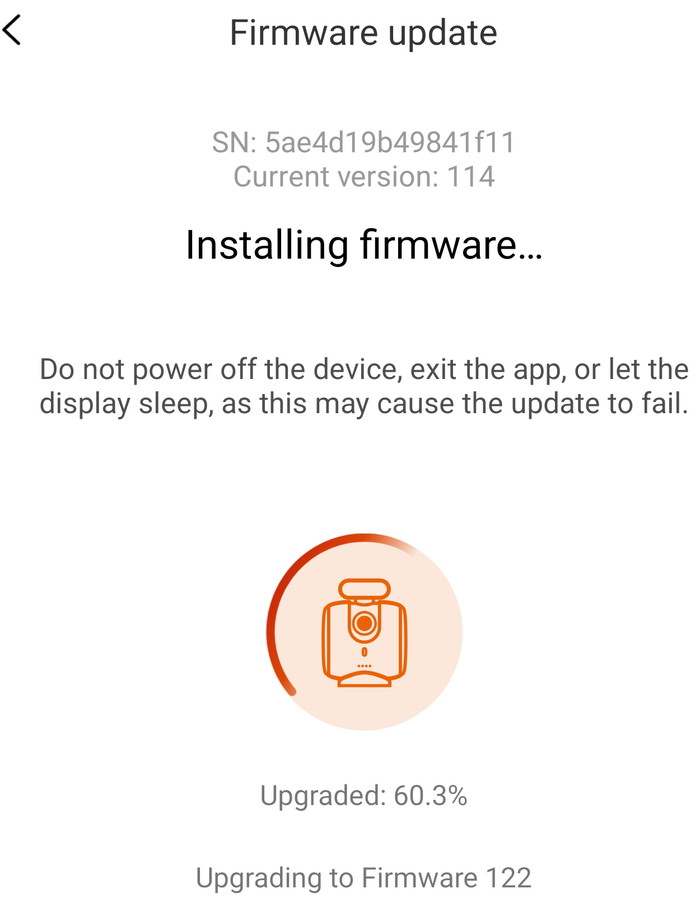
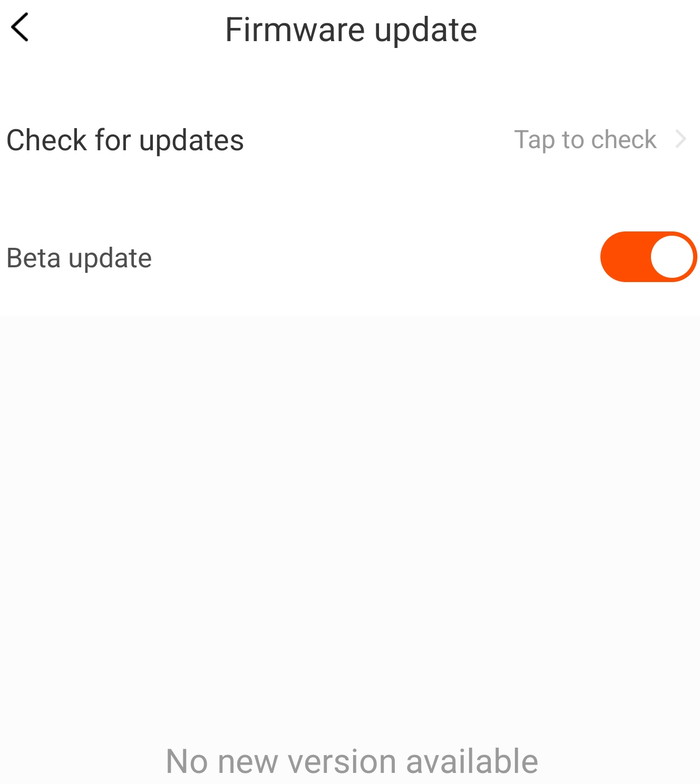
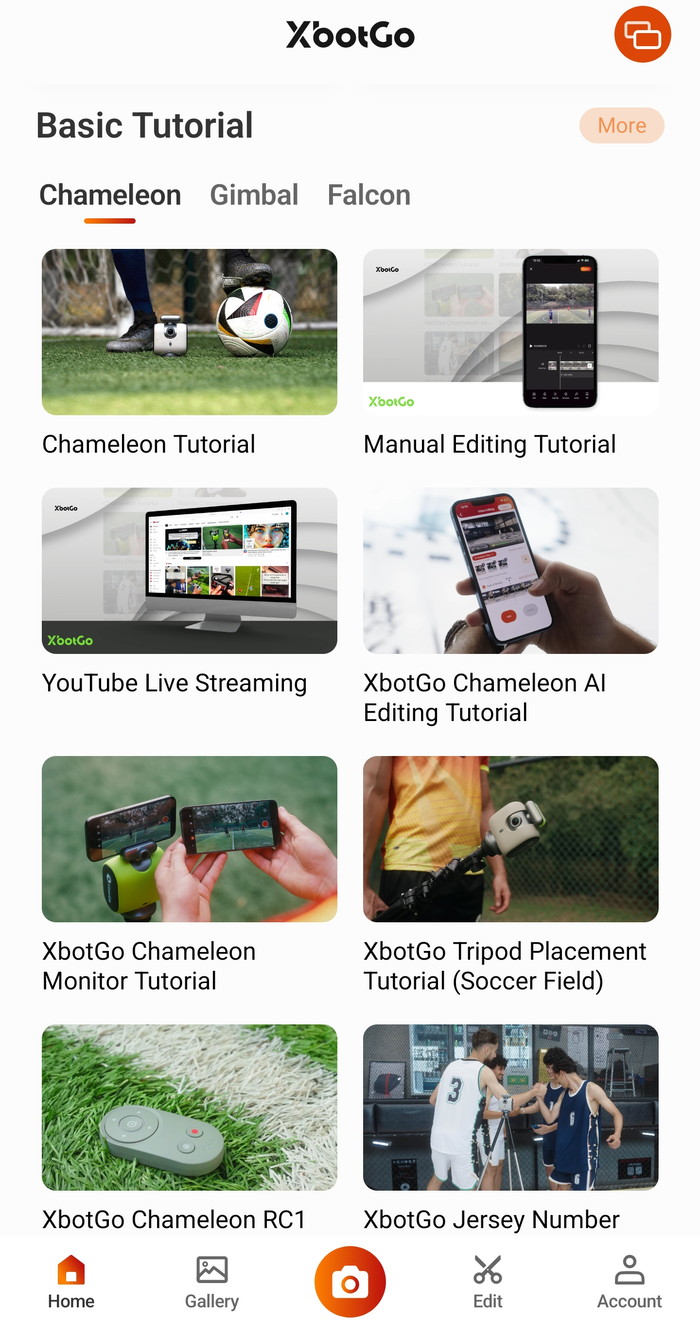
Before deployment, it is highly recommended to review the official XbotGo Quick Start guides and firmware update tutorials.
- XbotGo Chameleon Quick Start Guide #1
- XbotGo Chameleon Quick Start Guide #2
- XbotGo Chameleon Firmware Upgrade Guide
- XbotGo How To Use
The unit requires a full charge via the rear USB-C port using a 5V/2A adapter . The Chameleon features a four-stage LED battery indicator system for real-time power monitoring
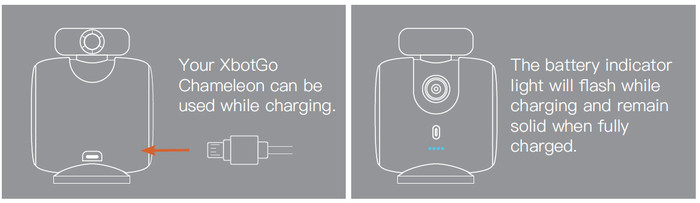
The Chameleon features a four-stage LED battery indicator system for real-time power monitoring. The LED battery indicators give a quick, practical read on remaining runtime—useful when you are deciding whether you can safely cover warm-ups plus a full 90 minutes:
- First light blinking => 0% - 25%
- Second light blinking => 25% - 50%
- Third light blinking => 50% - 75%
- Fourth light blinking =>75% - 99%
- All four lights steady on =>100%
The device supports "pass-through" charging, allowing it to be used while connected to an external power source—ideal for situations where the internal battery is only partially charged upon arrival at the venue. To ensure hardware longevity and optimal performance, users must adhere to the following technical guidelines:
- Environmental Protection: The Chameleon is not waterproof; it must be kept dry at all times.
- Thermal Range: Operational temperatures should remain between 32°F and 104°F (0°C – 40°C).
- Maintenance: The unit should not be dismantled. If a malfunction occurs due to accidental disassembly, contact authorized customer service.
- Thermal Management: Extended operation may cause the surface temperature to rise; handle with caution during and after use.
- Storage: Avoid high-temperature environments, such as unventilated vehicles or proximity to heat sources.
Device Initialization and Bluetooth Pairing
A long press on the power button toggles the device's power state, confirmed by the illumination of the power and side indicators. Upon startup or shutdown, the lens assembly automatically recalibrates to its center position. For pairing with new devices, a double-press of the power button resets the Bluetooth module. Connection status is indicated by the Bluetooth LED: a slow "breathing" flash indicates no connection, while a steady light confirms a successful link.
Software Ecosystem and Mobile Integration
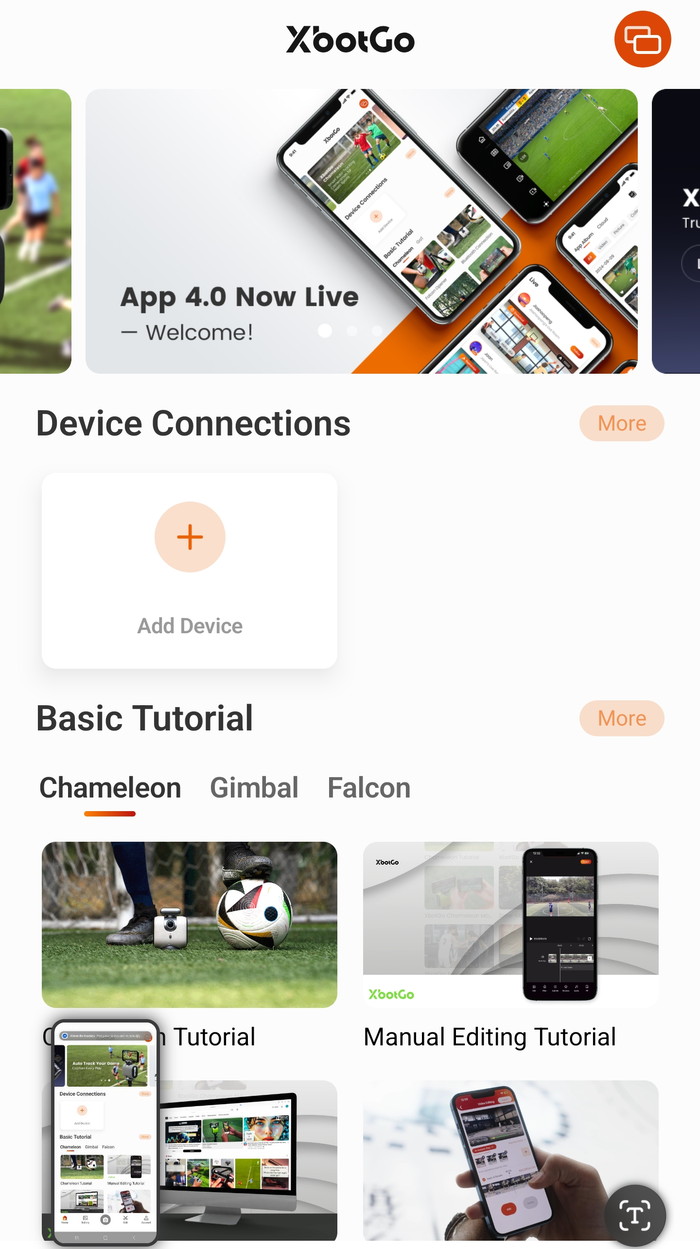
The XbotGo app is compatible with iOS 15+ and Android 10+. The setup sequence involves:
- Enabling Bluetooth on the host smartphone.
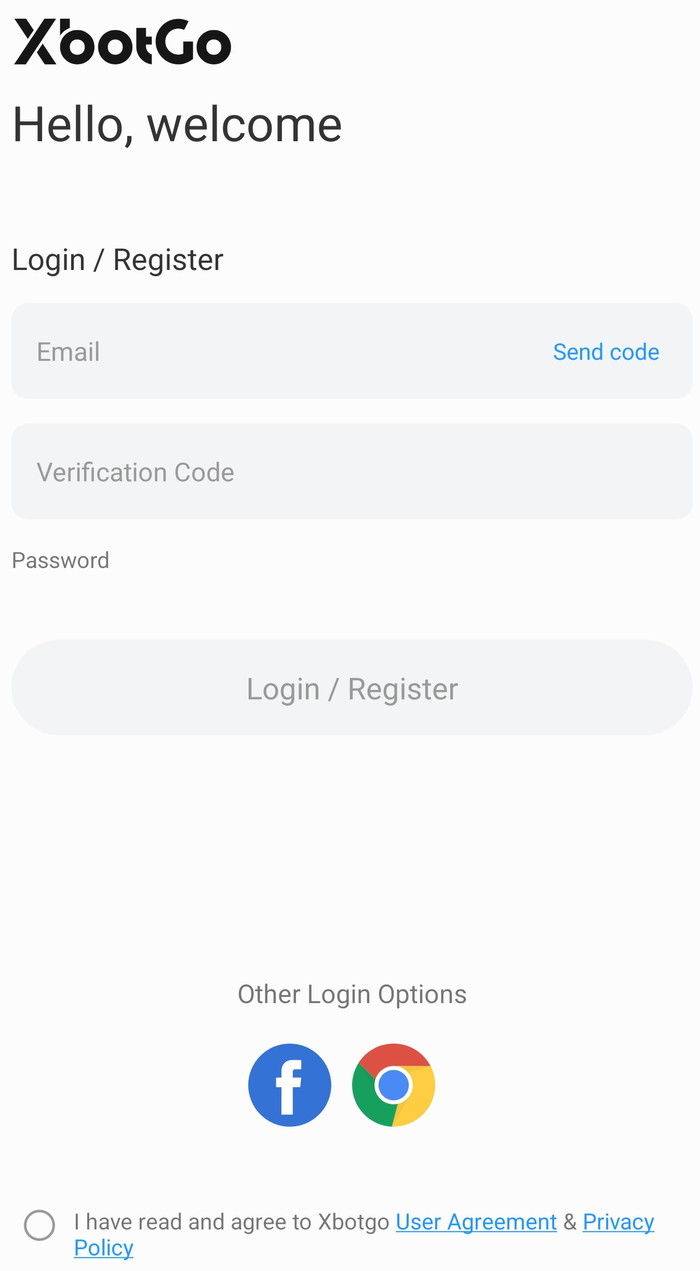
- Creating or logging into an XbotGo account.
- Granting necessary OS permissions (iOS users should follow all prompts to ensure feature parity).
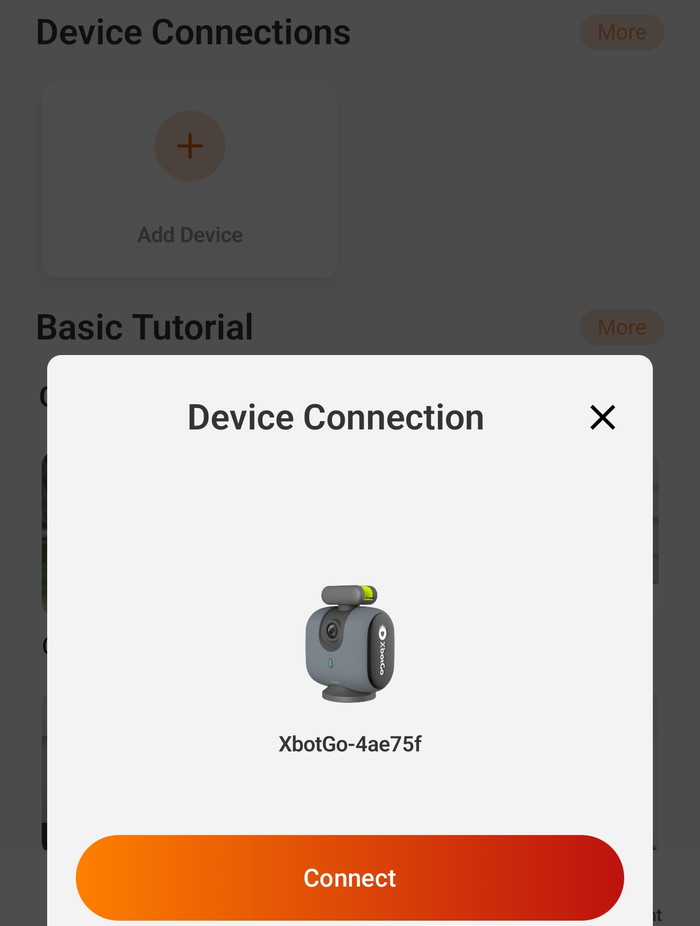
- Selecting the detected "XBotGo-xxxxxx" device within the app interface.
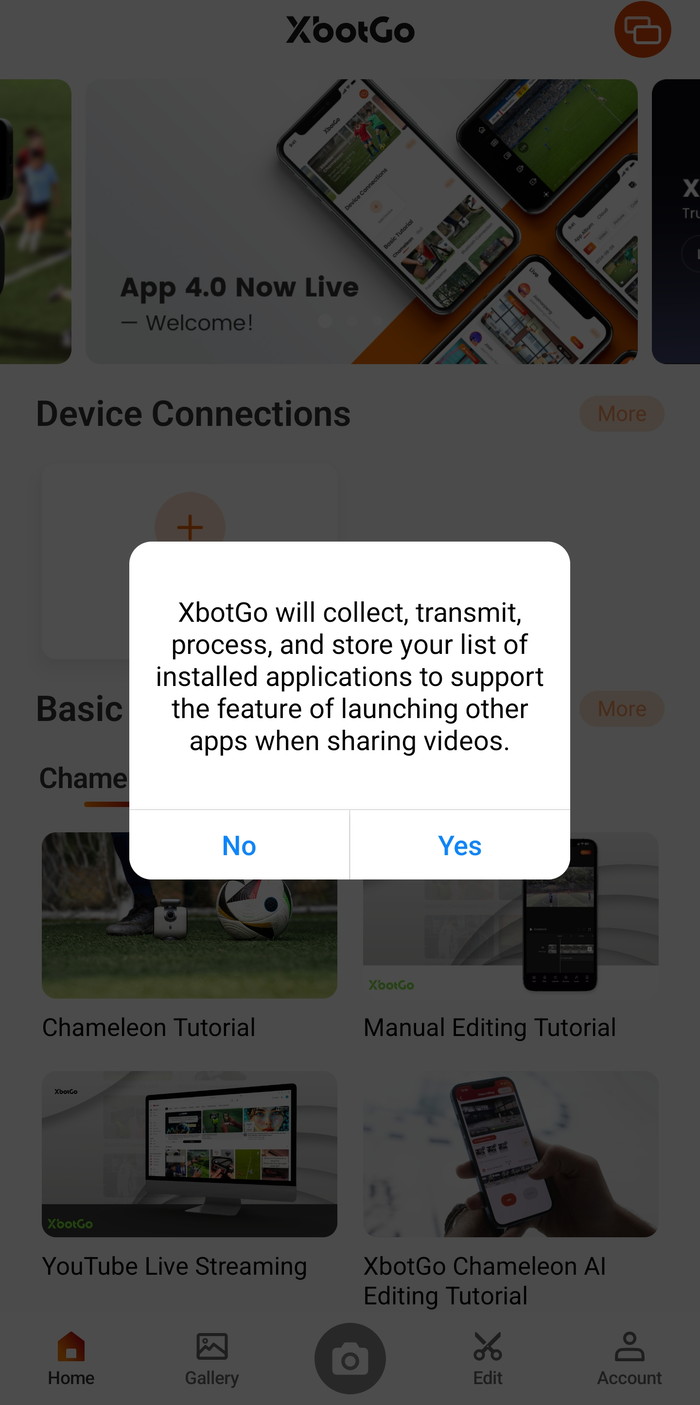
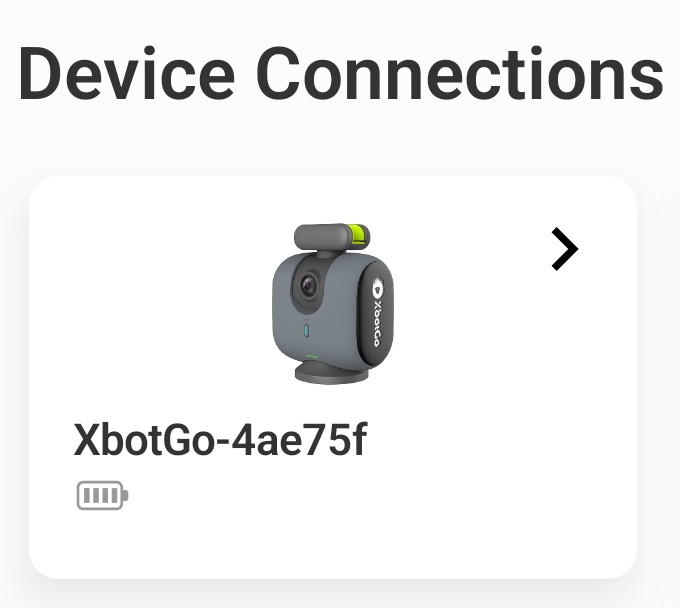
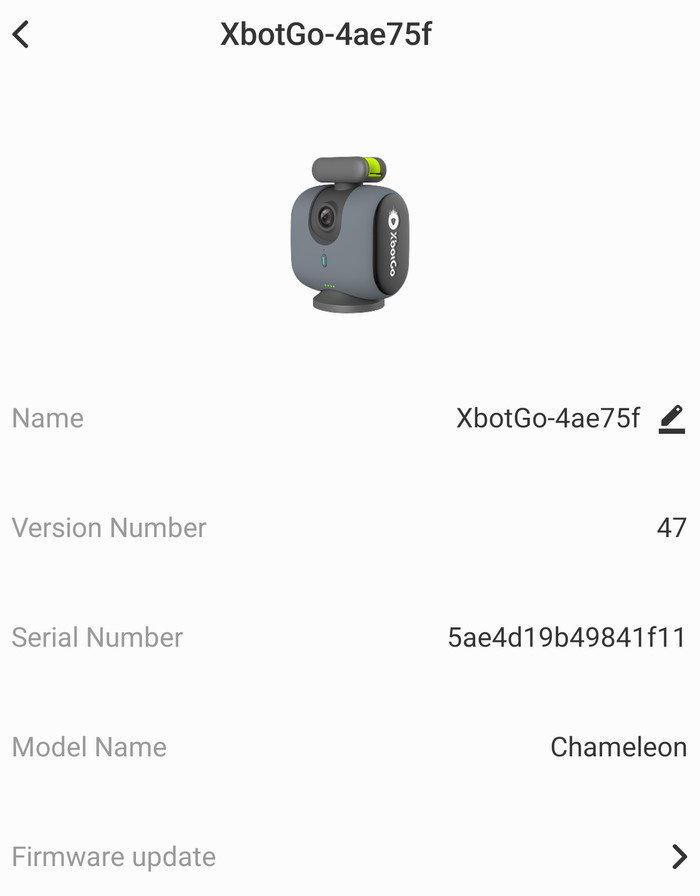
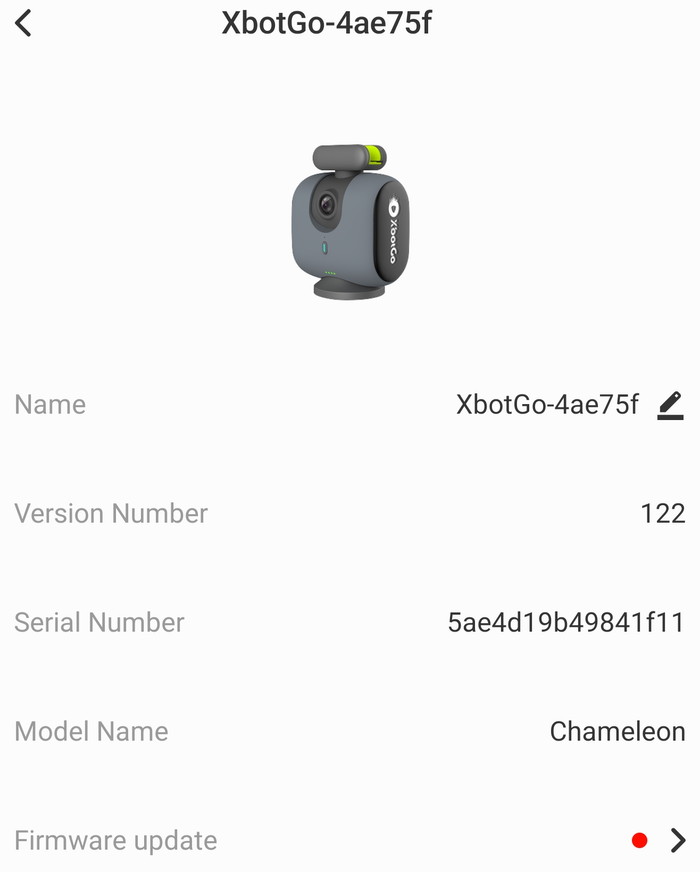
- Once paired, the app will automatically reconnect in future sessions. The main interface displays icons and identifiers for all connected hardware, including the Chameleon unit and the remote control.
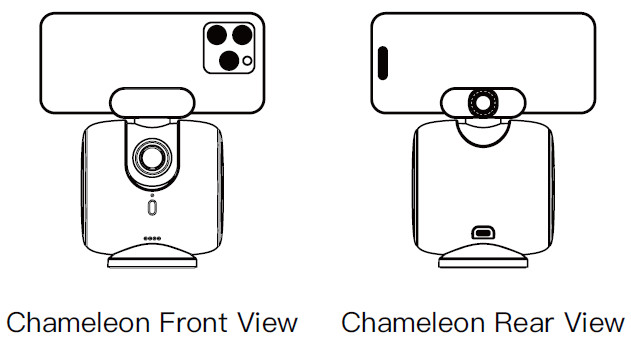
The mobile phone needs to secured so remove thick phone cases for a secure clamp fit and better heat dissipation. Mount the phone so the rear camera aligns with the tracking lens side.
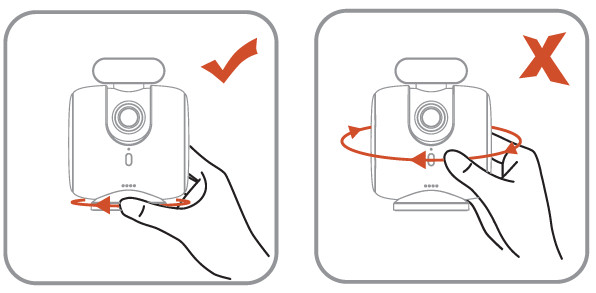
Mount to a tripod by tightening via the base—do NOT twist the device body.
Mechanical Mounting and Recording Optimization
For a secure fit and improved heat dissipation, it is recommended to remove thick smartphone cases before inserting the phone into the adjustable clamp. Ensure the phone’s rear camera is aligned with the tracking lens side of the gimbal. When mounting to a tripod, tighten the connection via the base only; do not apply torque to the device body. Both the phone clamp and the base feature standard 1/4" threaded mounts for stability and accessory integration.
Advanced Features and Performance
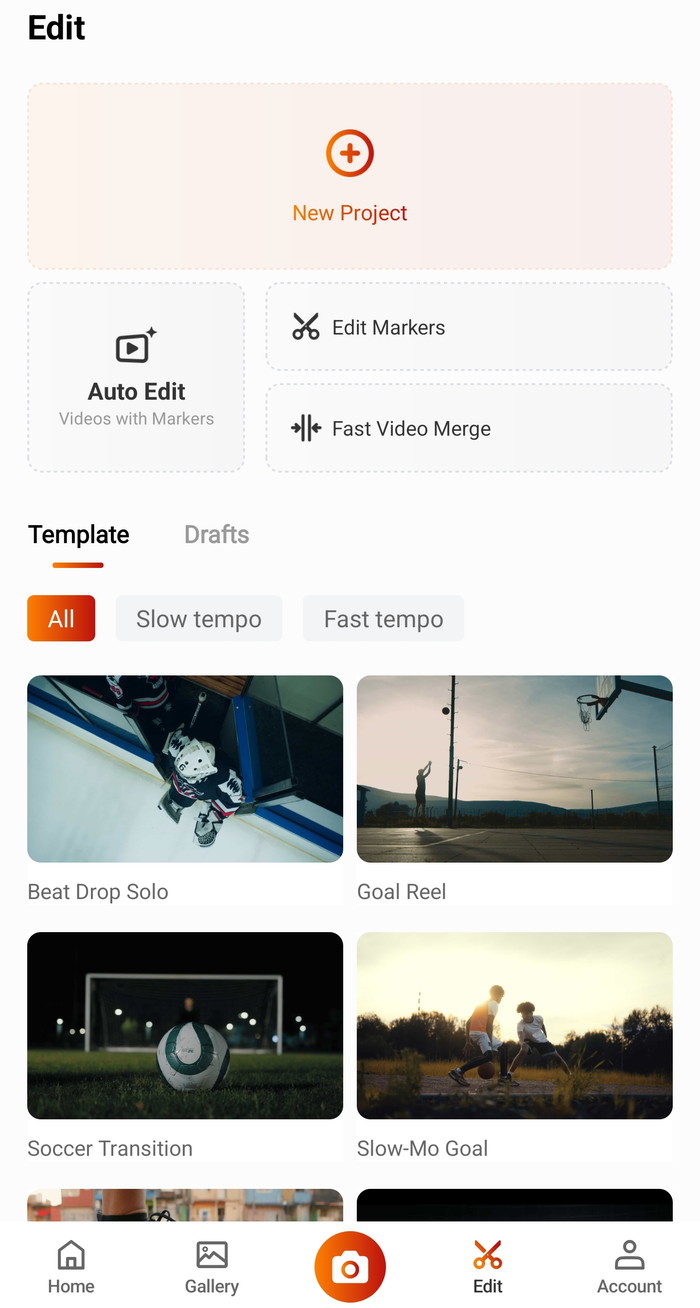
Before recording, enabling "Do Not Disturb" mode is recommended to prevent incoming calls from interrupting the AI tracking session. The software suite supports automatic tracking, manual control, and live streaming via RTMP. Specialized modes, such as the basketball half-court mode, utilize "FollowMe" technology to track specific players via jersey number recognition. Users also receive 20GB of free cloud storage for footage management. While the app is feature-rich—offering ScoreSync overlays and basic editing—users should expect a minor learning curve and should prioritize firmware updates to ensure peak performance.