SoundPeats Cove Pro
2. Retail Package
The retail package is well design with white background and all the needed logos at the front:

After unpacking you will find inside:
- 1x Headphones
- 1x Type-C charging cable
- 1x User manual
- 1x APP card (QR code for downloading PeatsAudio app)
- 1x Cartoon stickers (for personalization)

There is no carrying case included, which may annoy some users.
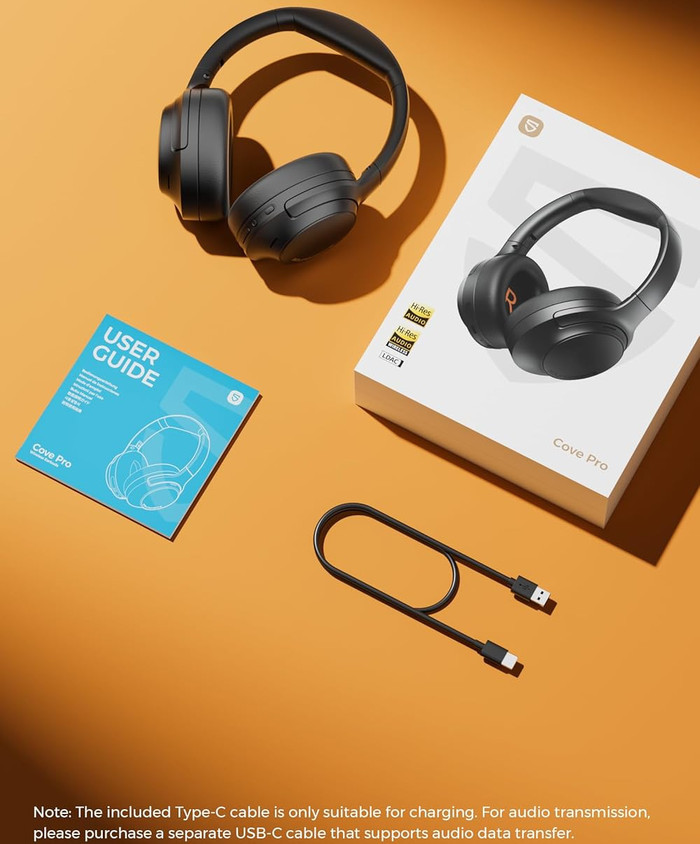
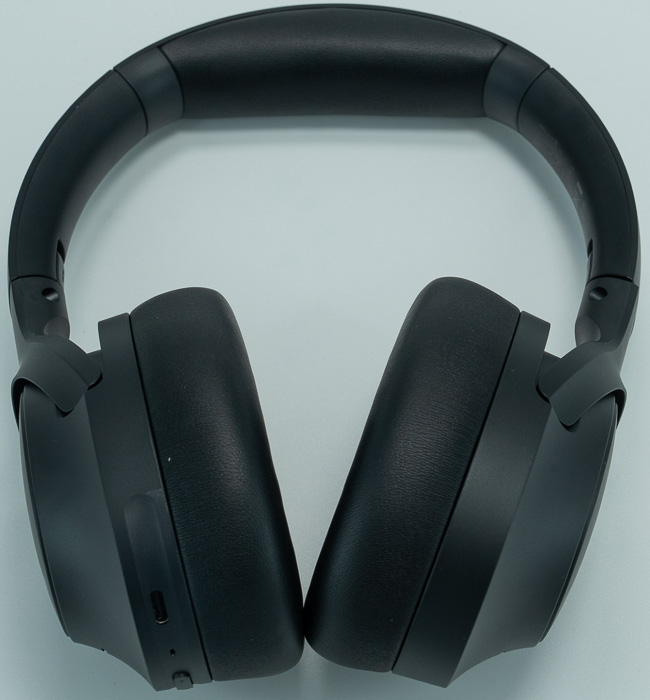
Looking at the device, we will find a typical headphones over the ears design. The headband has a matte finish, and it’s made out of plastic with internal metal reinforcement. The matte plastic construction feels durable for daily use but there are no metal reinforcements visible in high-stress areas. The ear cups have a plastic housing with matte finish (resists fingerprints effectively). The padding has memory foam material with protein leather covering on ear cups and headband. There are no loose or fragile moving parts, the product feels solid with no creaking during normal wear and the included telescopic adjustment mechanism operates smoothly with secure click positions.
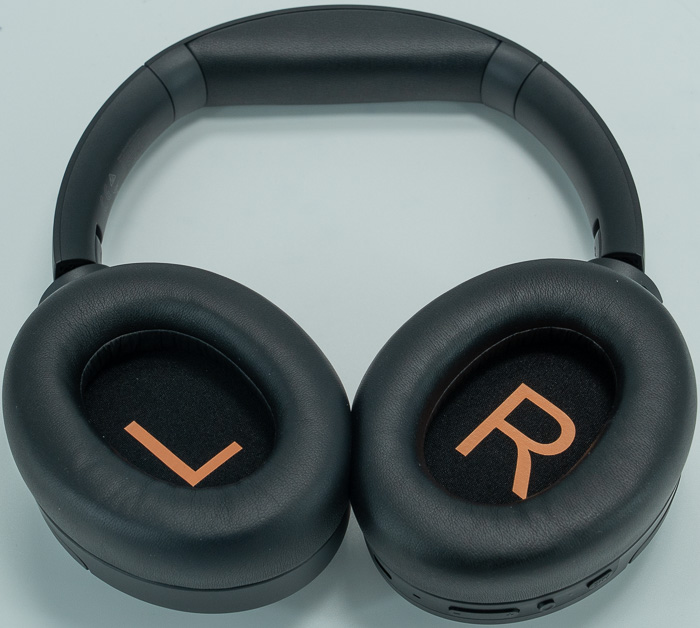
There are L and R indicators at the bottom of each earcup
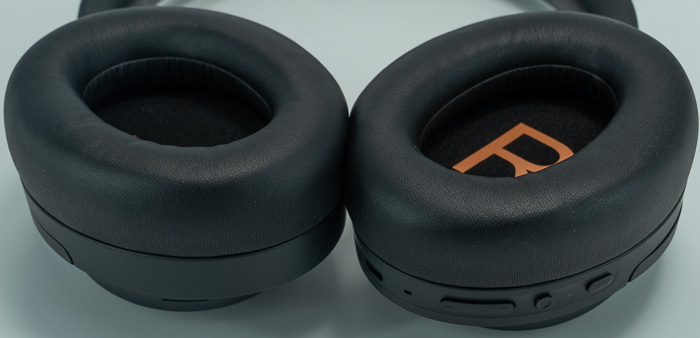
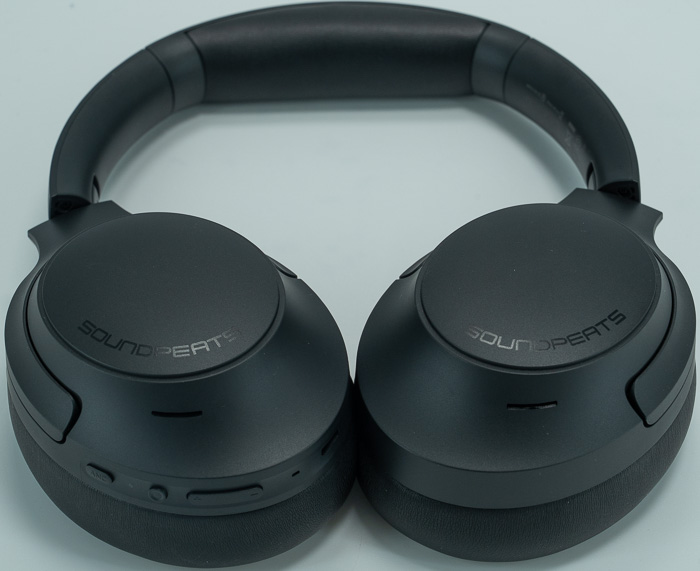
There are several buttons/functionality at the right earcup only.

Users can perform their needed adjustments with physical click stop.
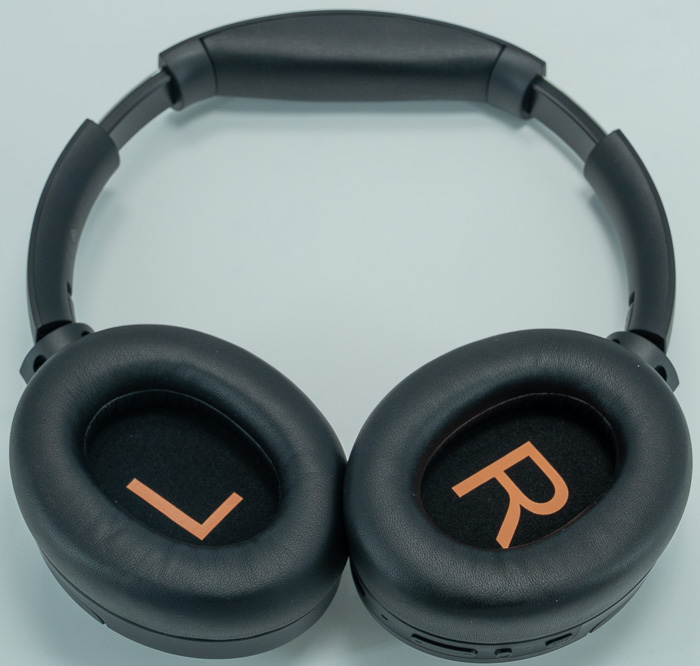
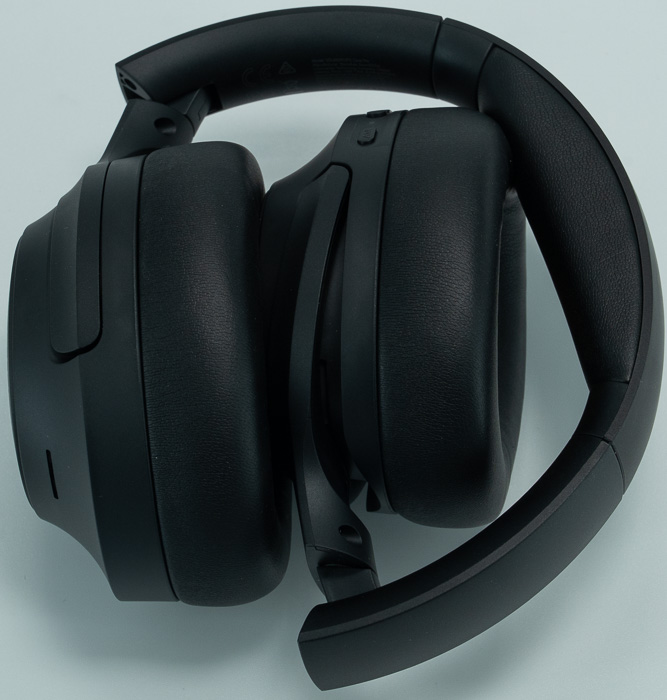
The telescopic arms are plastic and metal click stops for size adjustment, while both hinges have plastic fold points for compact storage (90-degree rotation in one direction only), either in half or total.

The physical buttons that control the device include, a multi-function button (power, play/pause, call handling), the Volume +/- rocker (also: previous/next track with 1.5s hold), a dedicated ANC button (cycles through modes). Users will find at the bottom the Type-C for charging and there are also 7 microphones total for ANC + additional mics for calls.
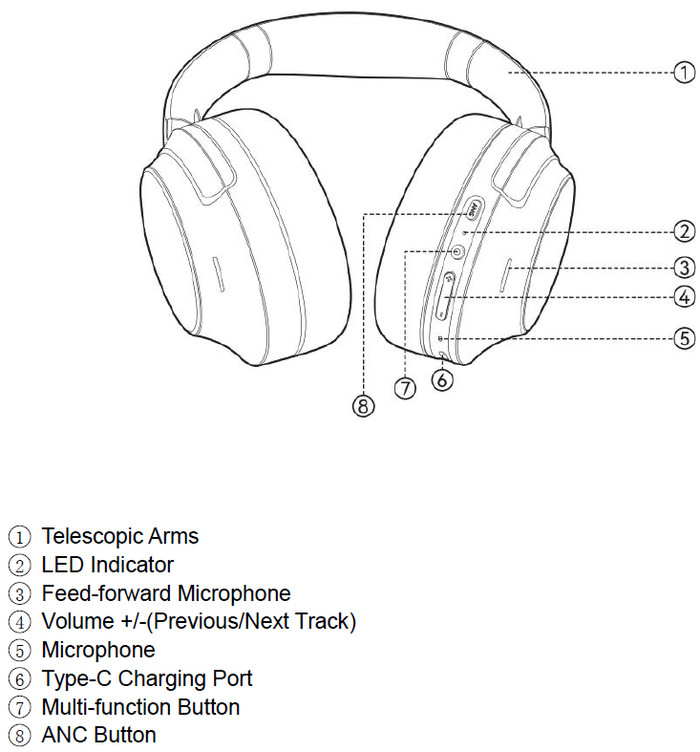
Users can power on the device by press and hold Multi-function button for 2 seconds (white light solid for 1 second) and Press and hold Multi-function button for 3 seconds (red light flashes for 2 seconds) to Power Off. When you start using the device for the first time the device enters pairing mode (red and white alternating) and if you Press and hold Multi-function button for 4 seconds while powered off, you enter again in the Pairing mode. The ANC Toggle cycles Transparency → ANC Off → ANC On. For the Volume/Track control, single tap Volume +/- for volume adjustment, Hold Volume + for 1.5s: Next track, Hold Volume - for 1.5s: Previous track. To Play/Pause, single tap Multi-function button and you can enter the Gaming Mode Toggle by Triple-tap Multi-function button to enable/disable 60ms low-latency mode. When are in call mode, a single tap at the Multi-Function button answer/end calls and by holding 1.5 second the Multi-Function button, you access additional functions via app configuration.
We really like the inclusion of physical buttons, which eliminate accidental touch activation issues and provide tactile feedback confirmation without visual reference. With the physical buttons also you can operate the product with gloves and use across temperature ranges. Lastly the layout is good and minimizes learning curve. On the other hand, the buttons do feel slightly "cheap" with hollow click sensation and you may want to take care of the product with Button caps may be prone to wear or breakage over extended use.
After the device is powered up, connect via device Bluetooth settings, download PeatsAudio app (iOS App Store or Google Play), App automatically detects headphones and Firmware update prompt appears (mandatory for optimal performance). The firmware update may take around 5-8 minutes, do not interrupt update process or power off headphones or you could brick them. Updates could fix bugs fixes, ANC improvements and codec optimizations. After update, LDAC will be disabled; requires manual re-enable.
The Cove Pro's use of Bluetooth 6.0 provides future-proofing benefits:
- Improved power efficiency contributing to extended battery life
- Enhanced connection stability in congested RF environments
- Backward compatibility with all Bluetooth versions
The Cove Pro's battery, according to the official specs is 95 hours (ANC off) and around 58 hours (ANC on). Testing battery performance is rather hard, since depending sound volumes and EQ modes, can change battery levels drastically. For heavy daily use (8 hours), you could charge one per week, which should be enough for you. Charging the device requires ~60 minutes via USB-C, while 10 minutes charge equal 11 hours playback and charging speed should be around 1.6%/minute (0-100%). The product supports automatic power-off after inactivity period to conserve battery with very low standby drain.