Dragon Touch Digital Calendar
2. Retail Package
The Dragon Touch Digital Calendar can be found online either at Amazon USA or at the official website, for a variety of screen sizes and retail prices. The product, for now, aims for the USA market, while users may be able to get it via the Internet in other regions as well. The Amazon USA store offers only the 10.1" version ($129.68), while the official website mentions other sizes as well, 15.6", 21.5", 24", 27", and 32", in both white and black colors. Specs mention two different resolutions, 1280*800 or 1920*1080, depending on the screen size, while onboard storage is 32GB and connectivity has dual 2.4G and 5G bands. Other special features include a wall-mount or countertop display, landscape or portrait supported, while the 10-inch model cannot be hung on the wall. DragonTouch digital products are covered by a 1-Year Warranty. Products ordered on www.dragontouch.com will be automatically extended to a 2-year warranty.
For our tests, we got the 15.6" model that arrived well packaged for transportation hazards. The retail model includes the product logo at the front

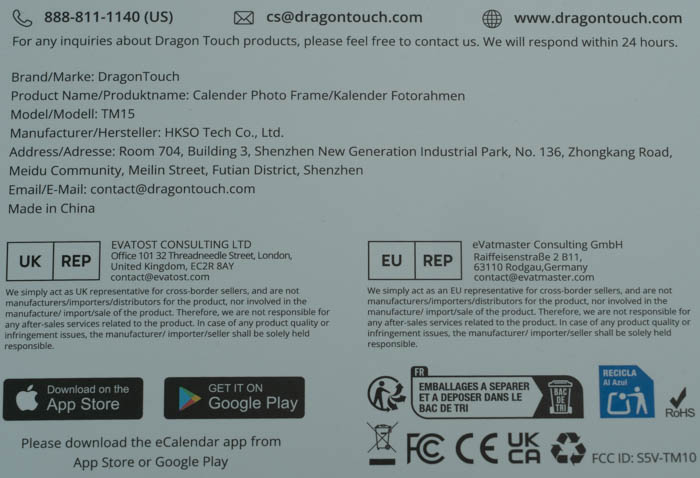
while at the back there are several product features listed.

At the bottom right there is a QR code for the online manual and the color of the product (white or black)

The product has two apps, one for iOS for Google-enabled devices.
Opening the retail package unveils its contents; there are two compartments: the main product and an accessory box.
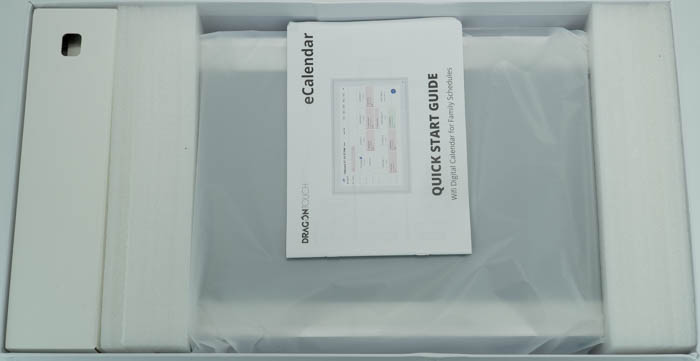
Inside you will find a wall mounting kit, screwdriver, and mounting mechanism for tabletop use, and the included power connector, which is only USA compatible, so in other regions you will need an adapter.

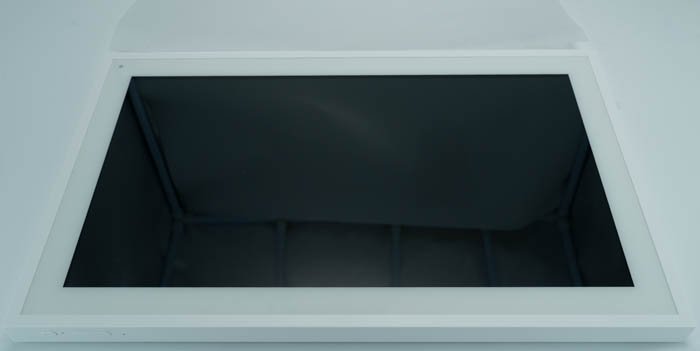
The product comes with a protective sheet and looks like a photo frame, which is a good thing. The IPS included screen has a glossy touch, and it's highly reflective.
At the back, you will find mounting holes and DC in plugs in both horizontal and vertical sides, so you can mount or place the product, either horizontally or vertically. There are also openings on all sides so you can pass through the power cable.
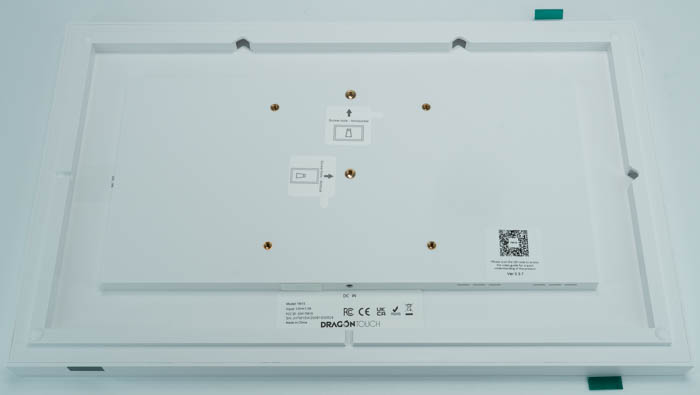
The product info label includes serial number, product model, and input rating (12V, 1.5A).

Several mounting holes are present.

and speaker grills as well.


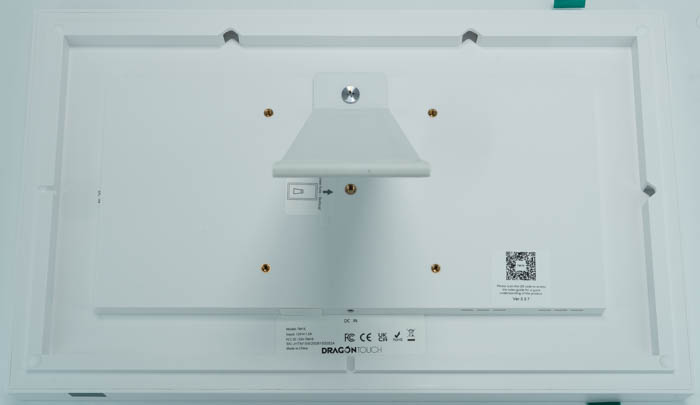
Mounting the tabletop stand is very easy with the included screw/screwdriver.
There are only two buttons at the top, the power on/off and the sound up/down as well.

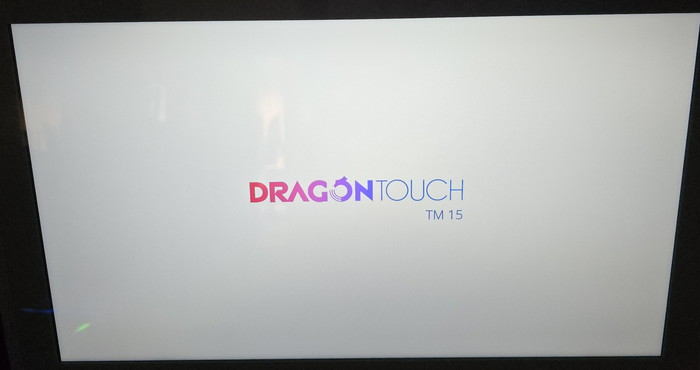
We tested the product with an Android device. After plugging in the included power adapter (120V/240V) and pressing the power on button, the Dragon Touch TM 15 logo appeared.
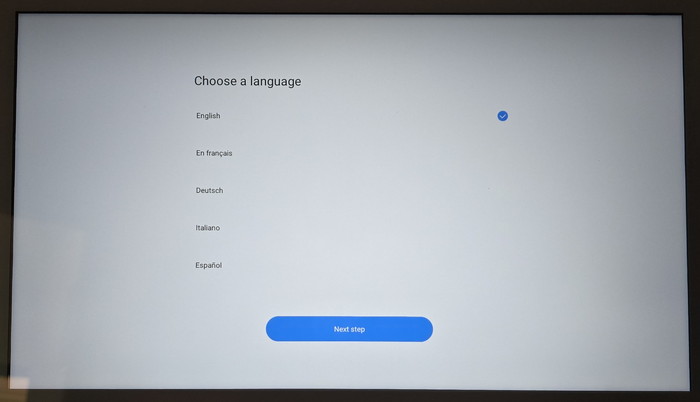
Shortly after, the language menu appeared, and we expected more languages to be supported (around 11 for now).
At the next screen, you will see a list of all detected Wi-Fi networks to connect the device to the Internet.

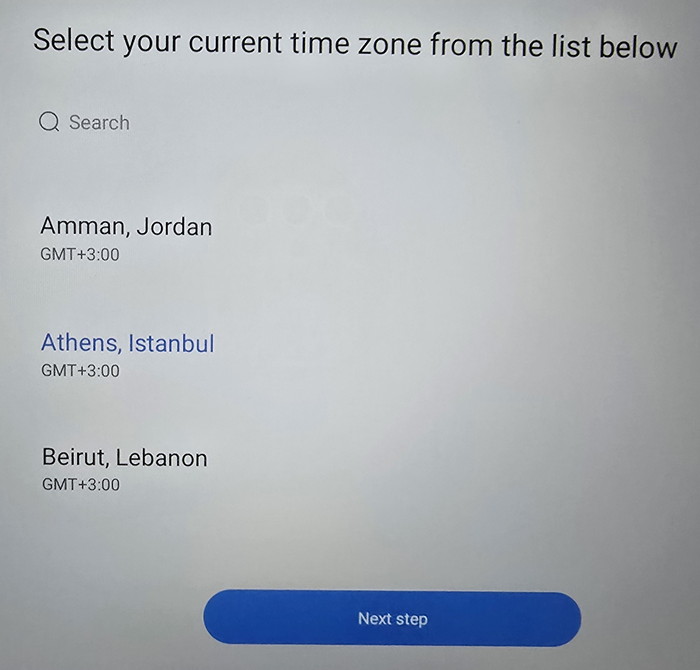
After connecting to the Internet, you have to select your current time zone.
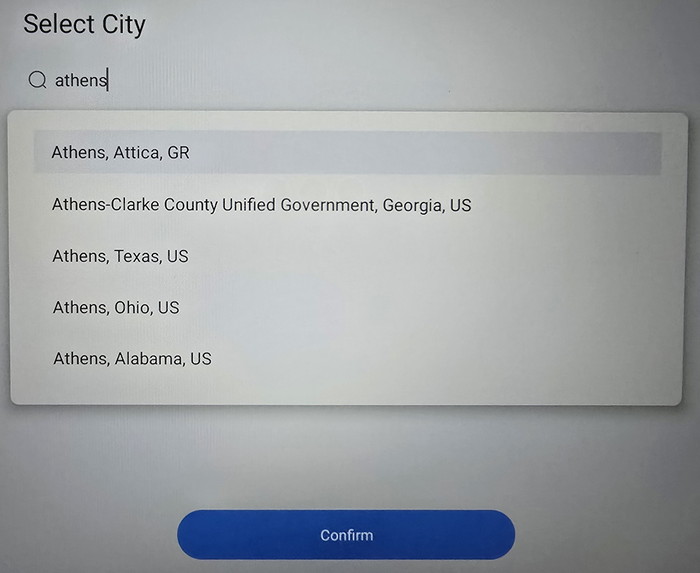
And the city you currently live for weather information.
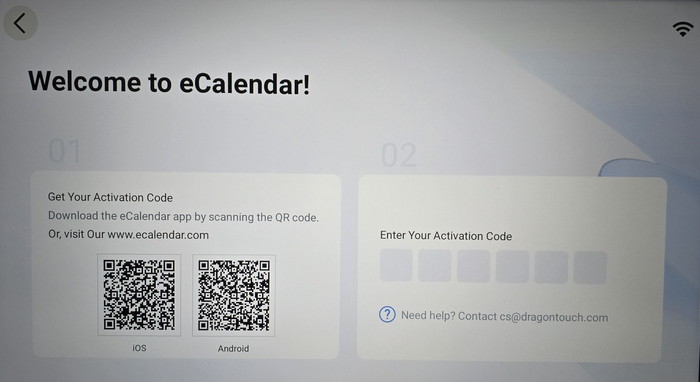
At this point you have to download the iOS or Android app, make an account and activate the product.