be quiet! Light Base 600 LX
4. Building up the system - Tests
Review Pages
2. Retail Package - Light Base 600 LX
3. Retail Package - Light Wings LX
4. Building up the system - Tests
5. Conclusion
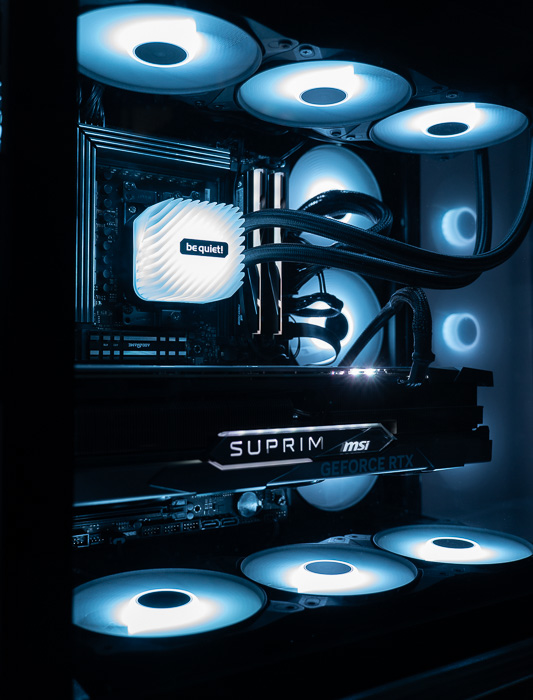
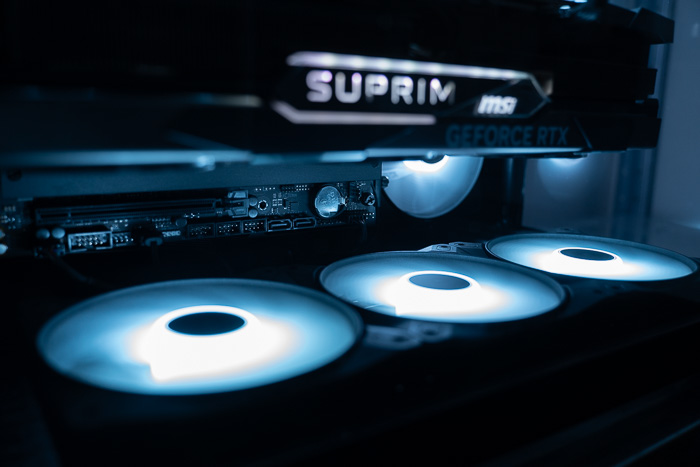
Users should take a look at the printed manual to get some idea of what should expect from the Light Base 600 LX series PC case. The side panels are easily removed and for our build, we also installed three additional Light Wings LX120mm PWM versions at the bottom area, with orientation to supply more fresh air for the case. All Light Wings LX fans and ARGB cables were passed through a bottom hole and connected to the bottom PWM/ARGB controller that is already pre-installed in the case. Then you can install a PSU that can be fitted without any problem and make sure that you use the included bracket to secure the PSU at its place. Installing the motherboard is very easy as well and secure this as well. Passing the power cables to the motherboard is very easy since either at the top or the side area, there are openings to pass all needed cables. The GPU can be installed also very easily, but first, install the GPU holding bracket that will keep it in place and secure your heavy GPU. We found this included feature very neat for our MSI 4090 GPU. Finally installing either a CPU cooler or an AIO cooler is easy as well, since the top panel can be removed easily so you can secure the fans at the top. The front glass also can be removed with two included screws. Attaching both side panels is easy, even you must be careful with the glass side panel.
Below you can see several photos of our installed system:
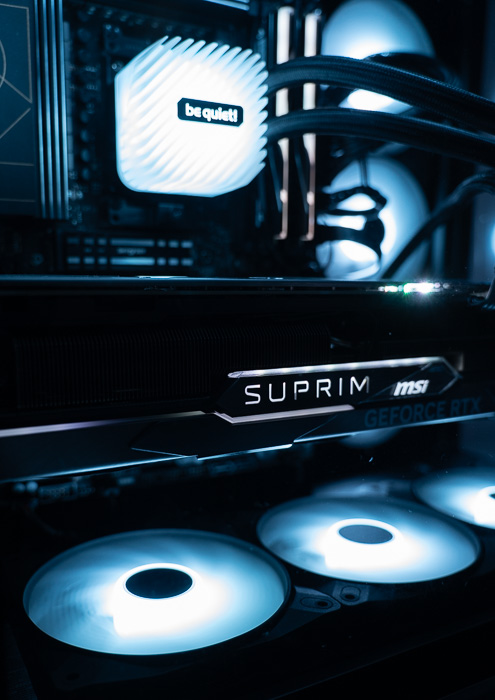
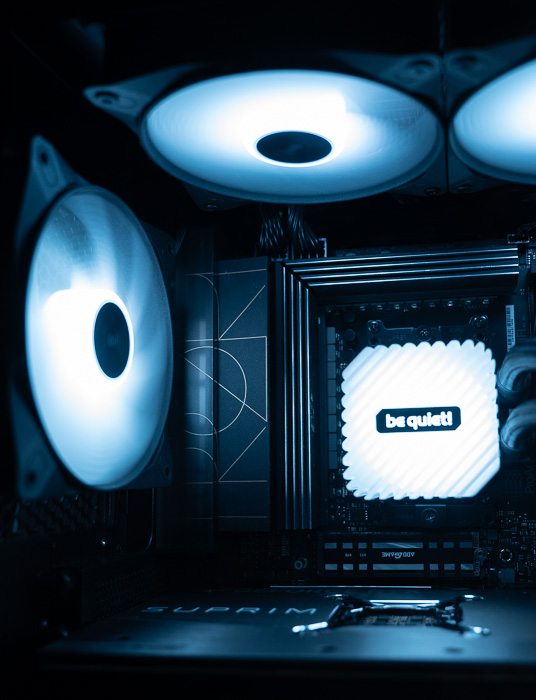

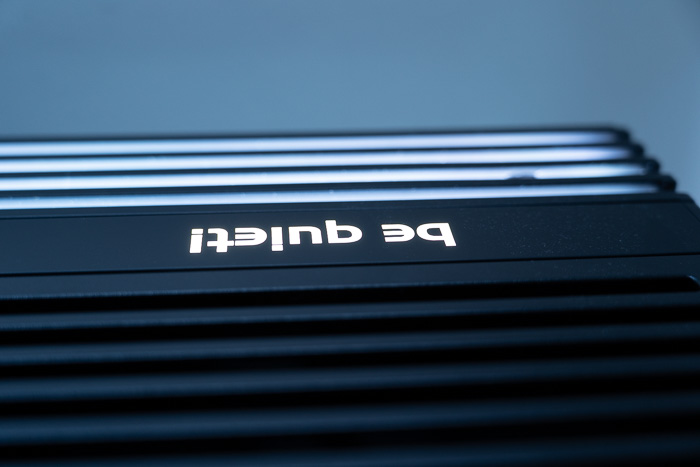
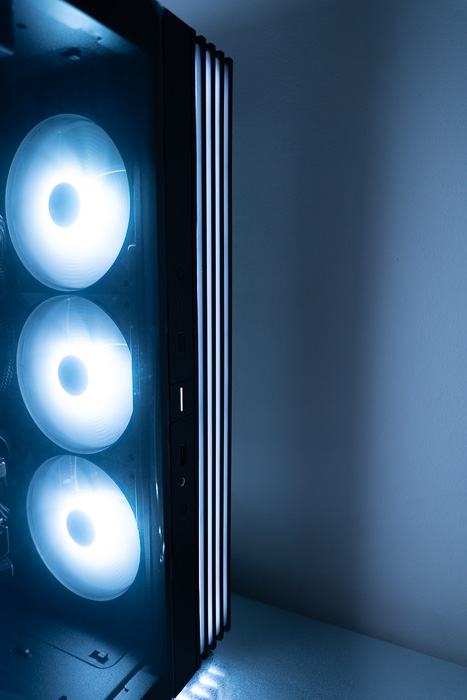
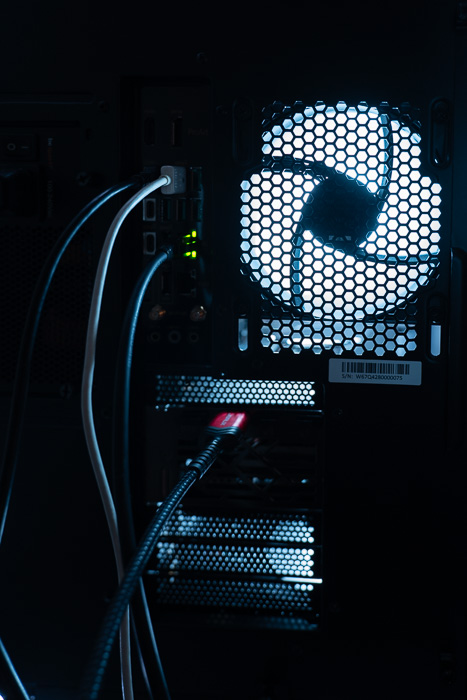
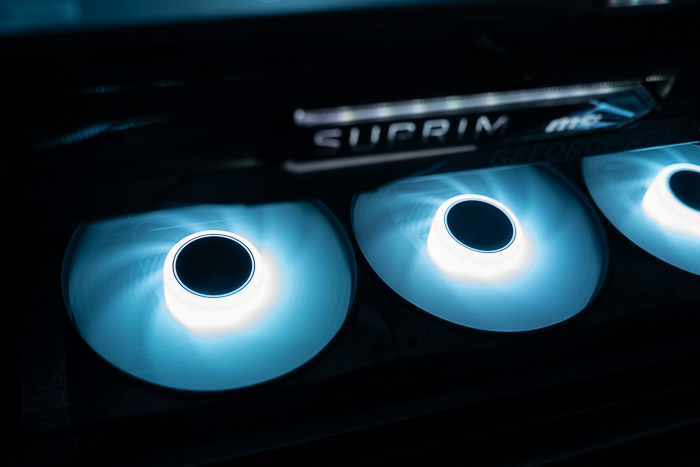
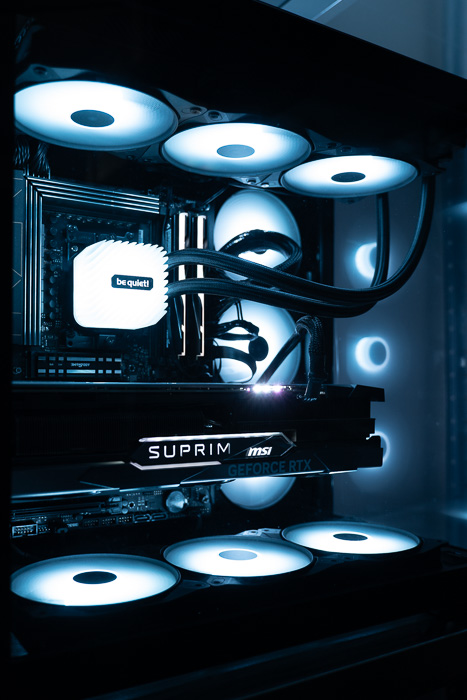

We performed several thermal tests to see how the build would perform with the following test system.
- CPU: AMD Ryzen 9 7950X (Retail)
- Thermal Paste: Noctua NT-H1 thermal compound
- Motherboard: Asus ProArt X670E-CREATOR WIFI with 2403 BIOS
- Memory: 2x32GB G.Skill DDR5-6000 CL30 (EXPO Profile)
- PSU: be quiet! Straight Power 1000Watt
- Main Storage: Samsung 980Pro 1TB
- VGA: MSI GeForce RTX 4090 SUPRIM X 24G
- Operating system: Windows 11 x64 + latest motherboard/AMD chipset drivers installed (DirectStorage enabled drive)
- Software: OCCT Enterprise Edition (2 sec interval monitor)
- Ambient room temperature ~ 24 Celsius (with AC climate control) - Environment Temperature measurements: Precision Gold N09AQ Envirometer Meter
We performed our tests with cTDP ~ 222Watt (via PBO at auto), while we set the following voltages for all tests.
- CPU Core Voltage: Auto
- CPU SOC Voltage: 1.25V
- CPU VDDIO / MC Voltage: Auto
- Misc Voltage: 1.10V
We did set our own fan curve at the Asus Armoury Crate software to reduce noise levels
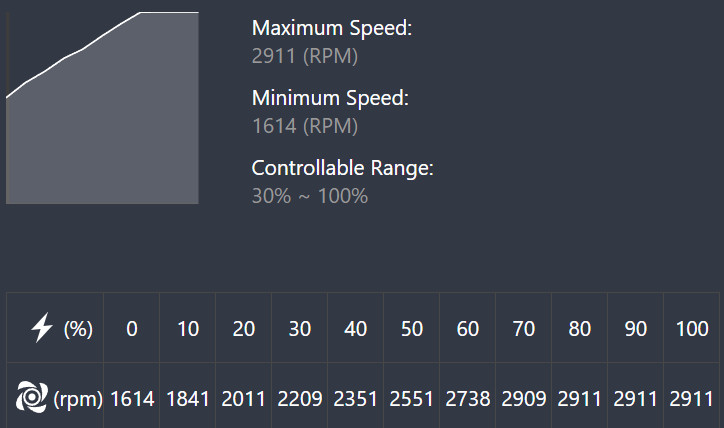
CPU/AIO Fan Curve
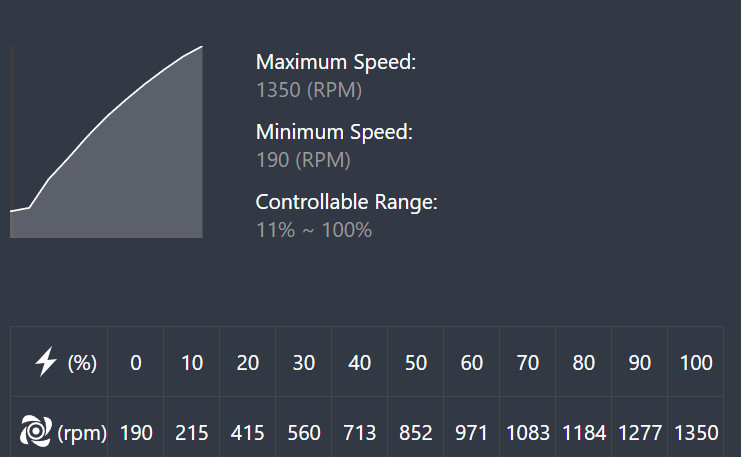
PC Case Light Loop LX 120mm PWM fan curve
Below are the test results after running the OCCT combine tests (CPU + 3D Standard) for 15 minutes. We didn't notice any thermal bottleneck during our testing:
| Mode | CPU (TCTL/TDIE Average) | GPU Temperature | Memory Temperature | Total Power (Watt) |
| CPU + GPU | 94.42 | 73.61 | 59.20 | 665.67 |
| CPU | 90.00 | 35.98 | 54.42 | 240.94 |
| GPU | 64.76 | 74.13 | 55.21 | 531.81 |
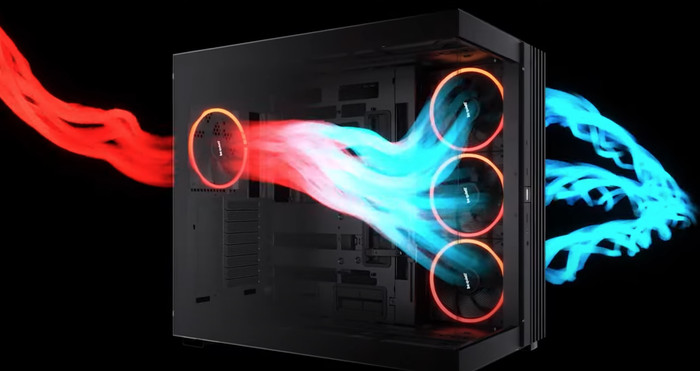
Below is an indication of the basic 4 fan setup and what kind of airflow you can expect from the case.
Review Pages
2. Retail Package - Light Base 600 LX
3. Retail Package - Light Wings LX
4. Building up the system - Tests
5. Conclusion