Breaking News

TerraMaster F4-425 Pro features the world’s first AI-native TOS 7 NAS system Samsung Unveils UFS 5.0 COLORFUL Presents Limited Edition Chitu MAG-60 Magnetic Keyboard Inspired by the Year of the Horse AMD Advances the Hybrid Future of Quantum Computing Flowtica Announces Commercial Availability of Upgraded Flowtica Scribe AI Recording Pen

logo

  • Share Us
    • Facebook
    • Twitter
  • Home
  • Home
  • News
  • Reviews
  • Essays
  • Forum
  • Legacy
  • About
    • Submit News

    • Contact Us
    • Privacy

    • Promotion
    • Advertise

    • RSS Feed
    • Site Map

Search form

Stellar Data Recovery For Windows

Mar 11,2025 0

2. Installation


Review Pages

1. Introduction
2. Installation
3. How it works
4. Conclusion


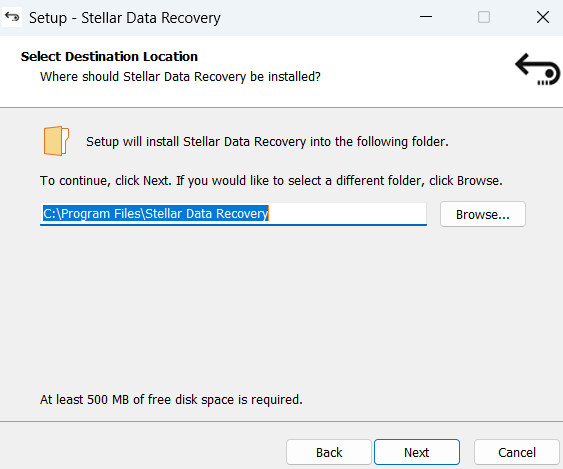
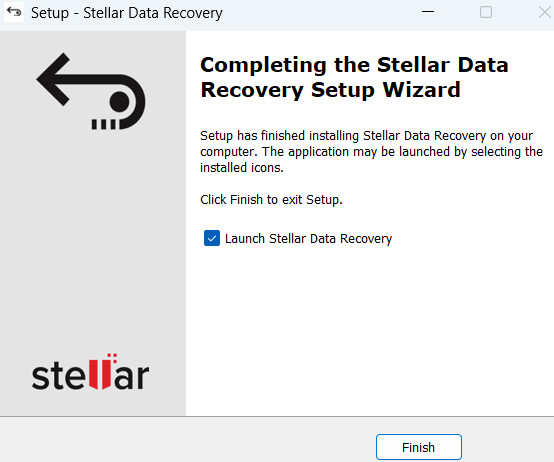
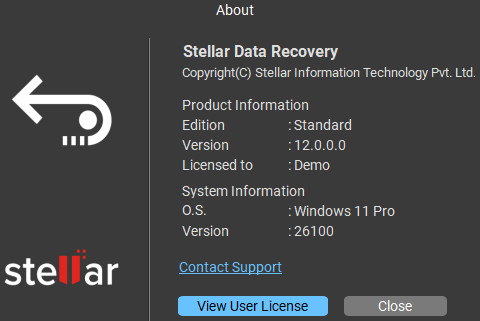
Users can find the FREE edition on the official website. The v12.0 file is around 129MB to download, so it won't take long. The Setup procedure is simple and the installer supports 11 different languages to choose from:
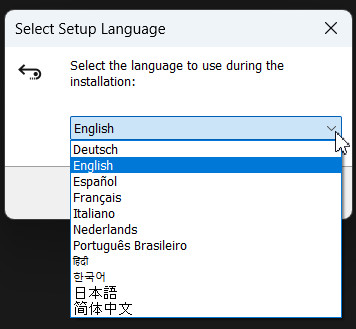
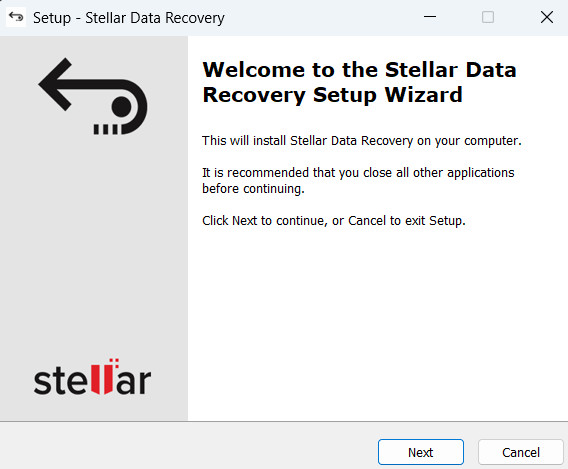
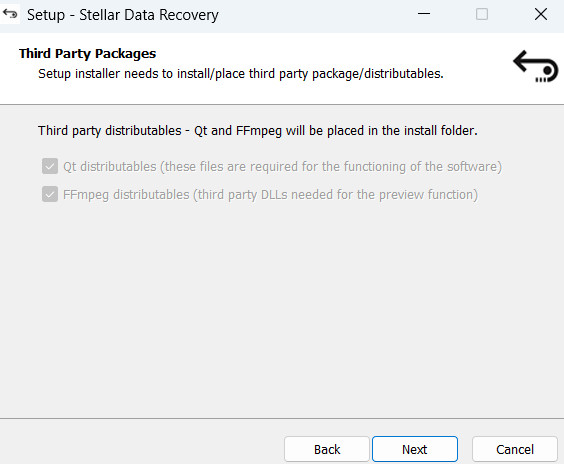
There are third-party distributable to get installed, and both QT and FFmpeg are free software:
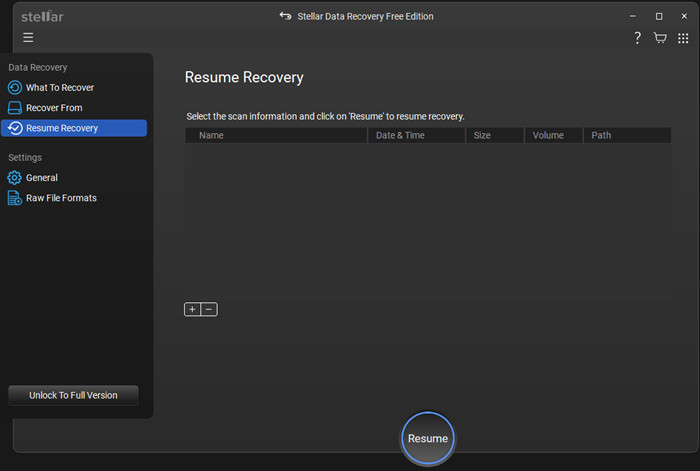
The GUI of the Stellar Data Recovery is pleasant and easy to use. On the left side, there are Actions, like What To Recover, Where to recover From, and Resume Recovery. There is at the bottom the next button that continues to help you with the recover process.
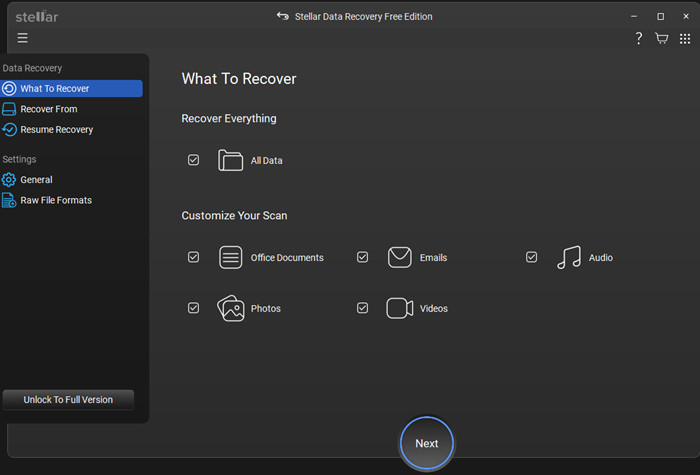
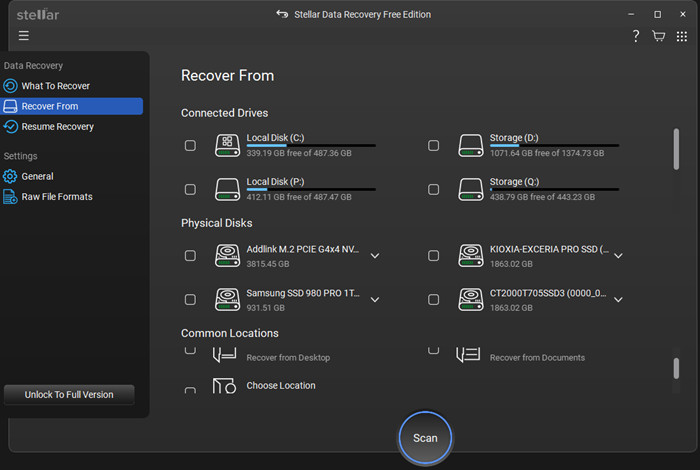
When you have started recovery, you can pause and resume from a different period.
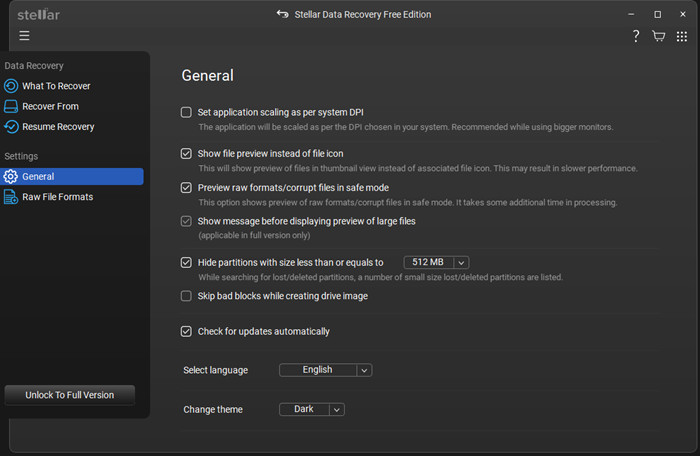
Under the General settings, users can set various options.
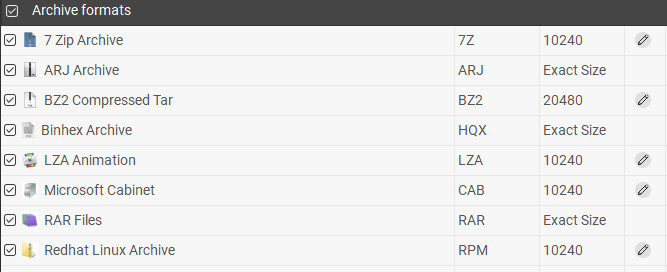
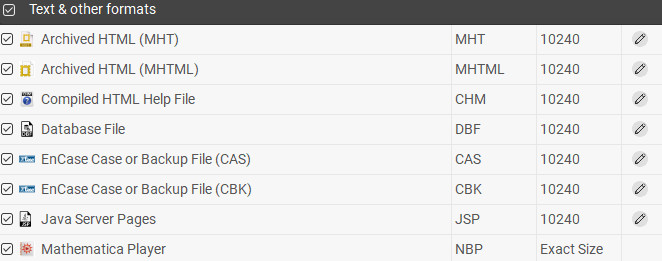
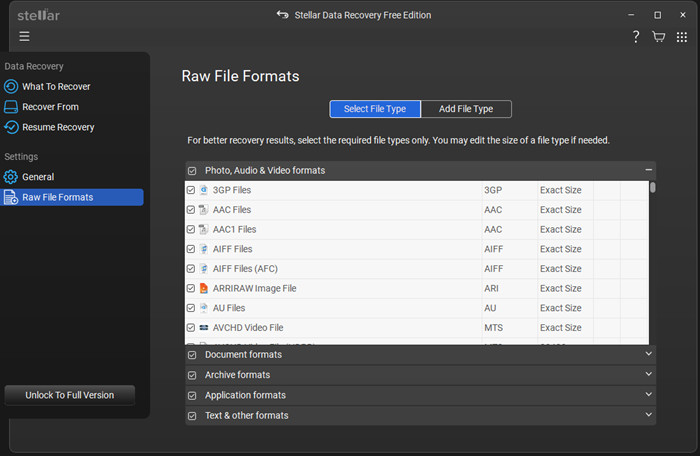
While under the RAW File Formats, users can select a specific file type or add a "new" file type to add to the software.
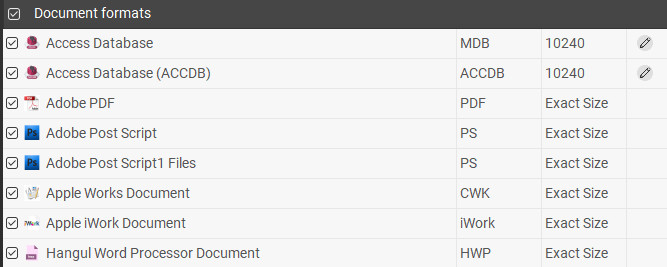
Many different file formats are supported, Stellar Data Recovery can recognize the following formats:

  • Documents Files: MDB, ACCDB, PDF, PS, CWK, FM3, FMT, WK1, WK3, WK4, DOC, DOCX, XLS, XLSX, PPT, PPTX, SDW, QXD, QXP, EPS, QBB, QBW, WPD, DOT, WBK, DOCM, DOTX, DOTM, DOCB, XLT, XLM, XLSM, XLTX, XLTM, XLSB, XLA, XLAM, XLL, XLW, POT, PPS, PPTM, POTX, POTM, PPAM, PPSX, PPSM, SLDX, SLDM, ADE, ADP, MDA, MDN, MDT, MDF, MDE, LDB, AND, ACCDR, ACCDT, ACCDA, MDW, ACCDE, LLACCDB, XPS, ODT, OTT, ODM, ODS, OTS, ODP, OTP, ODB
  • Emails Files: EMLX, PST, MSG, EDB, MBOX, NSF, GWI, EML, DBX, DCI, VCF
  • Photos Files: NEF, CRW, CR2, ORF, SR2, SRF, K25, KDC, DCR, RAF, MRW, PEF, X3F, JPEG, JPG, TIFF, TIF, BMP, GIF, PNG, XCF, PAT, ARW, DNG, PSP, PCT, RAW, MOS, PSD, EPS, INDD, ERF, FH3, FH5, FH7, FH8, FH9, FH11, MCD, VWX, MEF, WP, CDR, CPT, VSD, DWG, PGM, PPM, PCX, MNG, MSP, WMF, WPG, EMF, ANI, NRW, TGA, JP2
  • Audio Files: WAV, AIFF, RPS, MIDI, MID, M4A, AU, OGG, WMA, AAC, RFL, RNS, RA, RM, MP3, M3D, CDA, AU, OGG, WMA, AAC, RFL, SND
  • Video Files: AVI, WMV, ASF, MP4, MOV, M4V, 3GP, MXF, MKV, MTS, DIVX, OGM, MOI, VOB, MPEG, MPG, AVS, DVM, QT, ANM, SMJPEG, SCR, FLC, CLK, ANI, FLA, SWF, FLV, M4P
  • Miscellaneous: MHT, MHTML, ASPX, JSP, PHP, DBF, QDG, QSD, ABD, CBK, CAS, CHM, HLP, NBP, QDF, RTF, TAX, TXT
  • Archive Files: ARJ, CAB, 7Z, LZA, RPM, TAR, BZ2, HQX, RAR, SIT, SITX, ZIP


Review Pages

1. Introduction
2. Installation
3. How it works
4. Conclusion


Pages

  • « first
  • ‹ previous
  • 1
  • 2
  • 3
  • 4
  • next ›
  • last »

Stellar Data Recovery

Tags: Stellar Data Recovery
Previous Post
be quiet! Pure Rock 3
Next Post
The Tech Behind the Aviator Game

Related Posts

  • Stellar Data Recovery For Mac

  • Stellar Data Recovery MAC Edition

  • Stellar Data Recovery (Windows Edition)

Latest Reviews

Swit NP-FZ100 Battery
Cameras

Swit NP-FZ100 Battery

The Technology Stack Behind Modern Digital Gaming Platforms
Consumer Electronics

The Technology Stack Behind Modern Digital Gaming Platforms

be quiet! Dark Rock Pro 6
Cooling Systems

be quiet! Dark Rock Pro 6

How Online Casinos Use Encryption, Verification, and Risk Controls to Build User Trust
Enterprise & IT

How Online Casinos Use Encryption, Verification, and Risk Controls to Build User Trust

Why Low-Latency Infrastructure Matters More Than Raw Specs
Enterprise & IT

Why Low-Latency Infrastructure Matters More Than Raw Specs

Popular News

CORSAIR announces Vanguard Pro 96 and Vanguard 96 Gaming Keyboards

CORSAIR announces Vanguard Pro 96 and Vanguard 96 Gaming Keyboards

TEAMGROUP Launches EXPERT P34F Find My External SSD

TEAMGROUP Launches EXPERT P34F Find My External SSD

MSI Launches FORGE GK600 TKL WIRELESS Special Edition Compact Mechanical Keyboard

MSI Launches FORGE GK600 TKL WIRELESS Special Edition Compact Mechanical Keyboard

Samsung announces Galaxy Tab S11 and Galaxy S25 FE series

Samsung announces Galaxy Tab S11 and Galaxy S25 FE series

Viltrox Showcases Upcoming Lens Lineup and New TTL Flash at IBC 2025

Viltrox Showcases Upcoming Lens Lineup and New TTL Flash at IBC 2025

Panasonic Introduces the First Ultra-Telephoto Zoom Lens in the LUMIX S Series

Panasonic Introduces the First Ultra-Telephoto Zoom Lens in the LUMIX S Series

MSI Launches DATAMAG 40Gbps Magnetic Portable SSD

MSI Launches DATAMAG 40Gbps Magnetic Portable SSD

Viltrox Joins the L-Mount Alliance, Expanding Creative Possibilities

Viltrox Joins the L-Mount Alliance, Expanding Creative Possibilities

Main menu

  • Home
  • News
  • Reviews
  • Essays
  • Forum
  • Legacy
  • About
    • Submit News

    • Contact Us
    • Privacy

    • Promotion
    • Advertise

    • RSS Feed
    • Site Map
  • About
  • Privacy
  • Contact Us
  • Promotional Opportunities @ CdrInfo.com
  • Advertise on out site
  • Submit your News to our site
  • RSS Feed