Asus Extreme Striker
2. Retail package
The Asus Striker Extreme retail package costs around US$409.00 for US and around €330 for the European region. This is probably the highest priced motherboard you can buy today. This board is aimed at enthusiast users who want the absolute best for their system.
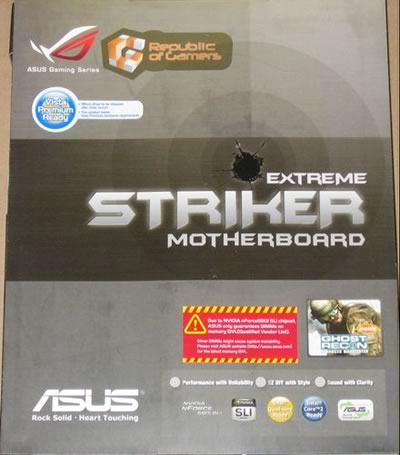
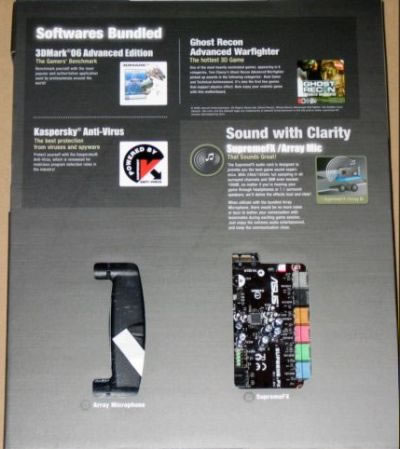

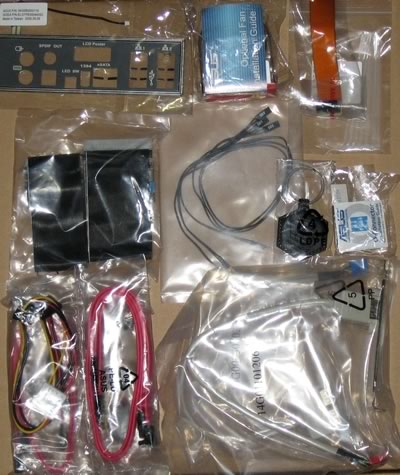
The package includes all information about the board's design and special features. Below is a list of what's included in the retail package:
- 1x UltraDMA 133/100/66 cable
- 1x FDD cable
- 3x SATA cables
- 3x SATA power cables
- 1x I/O Shield (backlight enabled)
- 1x 3in1 Q-connector
- 1x SLI adaptor
- 1x USB2.0 port module
- 1x Firewire 1394a port module
- 1x Rotating fan
- 3x thermal sensors
- 7x plastic holders for internal cables
- 1x leather keyholder
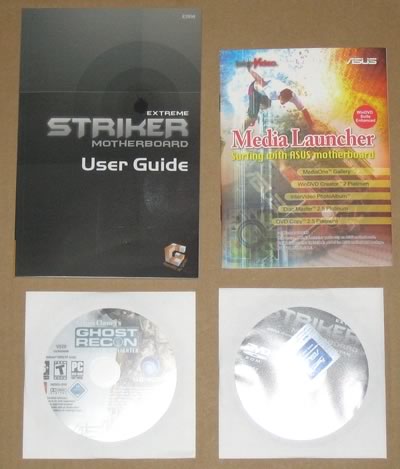
- 1x printed user's manual
- 1x CD-ROM with InterVideo® Media Launcher (WinDVD Creator 2, InterVideo PhotoAlbum, DiscMaster 2.5 Platinum, DVD Copy 2.5 Platinum)
- 1x CD-ROM with drivers
- 1x CD-ROM with Retail version of Tom Clancy's Ghost Recon Advanced Warfighter
The sound card is based on the Soundmax chipset and is installed as an ad don card.

There are 8 connections allowing for up 8 channels of output as well as microphone and line in.
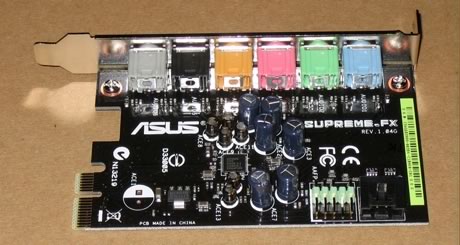
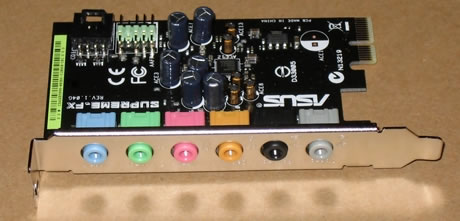
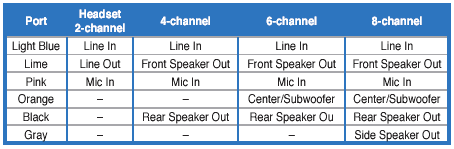
The cad is installed in the slot next to the first PCI-E slot. Just push the card in and you're ready o go.
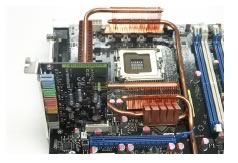
The board is uncluttered and most parts can be easily identified:
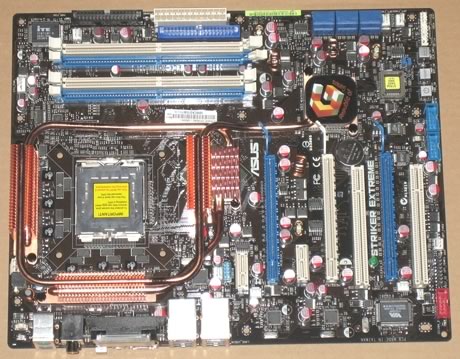
Close up of the CPU area.
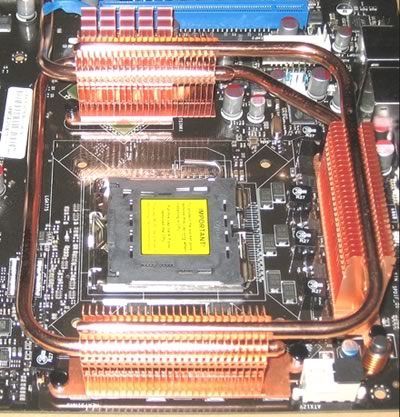
You can't but notice the passive cooling solution for the northbridge and nearby capacitors. As Asus states "...The Heat Pipe design effectively directs the heat generated by the chipsets to the heatsink near the back IO ports, where it can be carried away by existing airflow from CPU fan or bundled optional fan...". The nearby capacitors are low profile so there shouldn't be any problem with alternative larger cooling solutions. After installing Intel's stock fan, the gap between the CPU heatsink and passive cooler heatsink is quite narrow. This is most likely intentional in that air blown out through the CPU heatsink ins by the fan also blows through the passive cooler's fins but this may present problems if larger, third party coolers are installed. Before purchasing an alternative cooler, check the compatibility list:
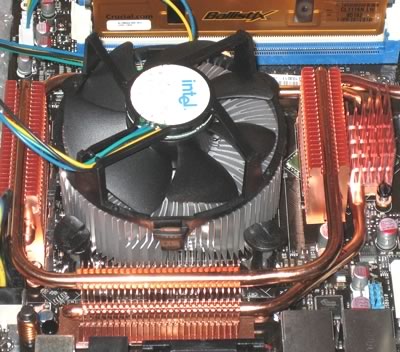
The passive heatsinks do their job and keep the northbridge cool. It is advisable not to touch them since the temperatures are rather high.
The motherboard supports four banks for memory modules
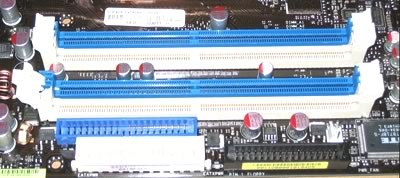
Moving to the southbridge area of the board, we can see the passive heatsink used there, and the 6 SATA 2 connections. Well organized and not too crowded.

The motherboard supports Nvidia's SLI. There are 3x PCI-E x16 slots, two for SLI and one for the physics card. Both blue PCI-E slots work at the full 16x speed, while the white at 8x. There is enough space between the three PCI-E slots, so no problem here for those extra large VGA cards:

There are also extra connections for USB, Front Panel Audio, COM2 and Firewire on the back. Asus has include just about all possible all ports in the retail package. The back I/O panel has the usual connections:
- 1 x LCD Panel
- 1 x PS/2 Keyboard port(purple)
- 1 x PS/2 Mouse port(green)
- 1 x Optical + 1 x Coaxial S/PDIF Output
- 2 x External SATA
- 2 x LAN (RJ45) port
- 4 x USB 2.0/1.1 ports
- 1 x IEEE1394a port
- 1 x onboard LED switch
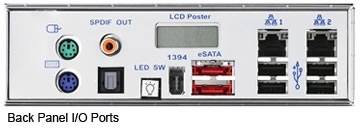
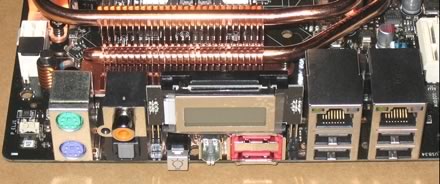
The LCD panel is backlit and offers POST messages during bootup.

Of course, form within the BIOS you can alter the message that is displayed by default (board time), but the display characters are rather limited (8). We would like to have the option to put more "scrolling" messages there:
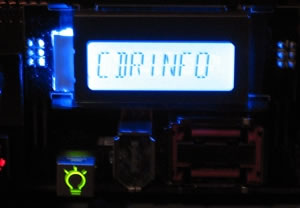
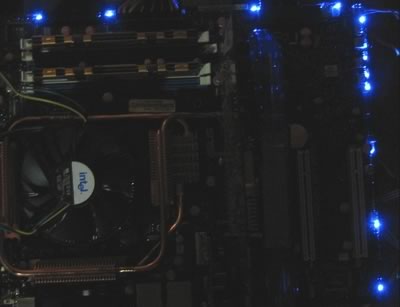
When you press the onboard LED switch, the motherboard switches off and a number of blue LEDs light up around the board, providing a great visual effect. From the BIOS, you can even have the LEDs turn on all the time if you want:
Lastly, there are three buttons on board, that are used to perform the most basic functions - shutdown, reset and clear CMOS - no need to feel around in the dark, the buttons are lit: