be quiet! Light Mount TKL
3. Software
One of the main features of the be quiet! new mechanical keyboards is the introduction of both Windows (IO Center) and the internet based (IO Center Web), meaning have two ways to control them, either locally or via Internet web. Note that the browser-based IO Center | Web for Chromium browsers, covers most — though not all — of the desktop app's features; macros and OS-dependent key binds are desktop-only, and Dynamic Lighting isn't available there either.
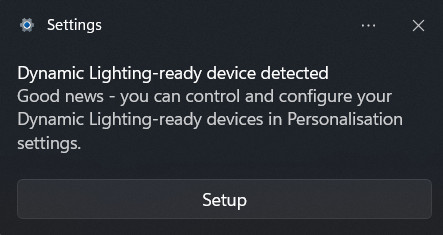
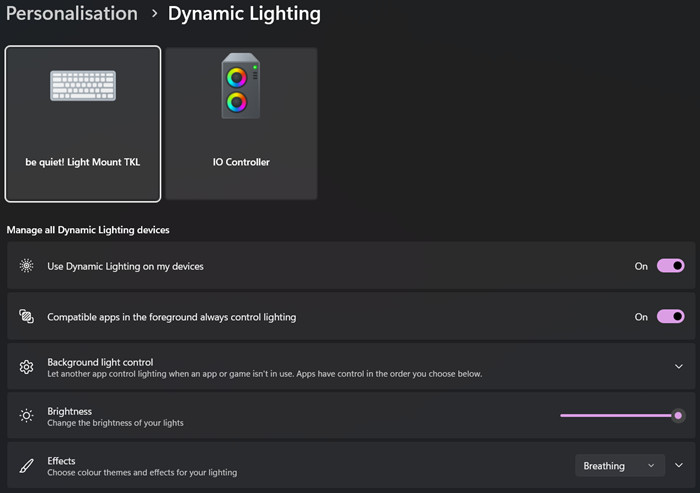
On first connect, Windows itself pops a "Dynamic Lighting-ready device detected" notification prompting setup through Personalisation settings, separate from be quiet!'s own software.
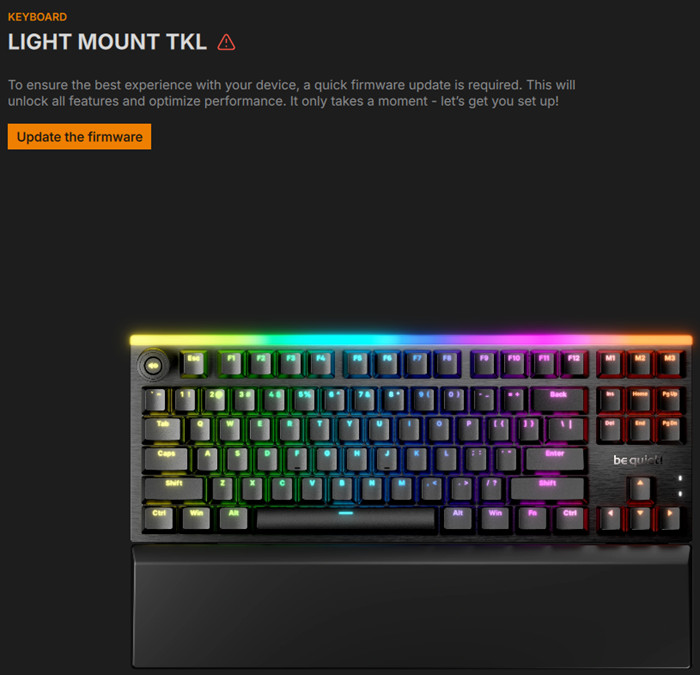
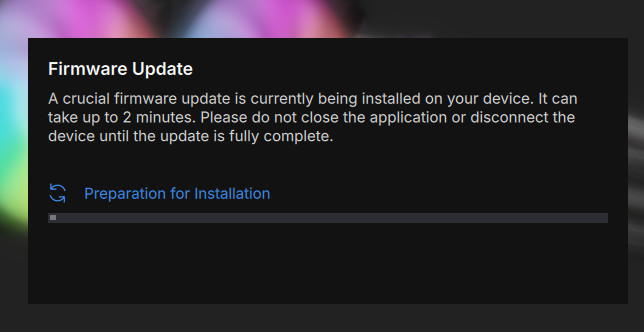
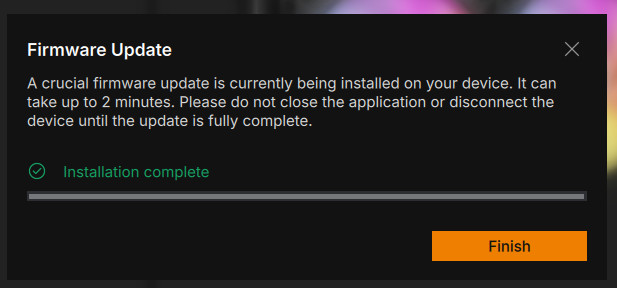
Opening IO Center, the keyboard shows up flagged with a warning icon and a prompt that a firmware update is required to "unlock all features and optimize performance." The update itself runs through a two-step modal (preparation, then installation) and takes under two minutes end to end.
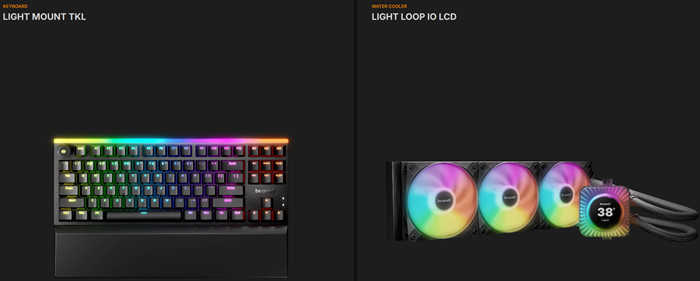
After the firmware update, users can start using their keyboard. At the main screen of the be quiet! IO Control center, users will see all their connected IO devices
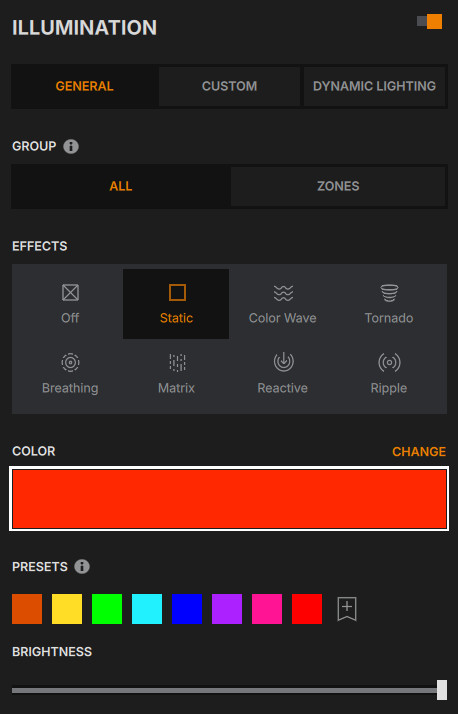
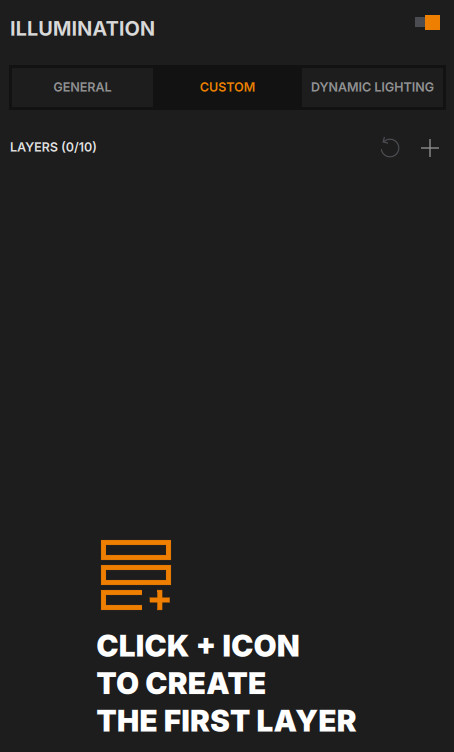
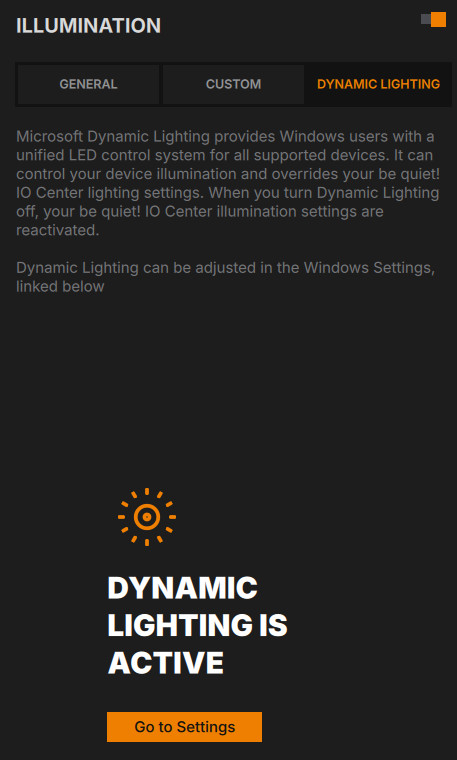
Chooing the Light Mount TKL we can start poking with our new device. Illumination has three tabs — General (simple per-zone effects, presets, brightness), Custom (up to 10 layers), and Dynamic Lighting, which shows Microsoft's own control taking over when active and hands lighting back to IO Center when switched off.
Customize per-key RGB effects, adjust colors, and fine-tune intensity to perfectly match your setup. Whether you prefer subtle hues or dynamic animations, the intuitive interface makes it easy to create the ideal ambiance for your gaming experience. You can also save your custom color presets and patterns, ensuring your favorite lighting setups are always ready to use. Users can set up to 10 layers for effects and colors.
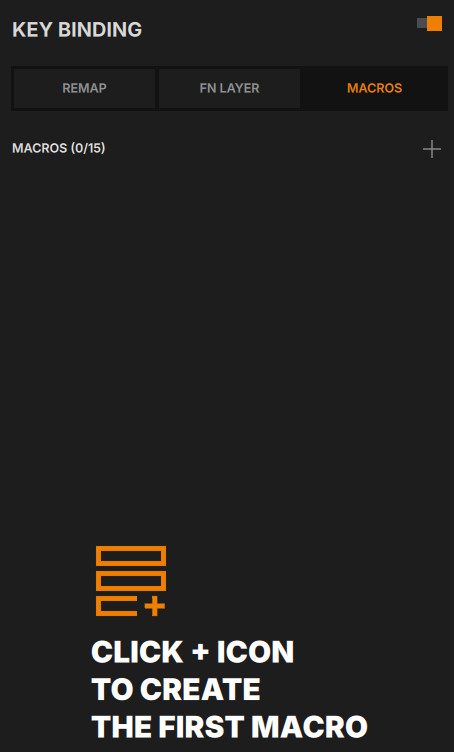
Key Binding splits into Remap, FN Layer, and Macros tabs. The FN Layer view visually distinguishes assigned vs. unassigned keys by color while you're on that layer. Macros are capped at 15 saved macros (each holding up to 999 events).


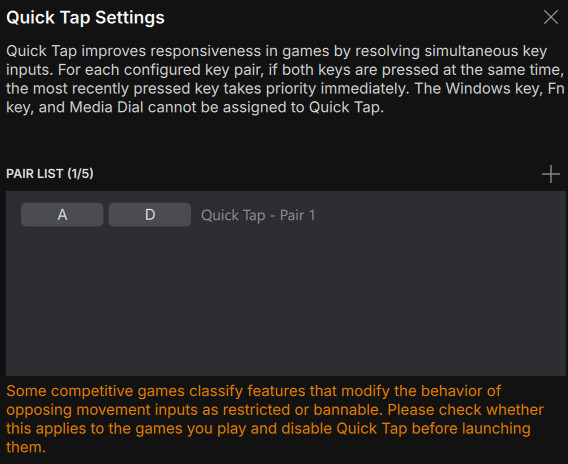
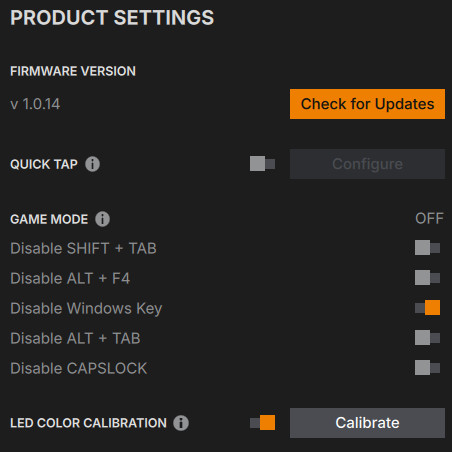
Product Settings shows the firmware version and update button, a master Game Mode toggle with five individual sub-toggles (Disable Shift+Tab, Alt+F4, Windows Key, Alt+Tab, and Caps Lock — each independently switchable), a Quick Tap toggle/configure button, and LED Color Calibration.
Another new feature is present — Quick Tap, be quiet!'s SOCD (Simultaneous Opposing Cardinal Directions) implementation. When two assigned keys are pressed together, the keyboard prioritizes whichever was pressed most recently rather than doing nothing or cancelling both inputs, which is meant to speed up directional changes in competitive games. It's off by default, configurable via IO Center or FN+Q, and supports up to five key pairs (A/D is the default). Worth flagging for anyone who plays ranked: some competitive titles treat SOCD-style behavior as a bannable modification, so it's worth checking your game's rules before turning it on — be quiet! includes that same warning in its own materials. At launch, Quick Tap is TKL-exclusive; be quiet! says it's evaluating bringing it to the other two boards later.